The Vibe Typer blog
Guides, comparisons, and product news about voice typing and writing more with your voice.
AI Dictation Apps That Run on Linux, Windows, Mac and iPhone (2026)
Vibe Typer, Spokenly and OpenWhispr run on Linux, Windows, Mac and iPhone. Wispr Flow, Willow and Aqua Voice skip Linux; Superwhisper has early Arch builds.
Read →
Voice Dictation in VS Code and the Linux Terminal (2026)
VS Code now ships on-device dictation for the editor, chat and terminal. What it covers, where it stops, and how to dictate into any Linux terminal.
Read →
Voice Typing on Google Docs: A Practical 2026 Guide
Master voice typing on Google Docs with this practical 2026 guide. Enable dictation, fix common issues, and see when Vibe Typer is the better choice.
Read →
How to Write Faster and Neater: A Practical Guide
Learn how to write faster and neater with proven typing, voice dictation, and editing workflows. Practical steps, hotkeys, and real-world tips.
Read →
10 Best Voice Recorder for iPhone Apps in 2026
Compare the best voice recorder for iPhone options for interviews, lectures, and dictation, with notes on audio quality, transcription, privacy, and sync.
Read →
Transcription Audio to Text: A Practical Workflow Guide
Master transcription audio to text with proven recording tips, tool comparisons, privacy-safe workflows, and formatting tricks that deliver clean, accurate
Read →
How to Use Speech to Text in iPad Like a Pro
Unlock fast and accurate speech to text in iPad. Learn to use built-in dictation, discover powerful apps, and master tips to type with your voice effortlessly.
Read →
Tools for Remote Work: A 2026 Stack Guide for Teams
Compare top tools for remote work across communication, projects, documents, development, and privacy with practical stack recommendations for distributed
Read →
Speech to Text Linux
Speech to text linux. Set up speech to text on Linux the right way. Compare Wayland and X11 tools, tune accuracy, and keep dictation private across your
Read →
Voice Typing Not Working? How to Diagnose and Fix It Fast
Voice typing not working? Fix microphone permissions, settings conflicts, Linux Wayland issues, and accuracy problems with this practical troubleshooting guide.
Read →
Windows Voice Typing Setup and Troubleshooting Guide
Learn how Windows voice typing works, set it up step by step, and fix common problems so dictation works reliably in any app on your PC.
Read →
Dictation Software for Writers: A Practical Workflow Guide
Learn how to use dictation software for writers the smart way. Practical workflow, editing tips, and formatter settings to turn voice into clean drafts faster.
Read →
Voice Recognition Software: A Practical 2026 Guide
Discover how voice recognition software works in 2026, what affects accuracy, and whether cloud or on-device dictation best fits your workflow.
Read →
Dictation Software for Lawyers: How to Choose the Right Tool
Compare dictation software for lawyers with a focus on confidentiality, accuracy, and case management integration. Find the right fit for your practice.
Read →
Does Superwhisper Work on Linux? Honest Answer for 2026
Superwhisper has early Linux builds for Omarchy and Arch-based desktops, but nothing packaged for Ubuntu, Fedora, Debian or Mint. Here's what your real options look like in 2026.
Read →
What an AI Writing Assistant Actually Does in 2026
Learn what an AI writing assistant does, the features that matter, and how voice typing turns one into a true thinking and drafting partner.
Read →
Speech to Text API: How It Works and What to Evaluate
Understand how a speech to text API works, what accuracy and latency really mean, and how to choose the right integration pattern for your product.
Read →
Vibe Typer vs Superwhisper vs Wispr Flow: The 2026 Head-to-Head
A feature-by-feature comparison of Vibe Typer, Superwhisper, and Wispr Flow covering platform support, AI formatting, privacy, free tier limits, and pricing in 2026.
Read →
10 Linux Dictation Software Tools Compared
Compare 10 Linux dictation software tools by Wayland support, privacy, offline use, languages, installation, and practical workflows.
Read →
On Device Speech to Text: Privacy, Performance, and Real
Explore on device speech to text for privacy, speed, and accuracy. Learn how local transcription works, where it excels, and the trade-offs you should know.
Read →
Vibe Typer Free Trial: What You Can Test Before Buying
Vibe Typer's free tier is a permanent $0 plan, no credit card, no expiry. Here's exactly what's included, what's held back for Pro, and how to figure out which plan fits you.
Read →
7 Voice Typing Apps for Privacy and Productivity
Compare 7 voice typing apps for desktop and mobile, with practical guidance on privacy, language support, integrations, and workflows.
Read →
How to Try Vibe Typer Free: Download, Install, and First Dictation
A step-by-step guide to downloading Vibe Typer, installing it on Linux, Windows, or macOS, and completing your first dictation on the free tier, no credit card required.
Read →
Vibe Typer Pricing: Plans, Business Seats, and What You Actually Pay
How much does Vibe Typer cost? Free tier, Pro pricing, and business seat plans explained, with a direct comparison to alternatives.
Read →
7 Dictation Software for Windows Compared in 2026
Compare 7 dictation software for windows options by features, privacy, pricing, and workflows to find the right fit for your needs.
Read →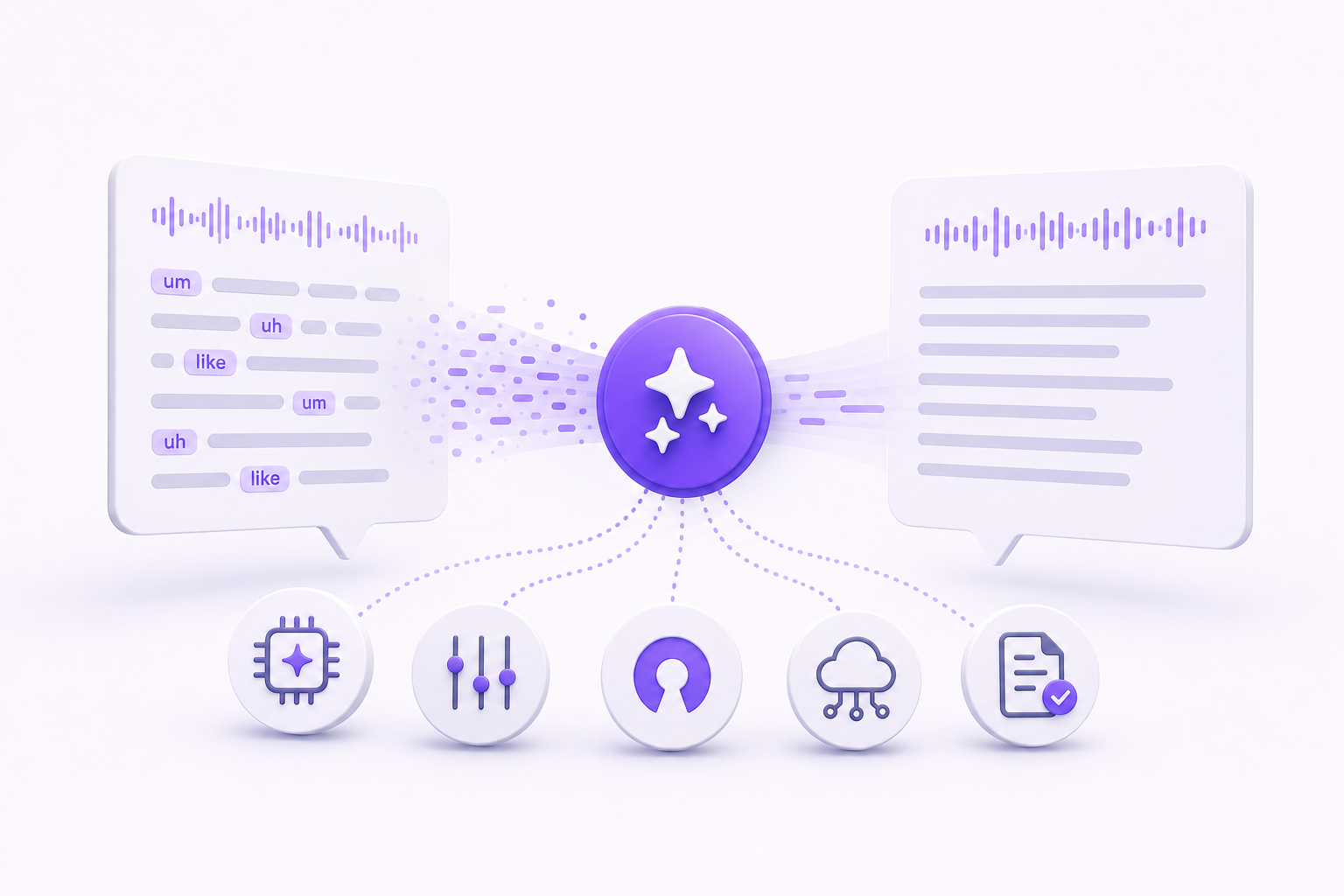
5 Ways to Automatically Clean Up Filler Words from Voice Transcription
Reliable filler-word removal requires transcription, not silence detection. Here are the five approaches that actually work, and how to pick the right one for your workflow.
Read →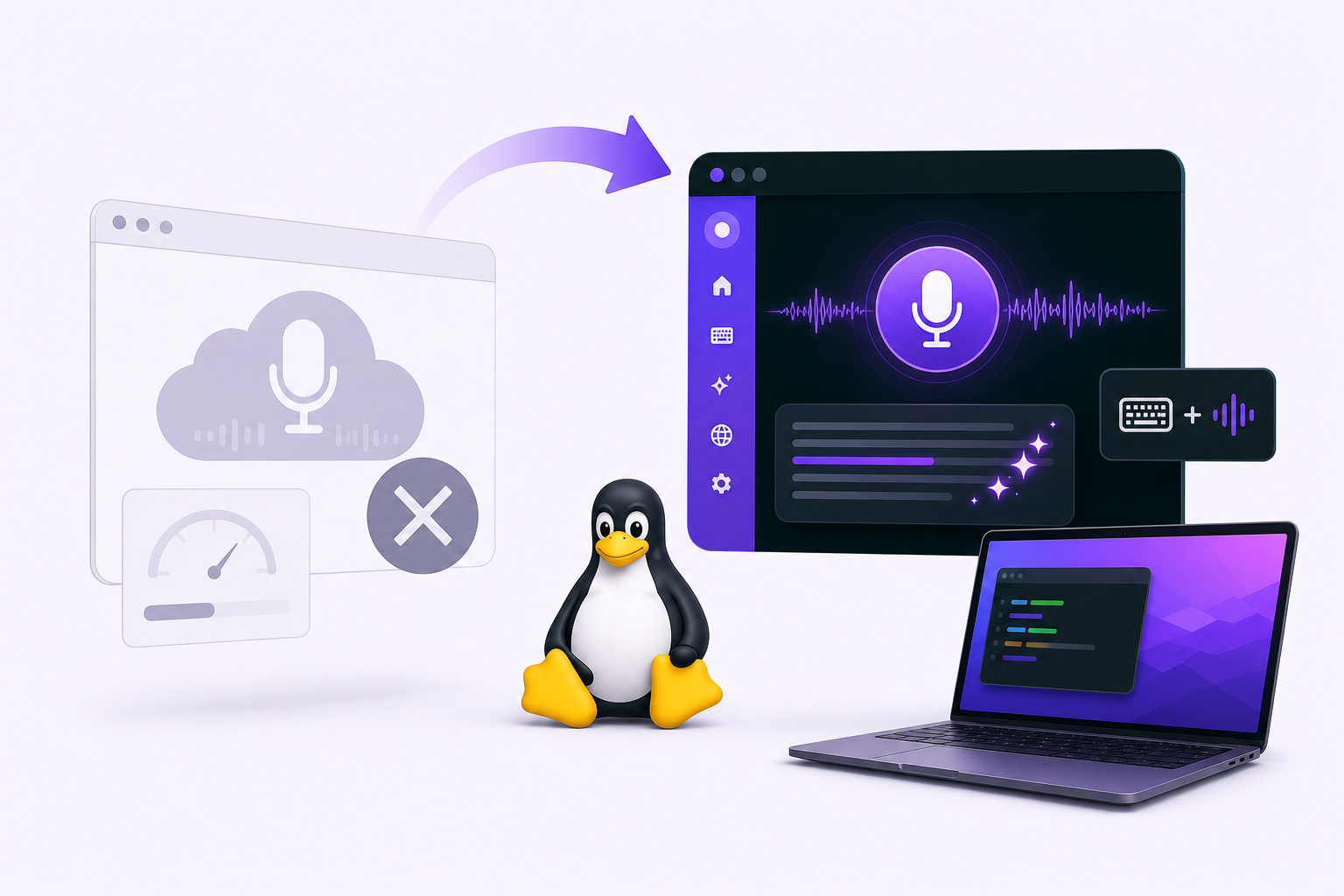
Willow Voice Alternative for Linux: Why Willow Voice Doesn't Work for Linux Users and What to Use Instead
Willow Voice has no Linux support and no public timeline for it. Vibe Typer is the practical alternative: native AppImage, Wayland and X11, system-wide dictation, 99 languages.
Read →
Linux Voice Recognition: A Practical Guide for 2026
Master Linux voice recognition in 2026 with our practical guide covering engines, Wayland setup, privacy tradeoffs, and workflow tips that actually work.
Read →
Vibe Typer for Business: Seat-Based Licensing and Team Deployment
Vibe Typer Business uses seat-based licensing so teams can deploy voice typing centrally across Linux, Windows, and macOS without juggling individual subscriptions.
Read →
Voice for Computer: Dictation, TTS, and Assistants Explained
Discover what voice for computer really means across dictation, TTS, and assistants. Compare platforms, privacy trade-offs, and tools like Vibe Typer.
Read →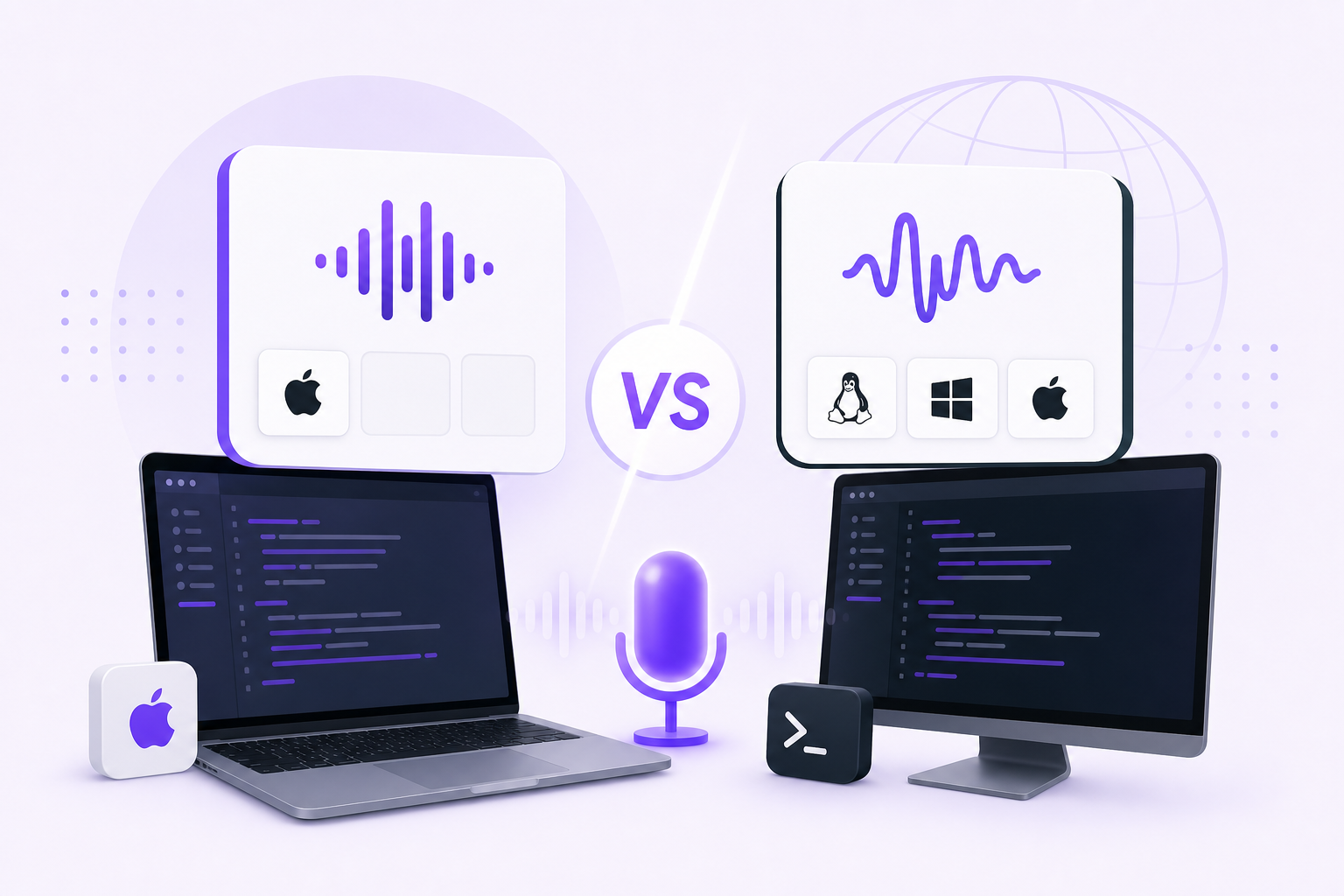
Superwhisper vs Vibe Typer: Best Dictation Tool for Terminal and Code Editors (2026)
Superwhisper runs on macOS, Windows, iOS and Android, with only early Arch-based builds on Linux. Vibe Typer runs on Linux too, types into terminals and editors, and includes AI formatting free.
Read →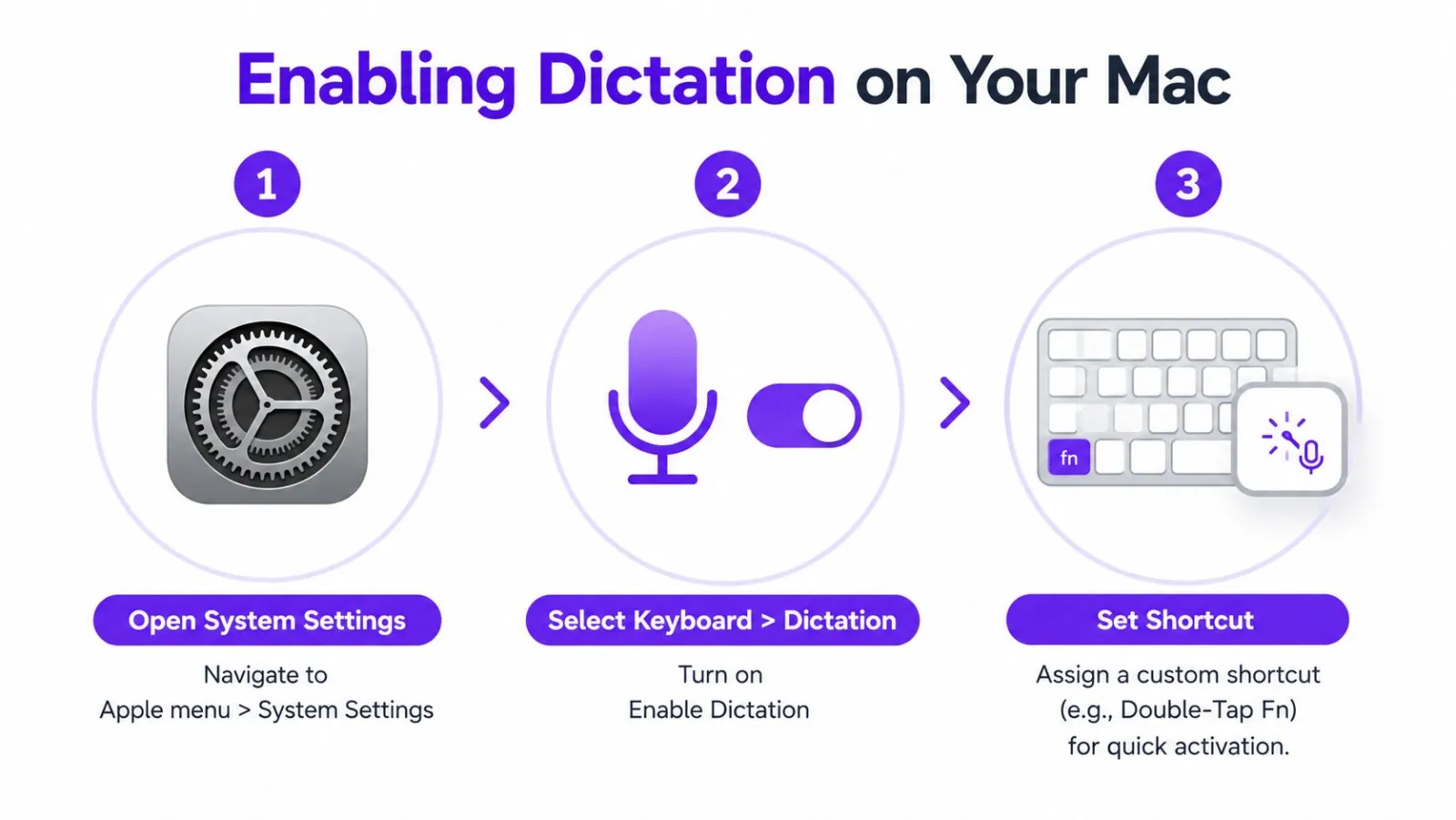
How to voice type on a Mac: Apple Dictation, step by step
Turn on Dictation in System Settings, press the Microphone key or Fn-D, and talk. Apple's steps for macOS 27 and Tahoe, the voice commands, and fixes.
Read →
7 Voice to Text Apps for iPhone in 2026
Compare 7 voice to text apps for iphone for accuracy, privacy, offline use, iOS integration, meetings, and polished drafting.
Read →
Wispr Flow vs Vibe Typer: Feature-by-Feature Comparison for 2026
A full feature-by-feature comparison of Wispr Flow and Vibe Typer covering platform support, privacy, pricing, AI formatting, and Linux compatibility in 2026.
Read →
Dictation App for iPhone: Top 7 Picks for 2026
Find the best dictation app for iPhone in 2026. Compare accuracy, voice commands, and AI features to boost your productivity.
Read →
Medical Dictation Software That Actually Works in 2026
Set up Vibe Typer for faster medical dictation across your everyday apps, with custom terminology, clean formatting, and a practical workflow.
Read →
10 Microphones for Dictation: Best Picks for Every Setup
Compare 10 microphones for dictation, from USB and lavalier-style options to headsets, with setup tips for Linux, Wayland, and voice typing apps.
Read →
AI Typing Assistant Guide: What It Is and How It Works
Learn what an AI typing assistant does, how rewrite and reply features work, and how it pairs with voice typing for faster, cleaner writing on any platform.
Read →
10 Best Mac Dictation App Picks for 2026
Compare the 10 best Mac dictation app options for 2026, from Apple's built-in tool to privacy-first and AI-powered third-party picks.
Read →
Medical Voice to Text: A Practical Guide for Clinicians
A practical medical voice to text guide covering accuracy, compliance, privacy, and workflow best practices for safer clinical dictation.
Read →
Best Wispr Flow Alternatives for 2026
Looking for Wispr Flow alternatives? Discover top voice typing tools for Mac, Windows, and Linux, focused on privacy and price.
Read →
The 7 Best iOS Dictation App Options for 2026
Looking for the best iOS dictation app? We compare 7 choices, including Apple's built-in tool and third-party apps for privacy and accuracy.
Read →
Whisper Dictation on Linux: What Actually Works (2026)
Whisper transcribes files brilliantly and is not a dictation tool. What you need to add to make it type into any app on Wayland or X11, and the shortcuts.
Read →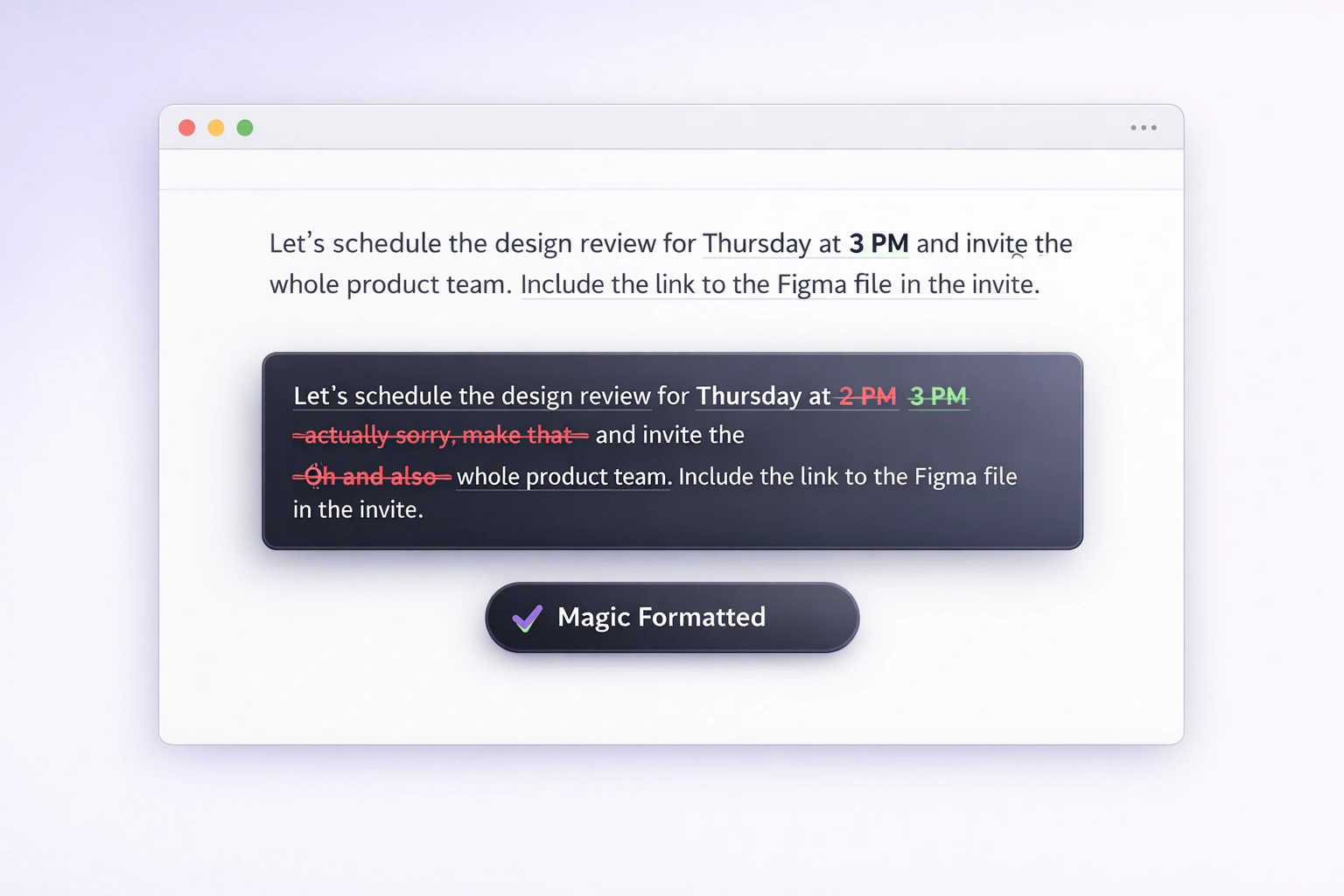
Custom Instructions for Magic Formatter: Teach Vibe Typer Your Writing Style
Give Magic Formatter your own custom style instructions and every dictation comes out your way: concise, professional, British spelling, or anything else you can describe.
Read →
nerd-dictation in 2026: setup, Wayland and alternatives
nerd-dictation is free, offline and scriptable, but takes setup and has had no updates since October 2025. Install steps, Wayland fixes and alternatives.
Read →
Voice Typing on Wayland: Why Most Tools Break
Wayland blocks the input injection X11 tools rely on. Why Talon ships X11-only, why wtype fails on GNOME, and how to test any tool in five minutes.
Read →
Voice Dictation Over SSH and in Dev Containers
Built-in voice modes fail on remote hosts because the microphone is local. Here is why, and how to dictate into SSH sessions, containers and Codespaces.
Read →
Aqua Voice vs Wispr Flow vs Vibe Typer: Which Voice Typing App Should You Use?
Compare Aqua Voice, Wispr Flow, and Vibe Typer for voice typing, Linux support, system-wide dictation, AI rewrites, pricing, and developer workflows.
Read →
Voice to Text on Linux Mint: What Works on Cinnamon (2026)
Mint still defaults to X11, which means more dictation tools work here than on Ubuntu or Fedora. The catch is snap. Setup for Cinnamon, MATE and Xfce.
Read →
Dictation Software for Ubuntu: Myna and What Works on Wayland (2026)
Ubuntu now has its own dictation preview, Myna, for GNOME on Wayland. What it does, where it stops, and which other tools work on Ubuntu's default session.
Read →
Best Voice to Text Software for Linux Desktop (2026): 16 Tools That Actually Run
Every voice to text tool that ships a real Linux build, checked against Wayland, X11, offline support and install effort. Plus the 15 that don't run at all.
Read →
TypeWhisper Linux Alternative: What Runs on Wayland & X11
TypeWhisper ships macOS and Windows, no Linux build. The local-first open-source options that do run on Linux, and where Vibe Typer fits instead.
Read →
Dragon NaturallySpeaking on Linux: Alternatives That Actually Run
Dragon is Windows-only and Nuance does not support Wine or VMs. What actually works on Linux for dictation, voice control and hands-free computing.
Read →
Introducing Vibe Typer Business: Seat-Based Pricing for Teams
Vibe Typer Business is live with seat-based pricing, centralized billing, and team seat management so companies can roll out voice typing from one account.
Read →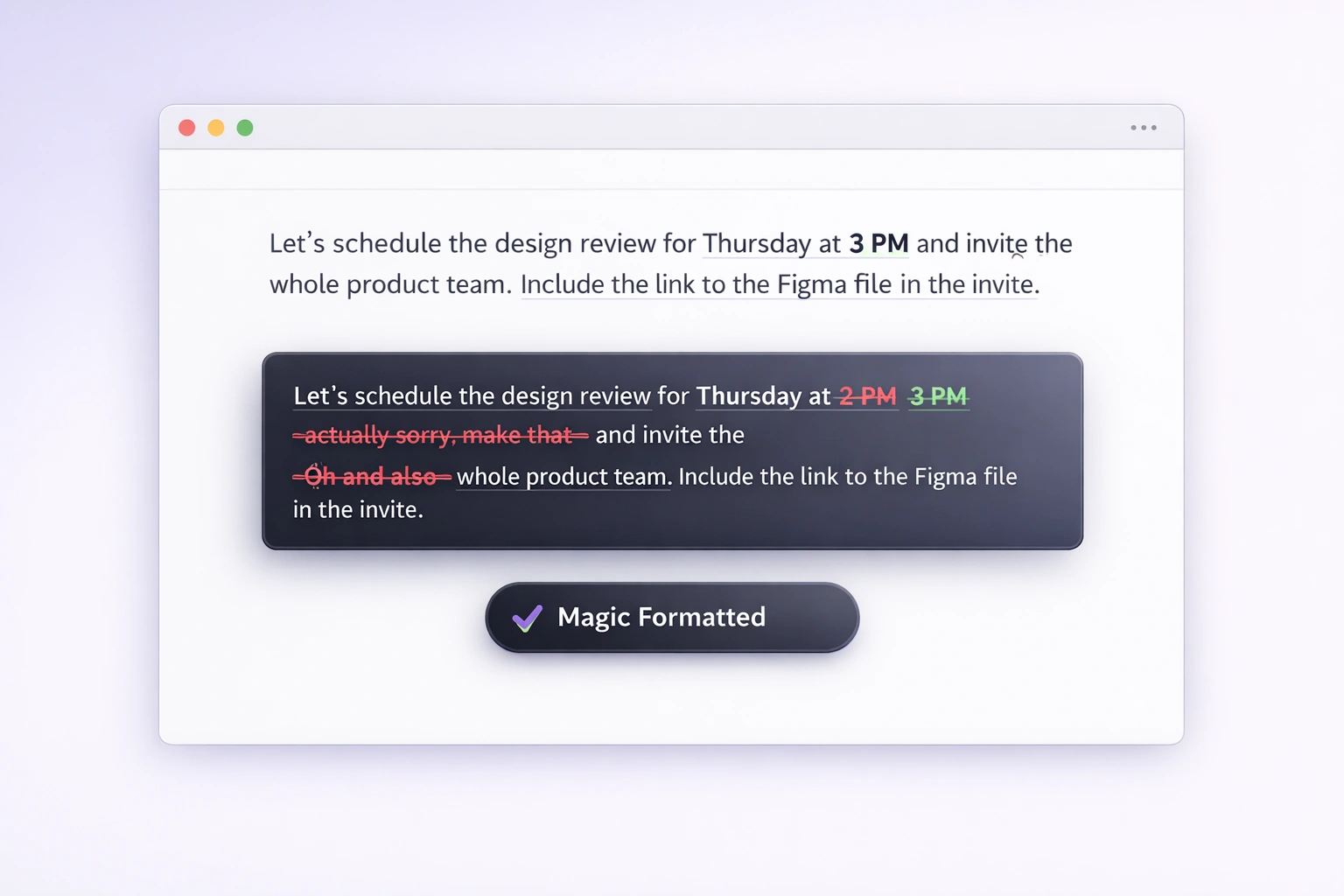
Introducing Magic Formatter in Vibe Typer: Cleaner Voice Dictation Without the Cleanup
Magic Formatter automatically cleans every Vibe Typer transcription by handling spoken corrections, filler words, and punctuation without slowing you down.
Read →
Superwhisper for Linux: early builds and the alternatives
Superwhisper's Linux builds are early and made for Omarchy and Arch, nothing for Ubuntu, Fedora or Mint. What they do, and alternatives that run everywhere.
Read →
Vibe Typer Is Now on macOS: Cross-Platform Voice Typing for Linux, Windows, and macOS
Vibe Typer is now on macOS, giving you cross-platform voice typing on Linux, Windows, and macOS with one workflow for every desktop app.
Read →
Every App Has Voice Now. But Who's Actually Listening?
Every app is adding a microphone button. Here is the privacy check to run on each one before it becomes part of your daily workflow.
Read →
Cursor Voice Input: Dictate Into Chat, Cmd+K & Terminal
Cursor's chat mic covers one box. Dictate into Cmd+K, the editor, the integrated terminal, and every app outside Cursor. Free for 2,000 words a month.
Read →
Claude Code Voice Typing: Where /voice Stops Working
Claude Code /voice needs a local mic and Claude.ai login. Dictate over SSH, in containers, or on Bedrock with Vibe Typer. Free for 2,000 words a month.
Read →
OpenClaw Voice Typing: Dictate Into Any Chat Channel
OpenClaw's Talk mode needs TTS and STT providers configured. Vibe Typer dictates into Telegram, Discord, Slack and Signal with one hotkey and no config.
Read →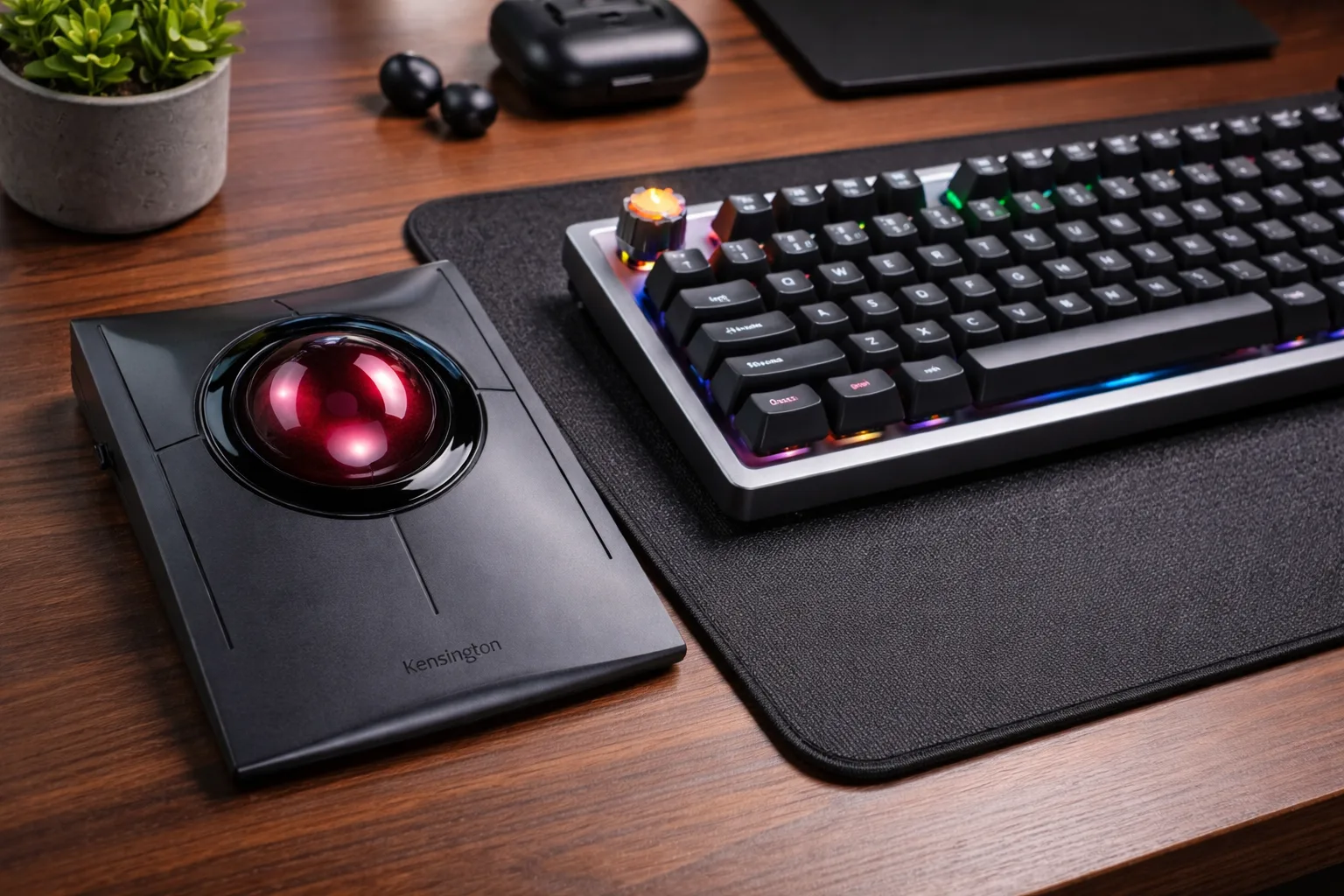
Kensington SlimBlade on Linux: Custom Button Mapping & Left-Handed Setup
Swap clicks for left-handed use, remap back and forward, and make it survive a reboot. A full xinput walkthrough for the SlimBlade on Linux X11.
Read →
Outlook Dictation Not Working? 5 Fixes + a Better Alternative (2026)
Outlook dictation not working or mangling your formatting? Five fixes to try first, plus the alternative for when none of them stick.
Read →Vibe Typer vs Wispr Flow, Dragon & More (2026 Comparison)
Vibe Typer vs Wispr Flow, Dragon, Voice In and more. See which voice typing tool wins on Linux support, AI features, pricing, and workflow fit.
Read →
Remote Team Communication Revolution: Advanced Voice-Typing Workflows for Global Teams (2026)
How distributed teams use system-wide voice typing to write async updates faster, work across languages, and keep context out of more meetings.
Read →
Grammarly vs Jasper vs Vibe Typer: AI Writing Tools Comparison 2026
Compare Grammarly, Jasper, and Vibe Typer in 2026. See which AI writing tool fits grammar checking, content generation, and voice-first workflows.
Read →
Paste Preferences: Why Dictation Breaks in Terminals and IDEs (and How to Fix It)
Learn why dictation fails in terminals and mixed editors, then configure plain text, rich text, or typing simulation per app for reliable voice typing.
Read →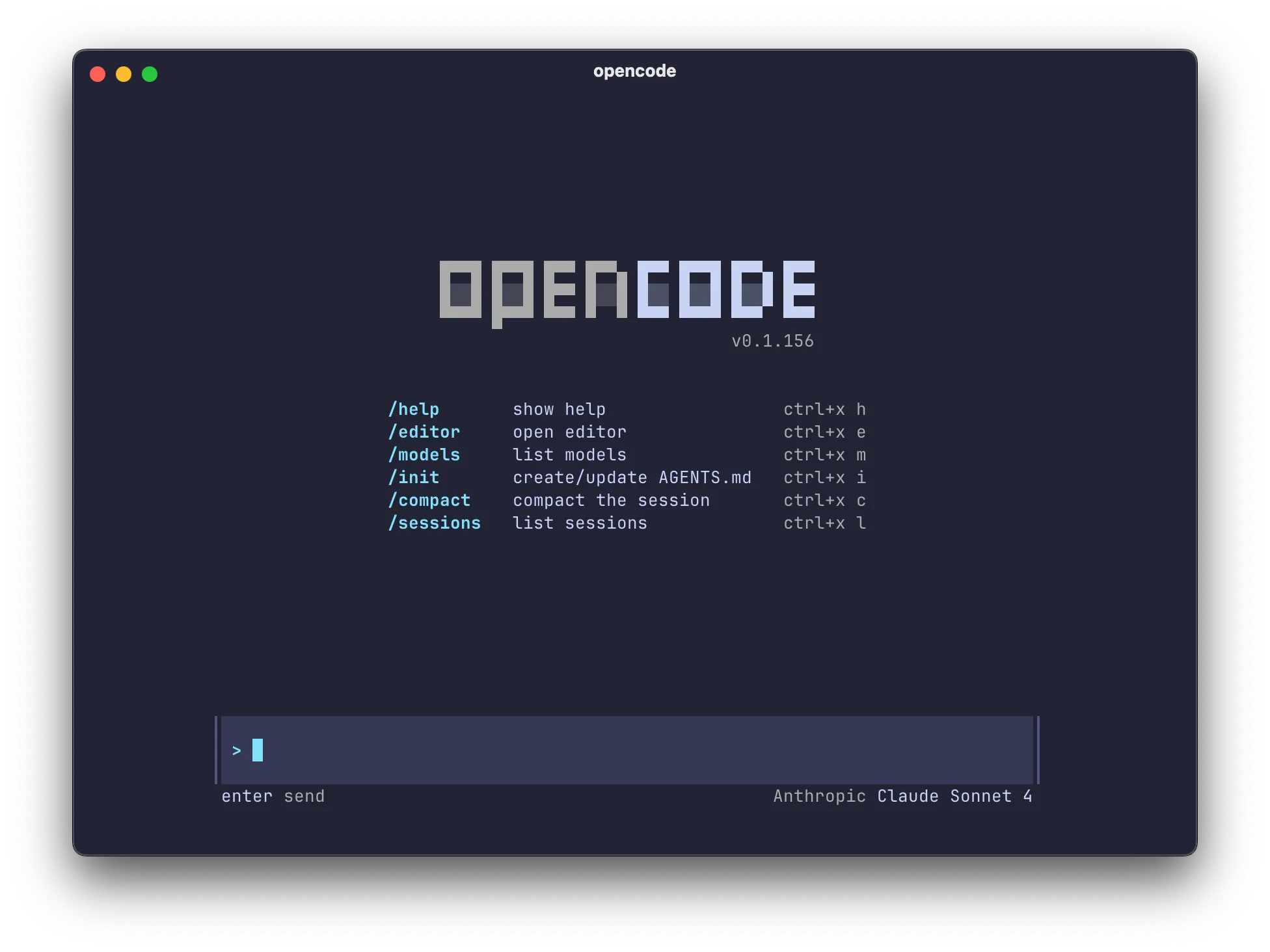
OpenCode Voice Input: Dictate Prompts Into the TUI
OpenCode closed its voice input request as not planned. Vibe Typer dictates into the TUI on Linux, Windows and macOS. Free for 2,000 words a month.
Read →
Voice to Text Software: A Faster Way to Draft and Capture Ideas
Stop typing every sentence manually. Discover how modern voice to text software helps you draft faster, reduce typing load, and capture ideas instantly.
Read →
How to "Vibe Code": The Secret to Faster AI Workflows
Stop typing long context dumps at your AI tools. Speak them instead and reach a working prompt in a fraction of the keystrokes.
Read →
Typing Through the Pain? How Voice Dictation Can Reduce Forearm Strain
Forearm pain from typing needs proper medical advice. Here is how voice typing can reduce keyboard load while you improve your setup and recovery plan.
Read →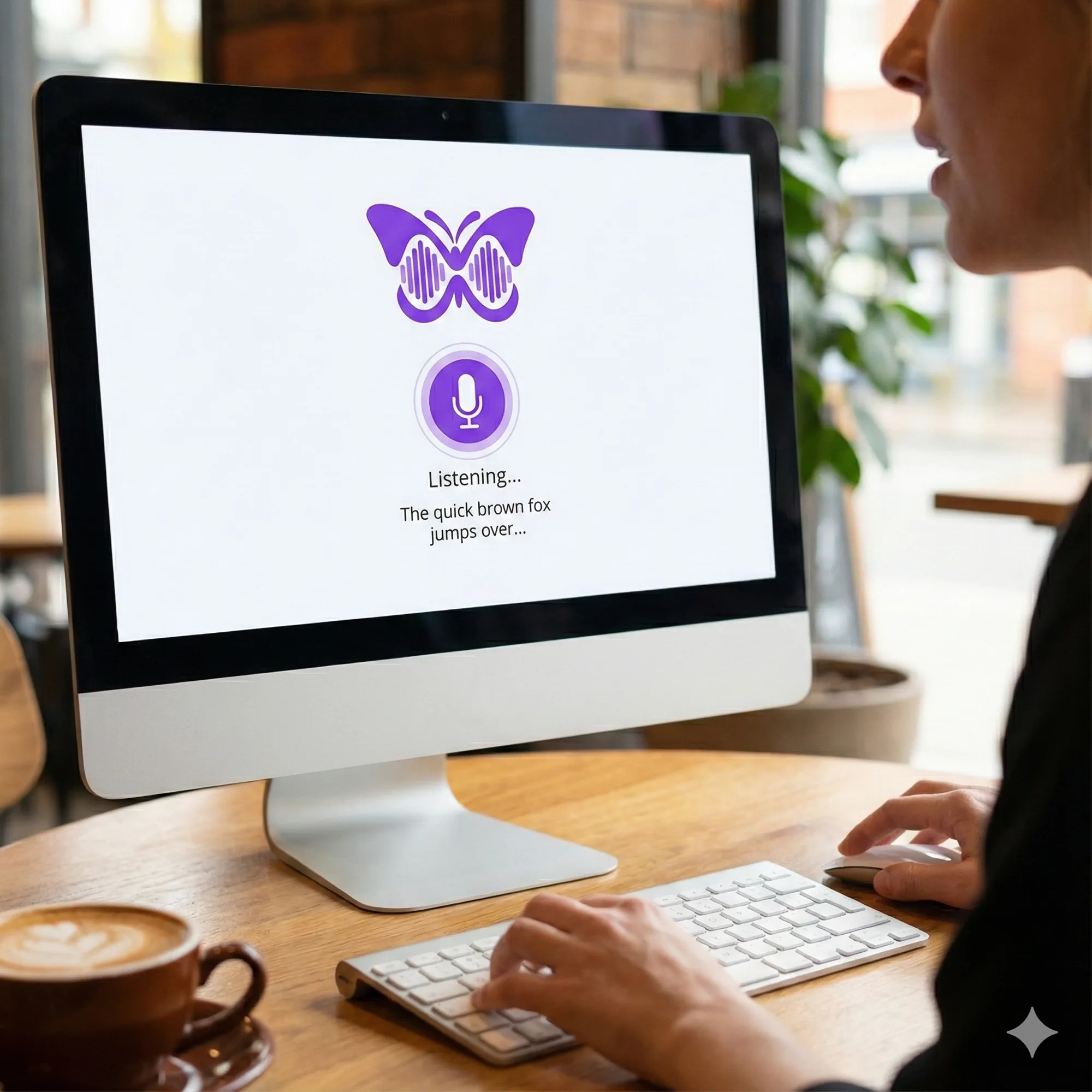
Voice AI Writing 2026: 6 Trends Changing How We Draft
Discover the 6 voice AI trends shaping how people create content in 2026, from conversational interfaces to smarter writing assistants.
Read →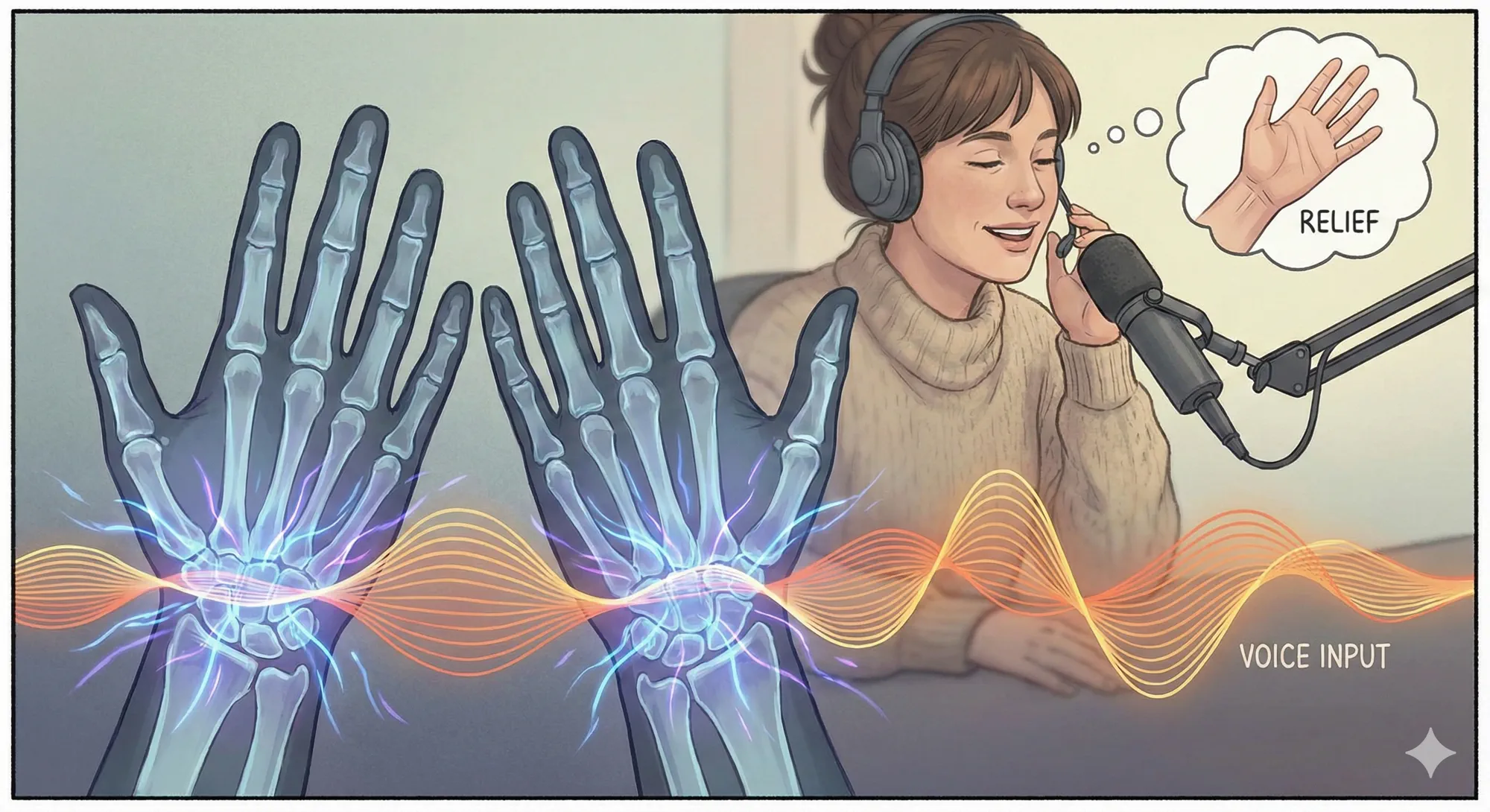
Reduce Repetitive Strain: Why Voice Typing Can Be a Healthier Choice
Learn how voice typing can reduce repetitive hand motions and support healthier computer work habits alongside proper ergonomics and medical advice.
Read →
Voice Typing for Accessibility: A Guide for Disabled Users
How voice typing helps people with physical, cognitive and learning disabilities, which dictation tools work, and how to set them up.
Read →
10 Voice Typing Productivity Tips to Write Faster in 2026
Learn how to get more done with voice typing. These 10 practical tips help you write faster, polish drafts with AI and work hands-free in 2026.
Read →
Free Wispr Flow Alternative for Windows (2026)
Looking for a free Wispr Flow alternative on Windows? Vibe Typer is free for 2,000 words a month, no card, and types into any app. Windows, macOS, Linux.
Read →
Boost Productivity with Vibe Typer: Voice Typing in Coda
Coda has no mic button in its editor. Here is how to speak pages, headings, and comments into Coda with one hotkey, plus AI cleanup as you go.
Read →
Speed Up Ticket Replies: Voice Typing in Zendesk with Vibe Typer
Add Vibe Typer to Zendesk and dictate ticket replies instead of typing them.
Read →
How to Take Voice Notes in HubSpot (and Why You Can't Yet)
HubSpot has no native mic button for notes or emails. Here is how to dictate contact notes, tasks, and replies straight into the CRM with Vibe Typer.
Read →
Voice Typing in Jira: Log Bugs and Tasks Hands-Free
Jira ships no in-editor mic. Here is how to speak summaries, reproduction steps, and comments straight into any Jira field with Vibe Typer.
Read →
Does Wispr Flow Work on Linux? No. Here's the Alternative
Wispr makes no Linux build. Vibe Typer is one AppImage (Ubuntu, Fedora, Arch, Mint), native on Wayland and X11, in any app. Free for 2,000 words a month.
Read →
How to Do Voice Typing in Confluence Pages (It's Easier Than You Think)
Add Confluence voice typing and AI rewrite to pages and comments with Vibe Typer. In Confluence? Here is one practical workflow.
Read →
Voice Input for Miro Boards: How to Add Dictation to Your Whiteboards
Miro's Talktrack is for playback, not dictation. Here's how to add voice typing to sticky notes, comments and frames using Vibe Typer.
Read →
Voice Typing in Basecamp: How to Add Speech-to-Text to Your Workflow
We checked Basecamp's official docs and found no built-in voice dictation. Here is how to add system-wide voice typing with Vibe Typer.
Read →
How to Add Voice Typing to Smartsheet for Faster Data Entry
Smartsheet documents no mic button in its editor. Here is how to add system-wide voice typing with Vibe Typer and fill cells by speaking.
Read →
How to Do Voice Typing in Airtable (Even Though It's Not Built In)
Airtable doesn't include native dictation. Learn how to add voice typing to Airtable using Vibe Typer - plus a simple setup checklist.
Read →