Willow Voice Alternative for Linux: Why Willow Voice Doesn't Work for Linux Users and What to Use Instead

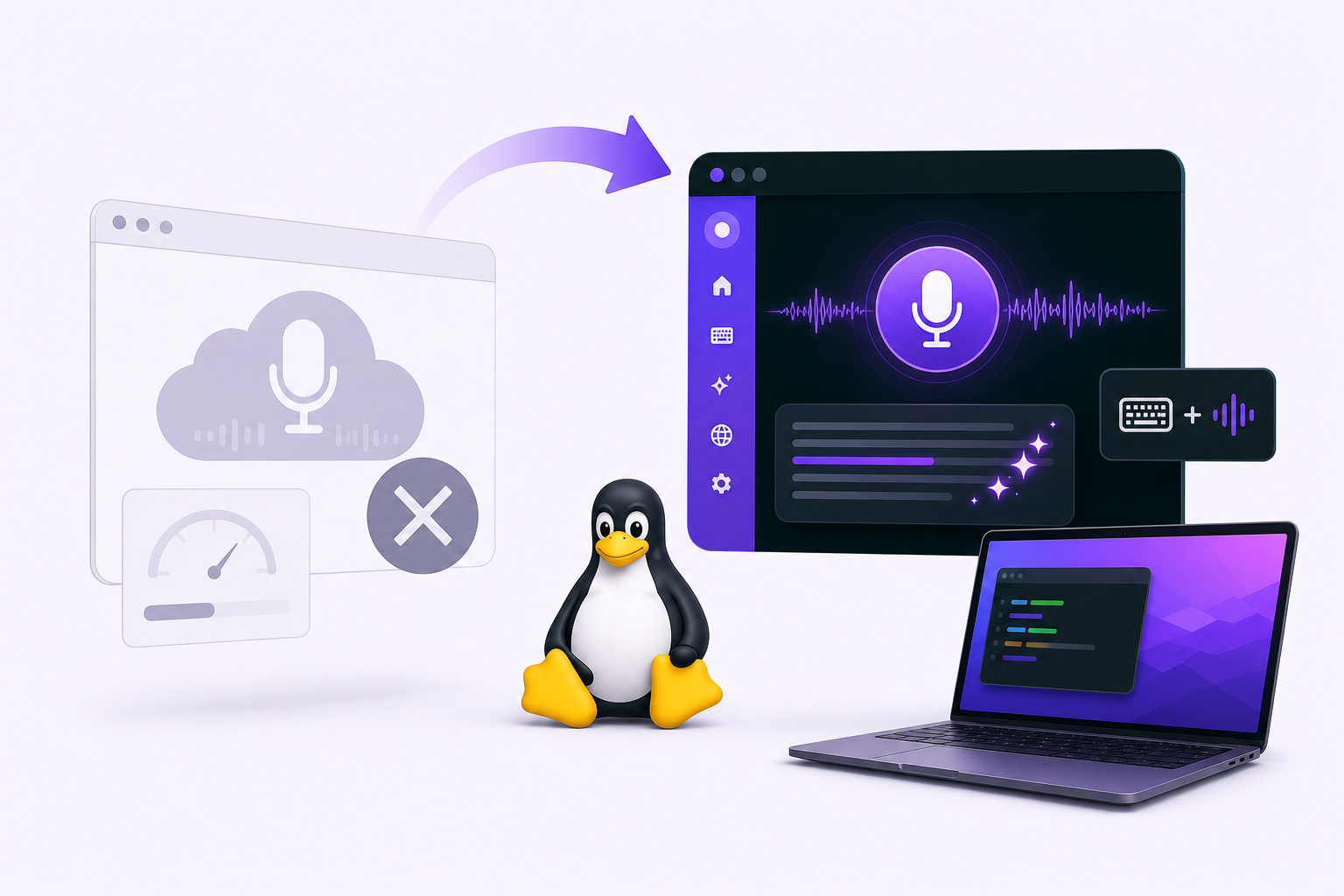
If you found Willow Voice through a colleague or a Product Hunt post and you're running Linux, you've probably already hit the wall: there's no Linux version. Not a beta. Not a workaround. Just a gap.
Willow Voice added Windows support in January 2026, which was a long time coming. But Linux remains unsupported with no public timeline for when that might change. If your daily driver is Ubuntu, Fedora, Arch, or any other distribution, Willow Voice isn't an option right now.
This article covers what's missing for Linux users, what to look for in an alternative, and why Vibe Typer is the practical replacement for developers who live in terminals and code editors.
What Willow Voice doesn't offer Linux users
No Linux support
Willow Voice supports macOS and, as of early 2026, Windows. Linux isn't on the list. If you run a mixed environment or move between machines, you can't use Willow Voice on your Linux workstation. For developers who spend most of their day in a terminal, that's a dealbreaker, not a minor inconvenience.
No offline mode
Willow Voice processes audio in the cloud with no local or offline option. If you work in environments with restricted internet access, or you'd just prefer your voice data to stay off external servers, there's no workaround.
A tight free tier
Willow Voice's free tier caps at 2,000 words per week. For casual use that might be fine, but developers dictating code comments, commit messages, documentation, Slack replies, and emails throughout the day can burn through that quickly. Five working days, 2,000 words. That's roughly 400 words per day before you hit the ceiling.
What matters in a Linux voice dictation tool
Here is what Linux developers need. Native Linux support covering both X11 and Wayland, since many distributions now default to Wayland. Global hotkey activation that works across the entire system, not just inside a dedicated app window. Direct text injection at the cursor position in any application. AI-assisted cleanup that strips filler words and self-corrections. A free tier that doesn't cut you off mid-week, and a clear privacy model so you know what happens to your audio.
Why Vibe Typer is the right alternative
Vibe Typer is a native desktop application for Linux, Windows, and macOS. Linux wasn't bolted on later.
Full Linux support: X11 and Wayland
Vibe Typer runs natively on Linux and supports both X11 and Wayland display servers. Wayland is now the default on Fedora, Ubuntu (since 22.04), and most GNOME-based environments. Tools that only support X11 either break outright or force you to fall back to an older session type just to get dictation working.
Hotkey activation, types directly at the cursor
Press a hotkey, speak, and Vibe Typer types the transcribed text directly into whatever application has focus: your terminal, your code editor, your browser, your email client. No separate window to manage, no copy-paste step, no context switching.
For developers, this is the detail that matters most. Dictating a git commit message, a bash command, or a function docstring works exactly the same way as dictating a Slack message.
Magic Formatter: filler words gone, style preserved
Raw transcription captures everything: "um," "uh," false starts, self-corrections, the works. Editing that out manually erases most of the time you saved by dictating in the first place.
Vibe Typer's Magic Formatter handles this automatically. It strips filler words and self-corrections before the text is inserted. You can also write persistent style instructions in plain English, and the formatter applies them to every transcription. Describe the tone, structure, or format you want once, and the tool remembers it.
99 languages with automatic detection
Vibe Typer supports 99 languages with automatic language detection. No need to configure a language before you start speaking. It figures it out. Useful if you work in multilingual environments or switch between languages throughout the day.
Privacy: in-memory processing, no server-side storage
Audio is processed in memory on Vibe Typer's own backend infrastructure. Recordings are not stored server-side. Your dictation history is saved locally on your device, and a diff view lets you compare what you said against what was output. You're not building up a library of voice recordings on a third-party cloud service.
Willow Voice vs Vibe Typer: a direct comparison
| Willow Voice | Vibe Typer | |
|---|---|---|
| Linux support | None | Native, with X11 and Wayland support |
| Windows support | Added January 2026 | Yes, native |
| macOS support | Yes | Yes, native |
| Free tier limit | 2,000 words per week | 2,000 words per month |
| Audio processing | Cloud-only, no offline option | Processed in-memory; no server-side recording storage |
| AI filler-word cleanup | Yes | Yes, via Magic Formatter with persistent style rules |
| Types directly at cursor in any app | Yes | Yes, including terminals and code editors |
| Dictation history | Not confirmed | Saved locally, with diff view |
| Pro pricing | $12/month | $8/month billed annually |
The free tier gap is bigger than it looks
2,000 words per week is more generous than 2,000 words per month. Willow Voice's weekly cap works out to roughly 8,000 words per month before you hit a paywall. Vibe Typer's free tier gives you 2,000 words per month.
So if you're a light user, Willow Voice's free tier goes further, assuming you're on a platform it actually supports. For heavy daily users, both tools will push you toward a paid plan. At that point, Vibe Typer Pro at $8/month (annual billing) is $4 less per month than Willow Voice Individual at $12/month, and it actually runs on Linux.
Getting started with Vibe Typer on Linux
Install the native desktop app, configure your hotkey, and start dictating. Magic Formatter style instructions are written in plain English. There is no syntax to learn. Describe the output you want, and the tool applies it from then on.
If you used Willow Voice on macOS and are moving to a Linux machine, Vibe Typer covers the same workflow without the platform gap. Same if you're picking a dictation tool on Linux for the first time.
Get Vibe Typer free at vibetyper.com.
FAQs
Does Vibe Typer work on Wayland?
Yes. Vibe Typer supports both X11 and Wayland on Linux, so it works on modern distributions that default to Wayland sessions.
Does Vibe Typer process audio locally on my machine?
No. Audio is processed in memory on Vibe Typer's own backend infrastructure. Recordings are not stored server-side, and your dictation history is saved locally on your device.
Can Vibe Typer type directly into a terminal?
Yes. Vibe Typer types transcribed text at the cursor position in any application that has focus, including terminals and code editors.
What is Magic Formatter?
Magic Formatter is Vibe Typer's AI cleanup layer. It strips filler words and self-corrections from dictated speech and applies persistent style instructions that you write in plain English.
How does Vibe Typer's free tier compare to Willow Voice's?
Willow Voice caps at 2,000 words per week. Vibe Typer caps at 2,000 words per month. For heavy users, both tools have paid plans. Vibe Typer Pro is $8/month billed annually, compared to $12/month for Willow Voice Individual.
Does Vibe Typer support multiple languages?
Yes. Vibe Typer supports 99 languages with automatic language detection. You don't need to manually switch languages before dictating.
Is there a way to review what I dictated versus what was output?
Yes. Vibe Typer saves dictation history locally on your device and includes a diff view showing what you said compared to what was inserted.
Try Vibe Typer free
Voice typing that works in every app on Linux, Windows, and macOS. Free to download: 2,000 words a month, no card.
Download free