Voice Typing in Jira: Log Bugs and Tasks Hands-Free

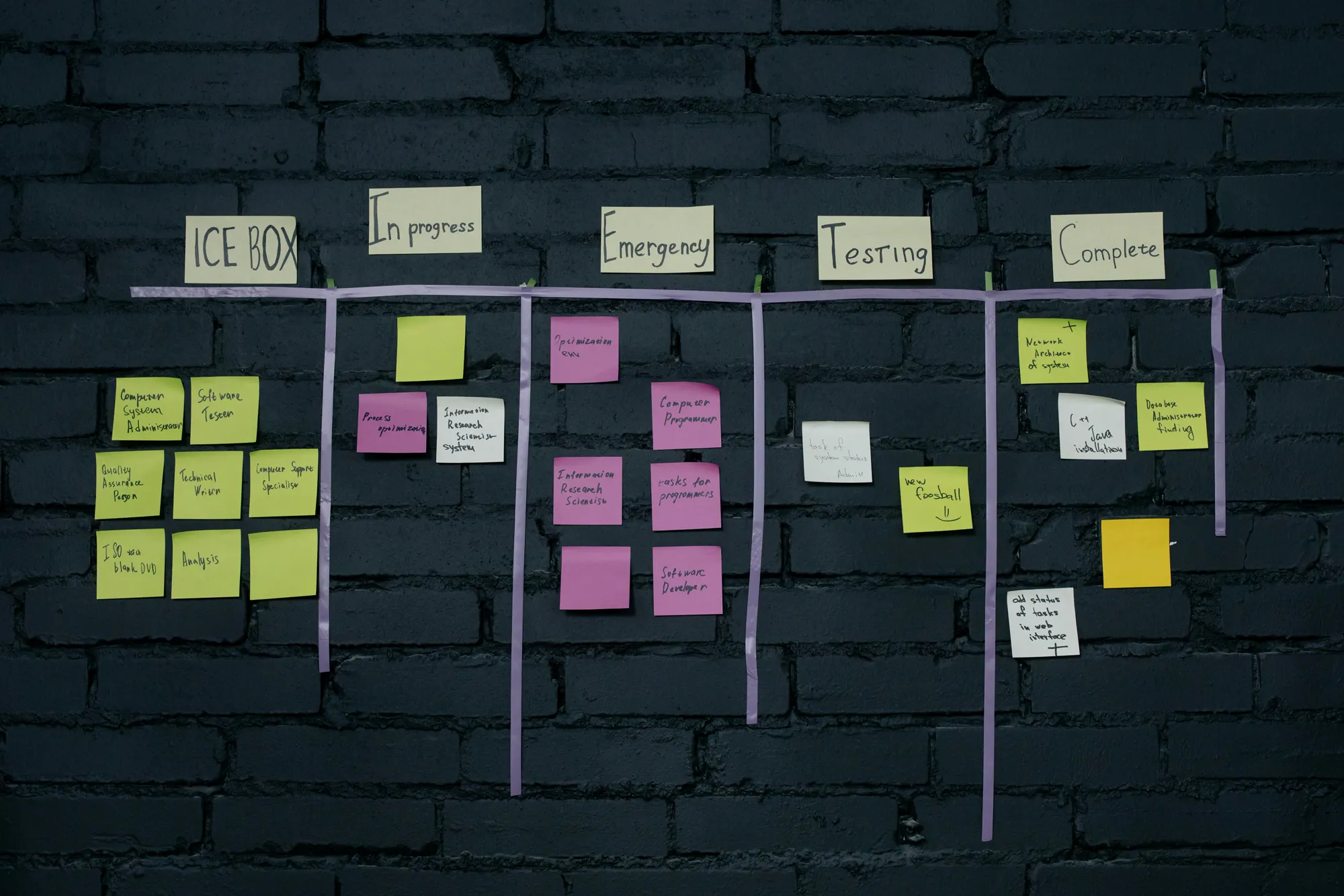
When you are juggling logs, screenshots, and reproduction steps, typing long Jira tickets takes time. Jira does not ship a native voice dictation feature, but you can add voice typing to any field with Vibe Typer.
No built-in dictation in Jira
Jira's flexible fields and custom screens are good, but there is no in-editor mic for speech to text. External transcription tools make you copy and paste, which breaks your flow.
Speak issues directly with Vibe Typer
Vibe Typer gives you system-wide voice input. Press and hold your configured hotkey to speak, and your words land where your cursor is: summary, description, comments, or custom fields. You can also select text and ask Vibe Typer to rewrite it, or copy a thread to your clipboard and ask Vibe Typer to draft a reply using your voice instruction.
Day-to-day use for developers
- Install Vibe Typer from vibetyper.com on Linux, Windows, or macOS.
- Create a new Jira issue and click into the Summary.
- Hold your Vibe Typer shortcut, speak a short, clear title, then release.
- Move to Description and dictate steps to reproduce, expected vs actual, and environment details.
- In comments, add updates or code block descriptions by voice.
- Highlight any rough text and ask Vibe Typer to rewrite for clarity or a more formal tone.
Steps to enable voice typing in Jira
- Install Vibe Typer on Linux, Windows, or macOS from vibetyper.com.
- Open Jira and create an issue (see Atlassian guide: Create issues in Jira).
- Place the cursor in Summary or Description.
- Hold your global hotkey, speak naturally, and release to insert text.
- Use rewrite to polish language and tone.
Tips for clear tickets
- Speak naturally; there's no need to say punctuation or structure commands.
- Keep the Summary short. Expand details in the Description with bullet points.
- Use rewrite to tighten language and reduce ambiguity.
For related workflows, see Zendesk voice typing and Confluence voice typing.
Other tools in this series
Also see: Airtable | Smartsheet | Basecamp | Miro | Confluence | HubSpot | Zendesk | Coda.
Vibe Typer types into any app where you can place a cursor, Jira included. Try it free on Linux, Windows, or macOS at vibetyper.com.
Try Vibe Typer free
Voice typing that works in every app on Linux, Windows, and macOS. Free to download: 2,000 words a month, no card.
Download free