Vibe Typer Free Trial: What You Can Test Before Buying

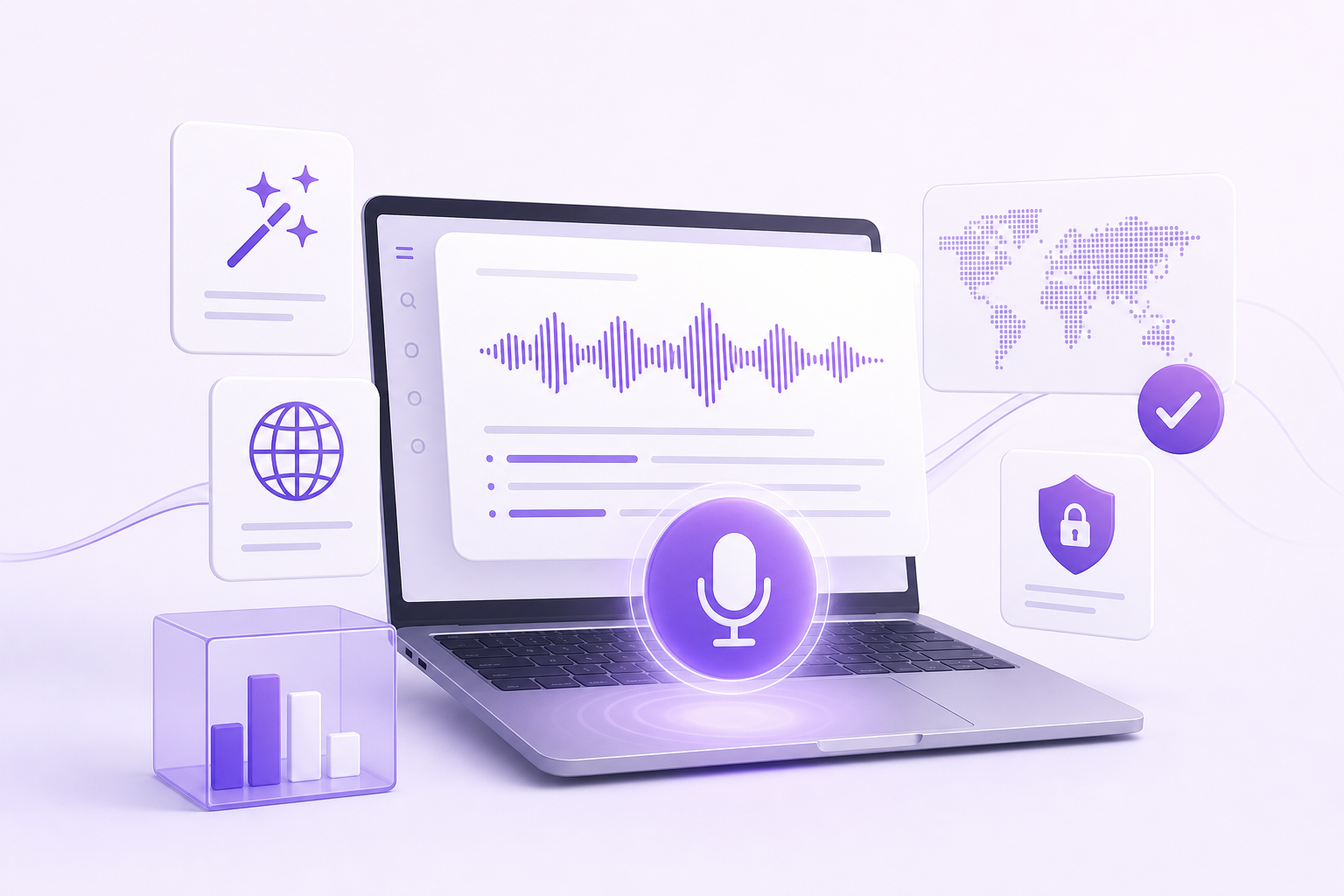
If you're evaluating voice dictation tools and want to try before committing, Vibe Typer's free tier gives you a real look at the product without asking for a credit card. Here's what's included, what's held back for Pro, and how to figure out which plan fits you.
What the free tier includes
Vibe Typer's free plan isn't a time-limited trial. It's a permanent $0 tier you can use indefinitely. No credit card required.
Here's what you get:
- 2,000 words transcribed per month across all your dictation sessions
- 20 AI operations per month for Magic Formatter processing
- Magic Formatter with custom instructions that strips filler words and self-corrections from your dictations, then rewrites output according to style rules you write in plain English (for example, "always use British spelling" or "write in short sentences")
- 99-language support with automatic language detection
- Dictation history stored locally on your device, with a diff view showing what you said versus what was typed
- Activity dashboard tracking words dictated, time saved, speaking pace, and a streak calendar
- Settings sync across devices via a single account
That is most of the product. You get the transcription engine, the Magic Formatter, and the full language roster. The constraint is the monthly word cap.
How 2,000 words per month compares
For context, 2,000 words is roughly the length of a detailed technical document or four to five substantial Slack threads. If you only dictate a few emails, some notes, and the odd commit message, the free tier may cover you entirely.
Wispr Flow and Willow Voice offer more free words, at 2,000 per week. Where Vibe Typer's free tier stands out is breadth: the whole feature set, including Magic Formatter with custom style instructions, on every platform we support, Linux included. You can judge the part that differs before spending anything, and when you do, Pro is unlimited at $8 per month, cheaper than any comparable paid plan in the category.
What you can test on the free plan
The free tier covers the parts of the product worth judging before you pay.
Transcription quality
You can run real dictation sessions and judge accuracy directly. The transcription engine supports 99 languages with automatic detection, and 2,000 words is enough to get a clear read on how well it handles your voice and your vocabulary.
Magic Formatter behavior
This is the feature that sets Vibe Typer apart, and it's fully available on the free plan. Write a style instruction in plain English, dictate something, and compare the output to what you said. The diff view in your dictation history makes this straightforward. You can see exactly where it removed filler words and how it applied your style rules.
With 20 AI operations per month, you'll want to use them on representative work rather than short test phrases. A few real tasks will tell you far more than twenty trivial experiments.
Native desktop integration
Vibe Typer activates via hotkey and injects transcribed text directly at the cursor position inside any application, including terminals and code editors. On Linux, it ships as a portable AppImage with support for both X11 and Wayland. You can test it in the apps you work in rather than a demo.
This is the part of the product that's hardest to evaluate from a description alone. The free tier lets you confirm it works the way you expect before paying anything.
Privacy
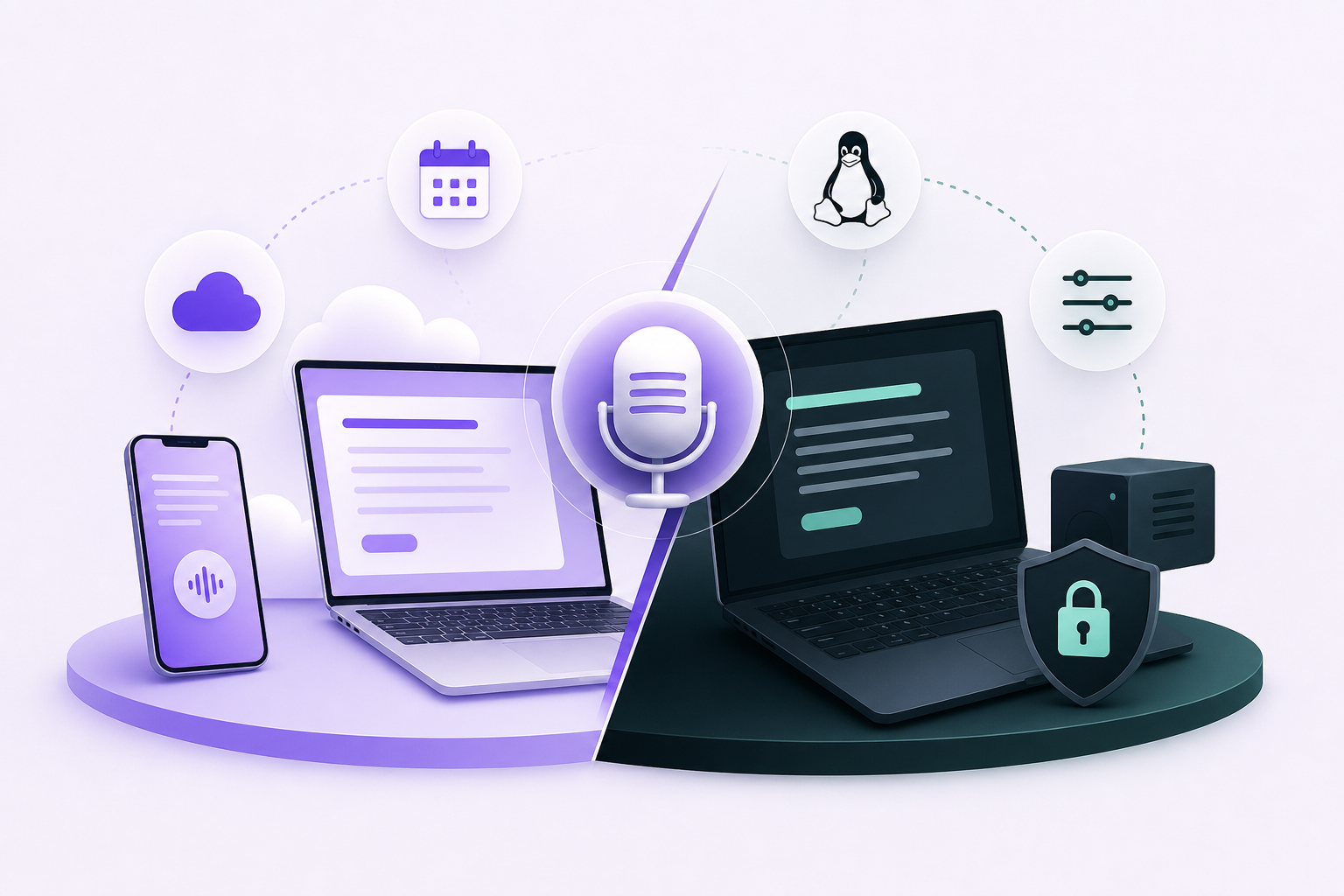
The same privacy model applies on the free plan as on Pro. Audio is processed in memory on Vibe Typer's backend, and no recordings are stored server-side. Your dictation history stays on your device.
What's reserved for Pro
The free tier has real limits. Here's what you don't get until you upgrade:
- Unlimited voice typing (free tier caps at 2,000 words per month)
- Unlimited AI operations (free tier caps at 20 per month)
- AI rewrite, a separate capability from Magic Formatter
- Tone styling
- Voice commands
- Priority support
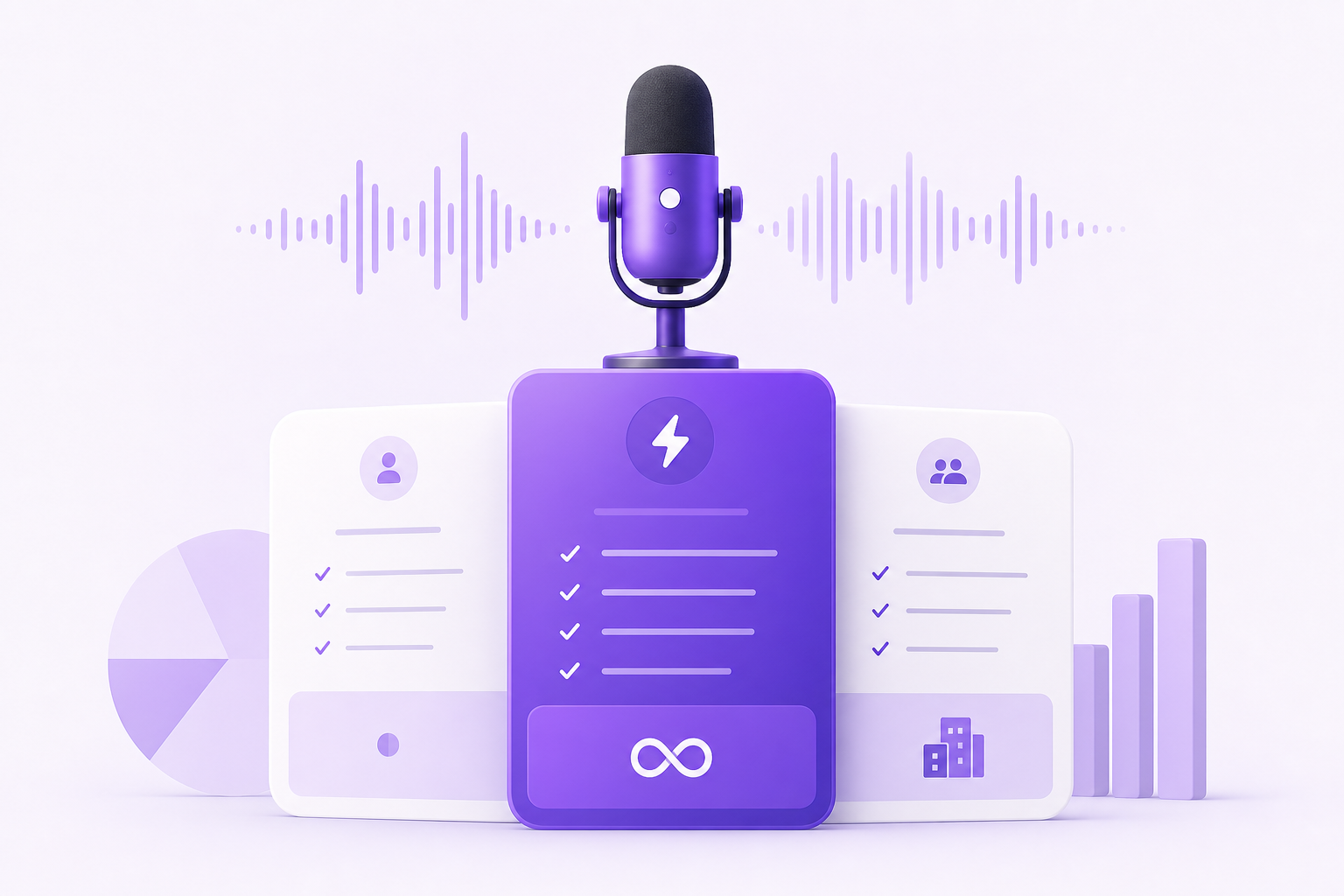
Pro is $8 per month billed annually ($96 per year) or $10 per month on a monthly basis.
If you're a developer dictating code comments, commit messages, documentation, and Slack messages throughout the day, you'll likely hit the 2,000-word cap within the first week or two. That's the free tier doing its job. It has shown you the product works for you, and the only question left is whether the Pro price makes sense.
Who the free tier is enough for
Some people will find the free plan sufficient long-term. If you dictate a few hundred words on most days, with lighter weeks mixed in, 2,000 words per month may cover your actual usage.
Writers working on a single long-form project in focused sessions may find the same, as will developers who only voice-type commit messages and short notes. The activity dashboard tracks your usage in real time, so you'll see whether you're approaching the cap before it becomes a problem.
Who should upgrade immediately
If you're a developer using Vibe Typer inside tools like Cursor, Claude Code, or OpenCode throughout the day, treat the free tier as a trial period rather than a permanent plan. Documentation, PR descriptions, long technical comments, and AI prompt drafting will exhaust 2,000 words quickly.
The same applies to anyone in a clinical or professional role who dictates notes continuously. That's Pro from day one.
How to get the most out of the free tier
A few practical suggestions before you decide:
Test in your real environment. Don't run Vibe Typer in a test document. Use it in your terminal, your code editor, or wherever you work. Native injection is the whole point, and you need to see it in the apps you use every day.
Write a meaningful Magic Formatter instruction. Something specific to how you write: spelling conventions, sentence length preferences, domain terminology. This tells you far more than leaving it at defaults.
Use the diff view. After a few sessions, review your dictation history. Seeing what was said versus what was output is the clearest way to evaluate both transcription accuracy and Magic Formatter behavior at once.
Track your word count. The activity dashboard shows your usage. By the end of your first week, you'll know whether 2,000 words a month covers you.
FAQs
Does the Vibe Typer free tier expire? No. It's a permanent plan at $0 per month, not a time-limited trial. You can use it indefinitely within the monthly limits.
Do I need a credit card to start the free tier? No credit card is required to sign up.
What happens if I hit the 2,000-word monthly limit? Once you reach the cap, you'll need to upgrade to Pro to continue dictating that month, or wait for the limit to reset at the start of the next billing cycle.
Can I test Magic Formatter on the free plan? Yes. Magic Formatter with custom style instructions is fully available on the free tier, subject to the 20 AI operations per month limit.
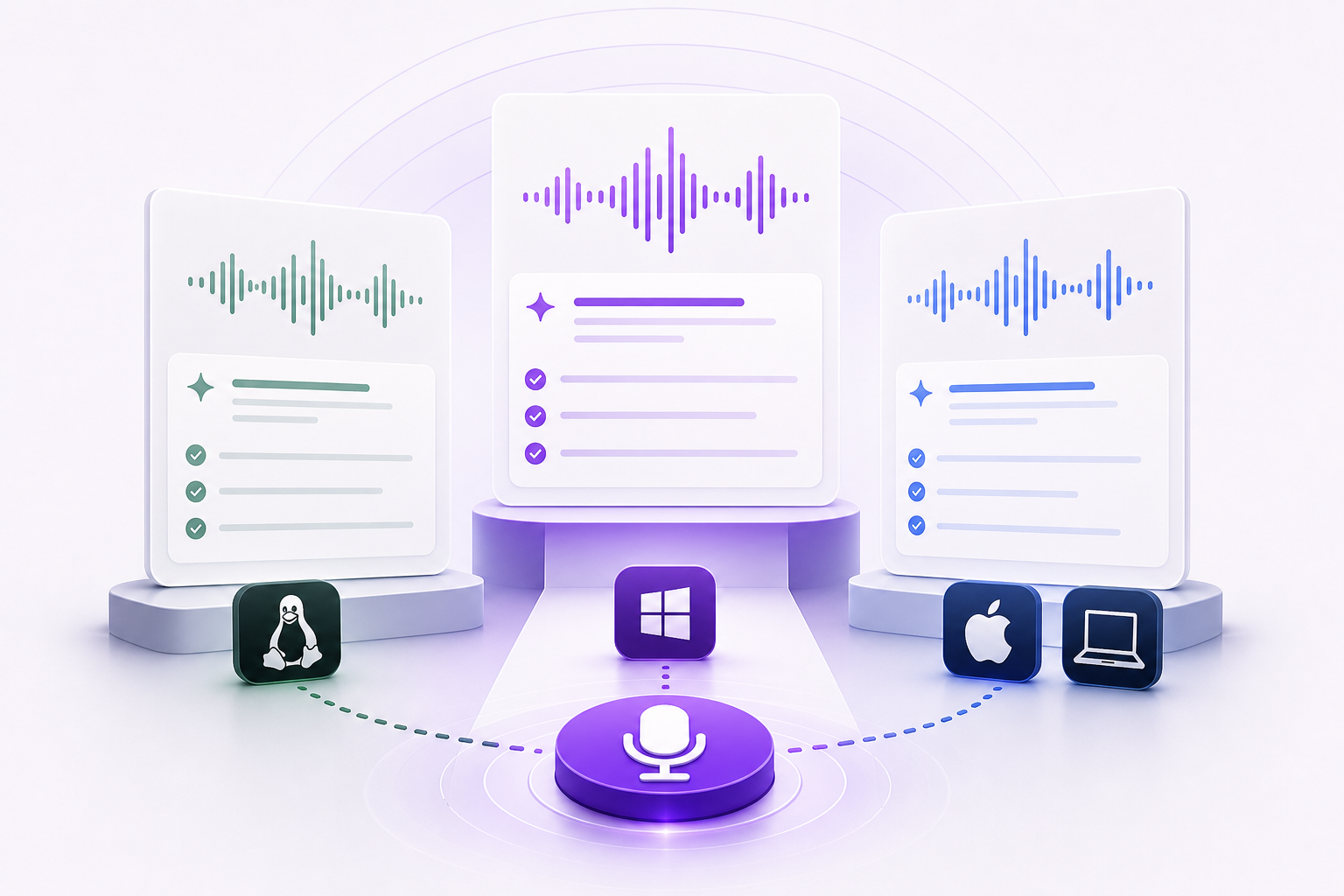
Does the free tier include Linux support? Yes. The free tier runs on Linux as a portable AppImage supporting both X11 and Wayland, as well as Windows and macOS. Platform support isn't gated behind Pro.
What's the difference between the free tier's 20 AI operations and Pro's unlimited AI operations? Each time Magic Formatter processes a dictation, that counts as one AI operation. The free tier gives you 20 per month. Pro removes that cap entirely and also adds AI rewrite, tone styling, and voice commands.
Is the free tier suitable for developers who want to test terminal and code editor integration? Yes. Hotkey activation and cursor-position injection work the same on the free tier as on Pro. You can test the full native desktop integration, including in terminals and code editors, without upgrading.
Test it in the apps you use, give Magic Formatter a real style instruction, and check the diff view after a few sessions. If you need more than 2,000 words a month, upgrade. Start at vibetyper.com.
Try Vibe Typer free
Voice typing that works in every app on Linux, Windows, and macOS. Free to download: 2,000 words a month, no card.
Download free