Outlook Dictation Not Working? 5 Fixes + a Better Alternative (2026)

Built-in dictation in Microsoft Outlook and Windows is useful for quick hands-free writing. But many users still run into punctuation glitches, awkward capitalization, and friction when switching between To, Subject, and Body fields. This guide shows what to check first, then what to use instead.
Common problems with Outlook dictation
- Inconsistent punctuation and casing. Dictation can insert punctuation at odd moments or capitalize words unexpectedly. The speech service sometimes reads a pause as a full stop, which fragments your sentences.
- Copy and paste friction. Browser-only tools often require copy and paste into Outlook, which breaks formatting and slows you down.
- Recognition errors. Microphone quality, room noise, and accent variability can lower accuracy and leave you editing more than you dictated.
5 fixes for Outlook dictation
Before switching tools, run through this checklist:
- Check account and internet. Microsoft 365 dictation requires an active subscription, a signed-in account, and connectivity. It will not work offline.
- Verify microphone input. In Windows, open Settings > System > Sound, confirm the right input device, and check the level. Test the mic in another app to rule out a muted or missing device.
- Review speech settings. In Windows 11, open Settings > Accessibility > Speech and toggle Voice access or Windows Speech Recognition, then run the setup wizard. Commands like "Open Outlook" or "Press Enter" help you navigate while composing.
- Use a quieter environment. Noise and echo hurt recognition quality. A noise-cancelling headset usually helps more than moving rooms.
- Update Windows and Office. Dictation bugs are often fixed in newer builds, so install pending updates before you troubleshoot further.
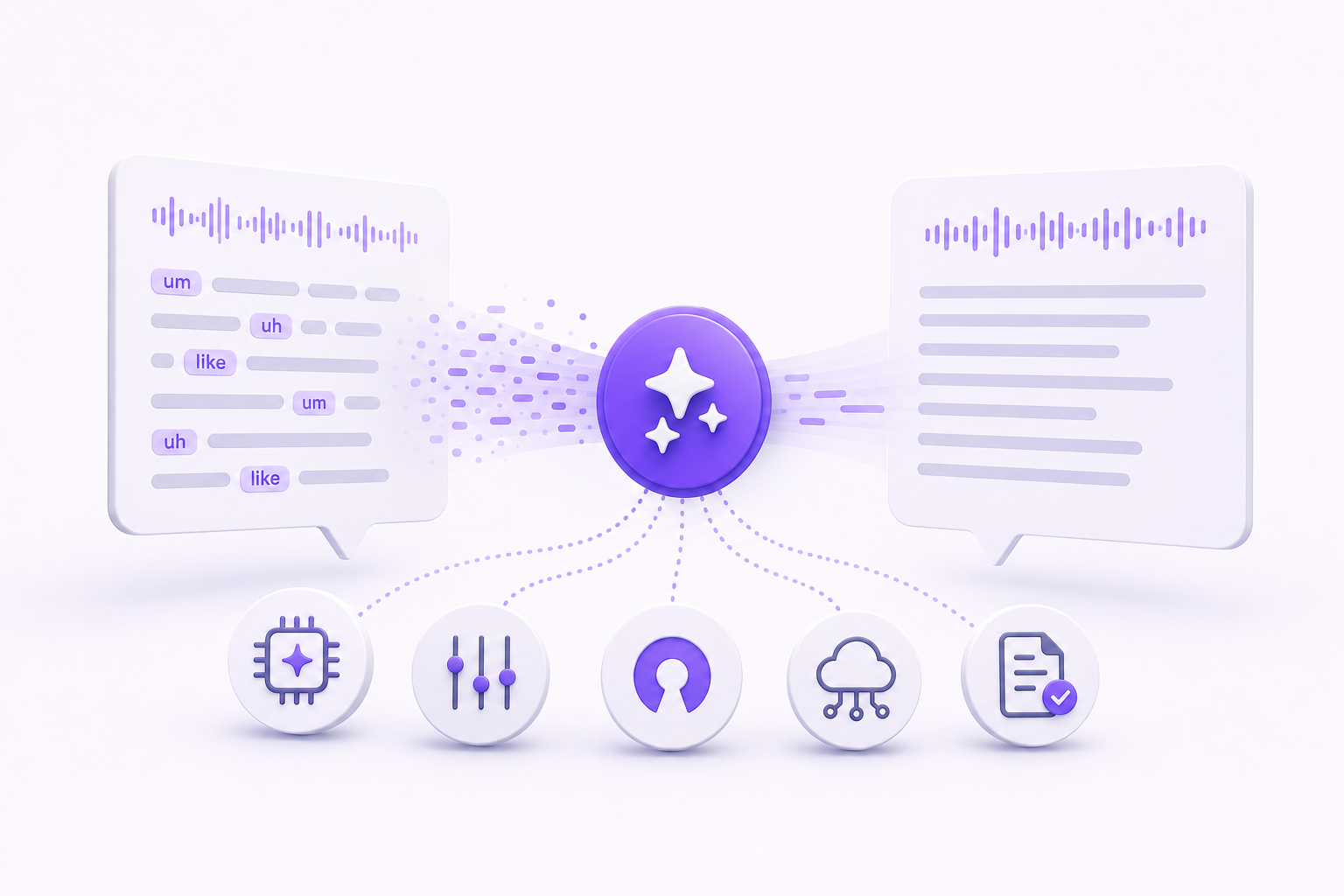
These steps usually help, but they do not remove the systemic limits: inconsistent formatting across fields and no AI rewriting.
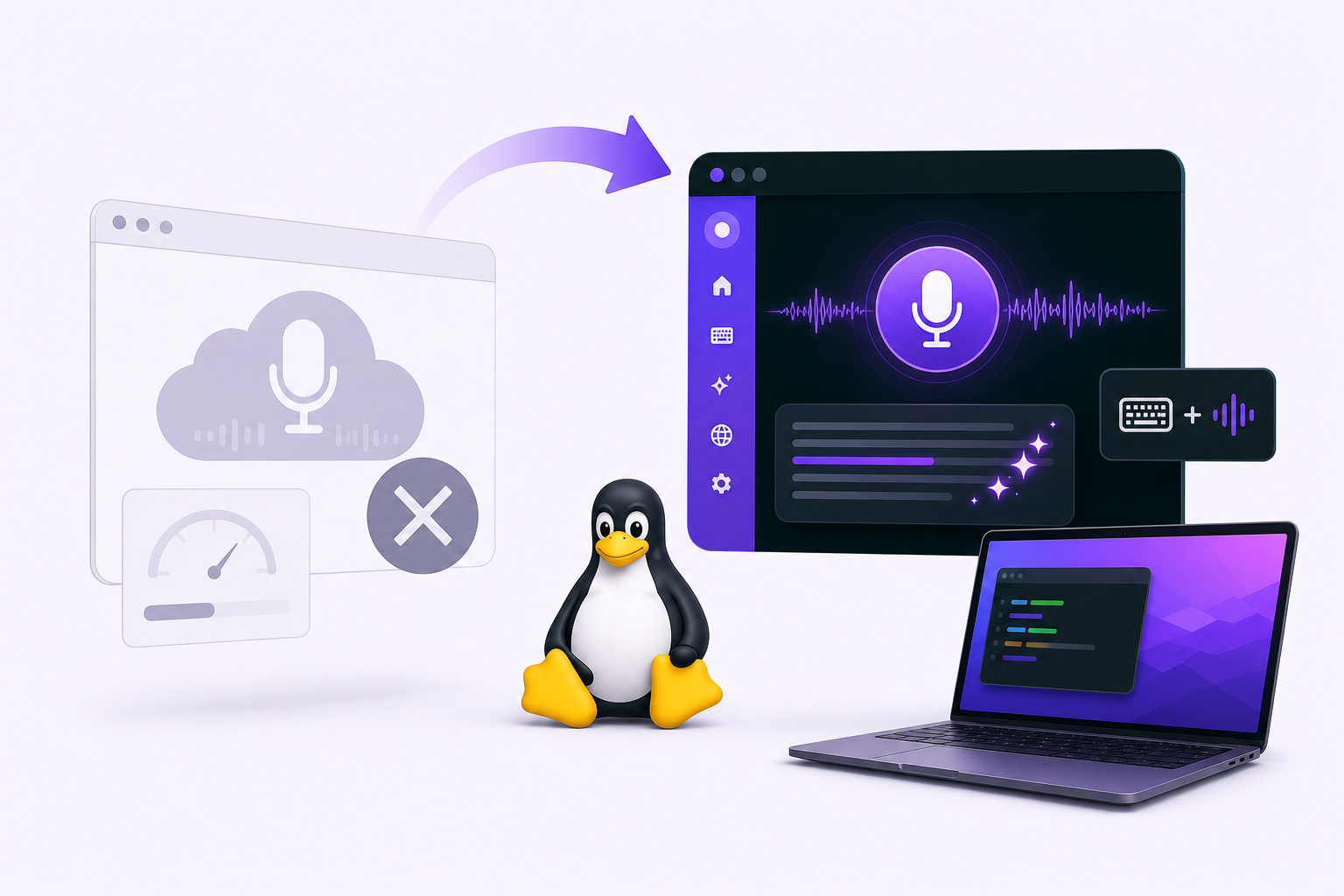
A better approach: use Vibe Typer
Vibe Typer works the same way in Outlook as in every other app:
- System-wide dictation. One hotkey works across email fields and other apps, so you are not switching tools between To, Subject, and Body.
- AI rewrite and reply. Highlight a draft and say "rewrite" for tone and grammar cleanup. Copy the whole thread and say "reply" to generate a context-aware response.
- Consistent formatting. Punctuation and capitalization are handled the same in every app. Speak normally; you do not need to say punctuation or commands.
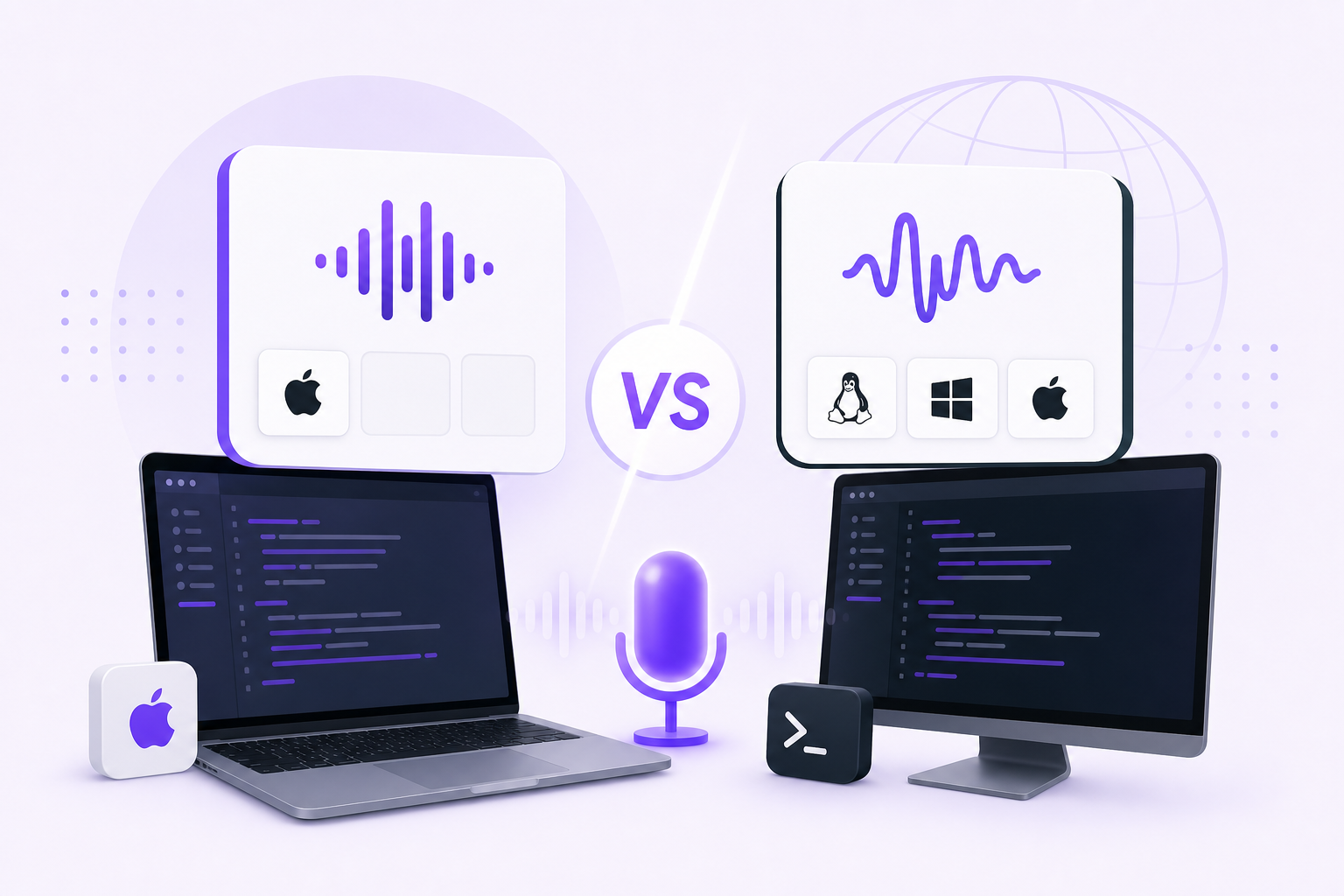
- Cross-platform support. Works on Linux, Windows, and macOS, and in native Outlook, Outlook on the web, Thunderbird, or any other email client.
- Pricing. Free tier includes 2,000 words/month; Pro is US$10/month with unlimited dictation and AI usage.
Tips for faster email replies
- Draft first, edit second. Speak full ideas quickly, then do a short polish pass.
- Use reusable reply patterns. Keep standard intros, sign-offs, and status blocks.
- Use context-aware reply generation. Copy thread context, then generate a first draft.
- Steer the tone. If the draft is off, say "rewrite to be more formal" or "rewrite for a friendly tone" instead of editing by hand.
- Do a 20-second proofread. Confirm names, dates, and tone before sending.
When to stop troubleshooting Outlook
Outlook dictation is fine for basic tasks, but it stays inconsistent for high-volume email. If the five fixes above did not stick, the next thing to try is a system-wide tool with one hotkey and an AI rewrite pass. Dictate the draft, rewrite it once, send.
Try Vibe Typer free
Voice typing that works in every app on Linux, Windows, and macOS. Free to download: 2,000 words a month, no card.
Download free