10 Voice Typing Productivity Tips to Write Faster in 2026

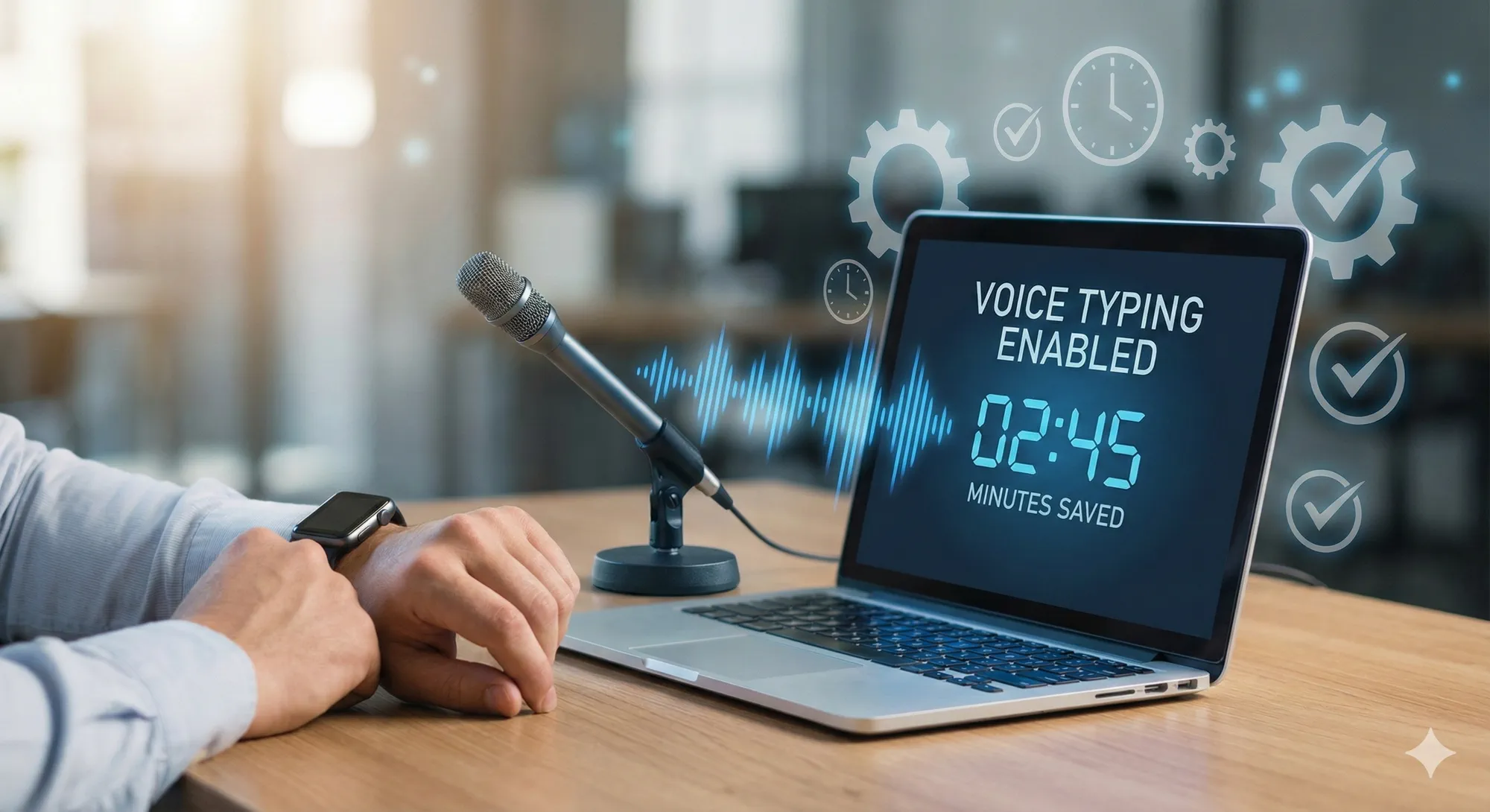
Most of us can explain an idea out loud faster than we can type the first draft. Researchers from Stanford University found that speech recognition was faster than keyboard input in a mobile phone text-entry experiment. That does not mean every desktop writing task becomes instantly faster, but it does show why speaking first works well when the task is drafting, brainstorming, or explaining.
The Voice Typing ROI Calculator works out your time and dollar savings from your typing speed and daily hours.
This article shares 10 concrete tips for voice typing in 2026. They apply whether you use Vibe Typer or another dictation tool.
1. Pick the right tool for the job
Accuracy and latency vary widely across dictation apps. When choosing a tool, test it in your real workflow and look for features such as:
- Responsive transcription. Your words should appear quickly enough that dictation feels natural in daily work.
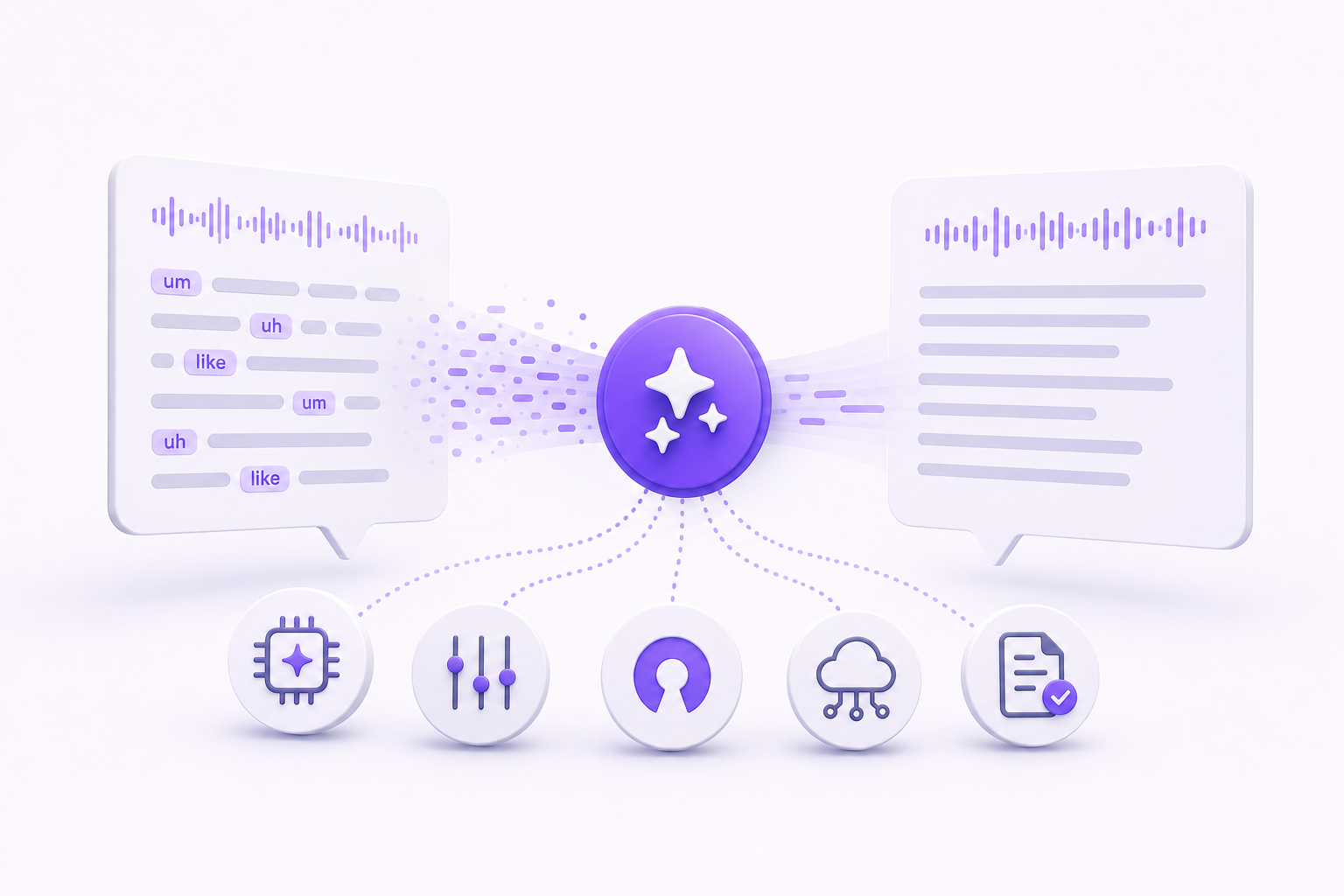
- AI rewriting and replies. Some tools can rewrite or summarize your draft and generate replies from clipboard context.
- Language and accent fit. Check that the tool works for the way you speak and the languages you use.
- Privacy. Prefer tools that say where your audio goes and what they keep. Vibe Typer documents both.
2. Customize your hotkey
A shortcut you can hit without thinking is what turns dictation into a habit. Vibe Typer lets you assign any keyboard shortcut to start voice typing. Pick a combination that won't conflict with existing shortcuts, for example Ctrl + ` or Alt + Space, so you can toggle dictation on and off without looking down.
3. Speak naturally but clearly
Talking to your computer isn't the same as talking to a friend. Aim for natural phrasing and full sentences, but leave brief pauses between clauses so the software can process punctuation. Many tools allow you to say the punctuation aloud ("comma," "period," "new paragraph"). Clear enunciation reduces errors and speeds up transcription.
4. Use auto-punctuation and voice commands
Use built-in commands to format text hands-free. Vibe Typer, for example, automatically adds punctuation and supports commands like "Rewrite" or "Reply" to improve tone or draft contextual responses. Learning these commands upfront saves time and reduces post-dictation editing.
5. Create a custom dictionary
Proper nouns, industry jargon and unusual spellings can trip up any dictation system. Many tools let you add custom words so that names and acronyms appear correctly every time. Spending a few minutes building your dictionary will pay off when you're dictating long documents or emails.
6. Eliminate background noise
Voice recognizers work best in quiet environments. Use a quality microphone or headset and close nearby windows. If you can't control your environment, choose software that handles background noise well in your own tests.
7. Break long dictations into sections
Dictation fatigue is real. Instead of speaking an entire document in one go, outline your thoughts in advance and dictate one section at a time. Shorter runs stop your voice trailing off, which is where errors creep in.
8. Use AI for editing
AI tools pair well with dictation. Vibe Typer's AI rewriting turns a rough draft into a polished email or blog post. After you finish dictating a section, highlight the text and ask the AI to refine tone, shorten or expand as needed. Think of voice typing as the first draft and AI as the editing pass.
9. Review and correct promptly
Mistakes happen with any software. Review the transcript straight away, correct misheard words and add formatting. Catching errors early prevents them from propagating through your document.
10. Practice regularly
Like touch typing, dictation is a skill that improves with practice. Set aside time each day to narrate notes, emails or journal entries. Over time, you'll learn which pacing and phrasing work best, and the voice commands will become automatic.
Where voice typing pays off
Voice typing is not a novelty. It cuts manual typing on drafting, brainstorming, and correspondence, which is where most of the writing day goes.
A Fraser Street Medical QI pilot found AI-assisted typing improved MOA workflow efficiency by 34% in one month. See the full results.
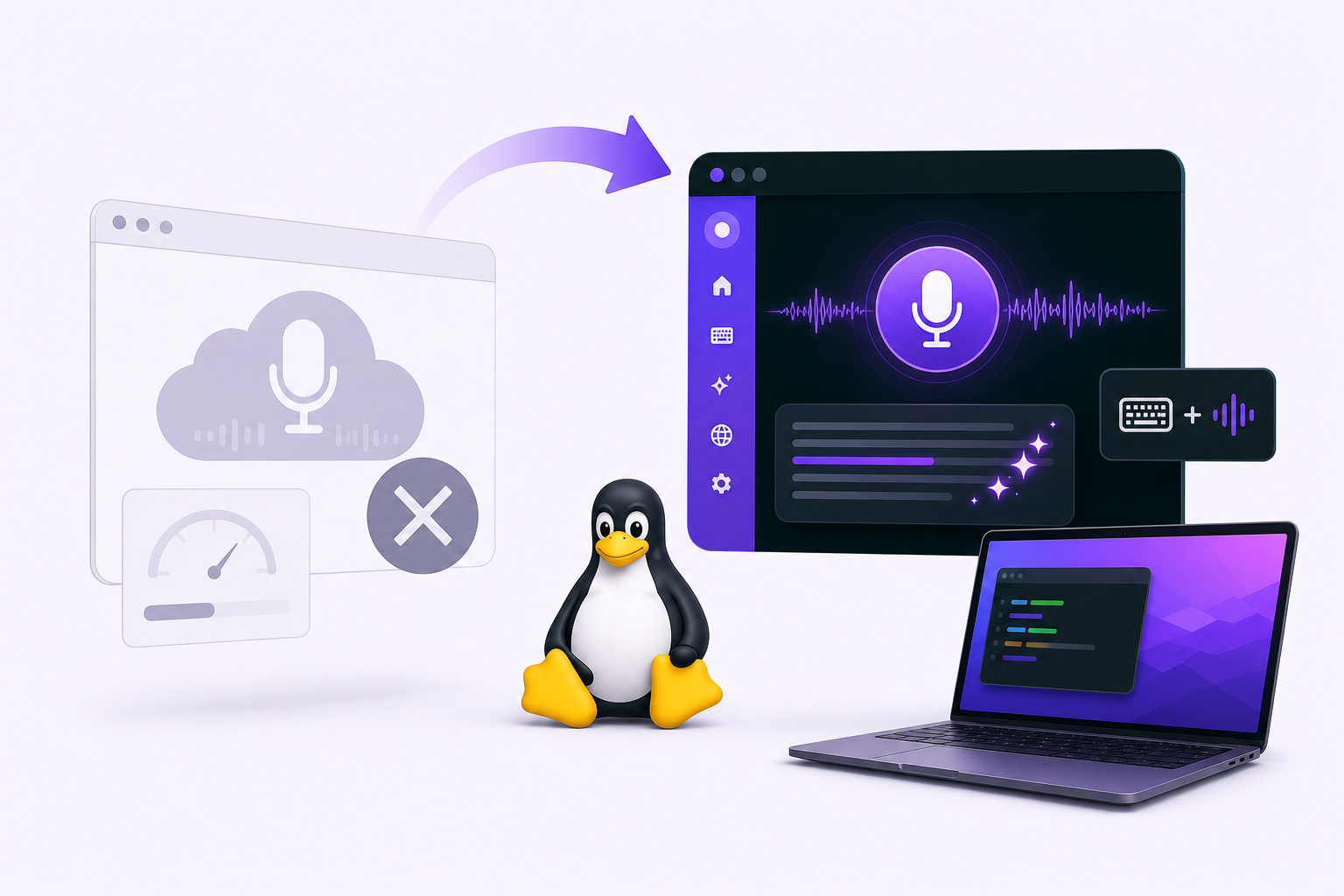
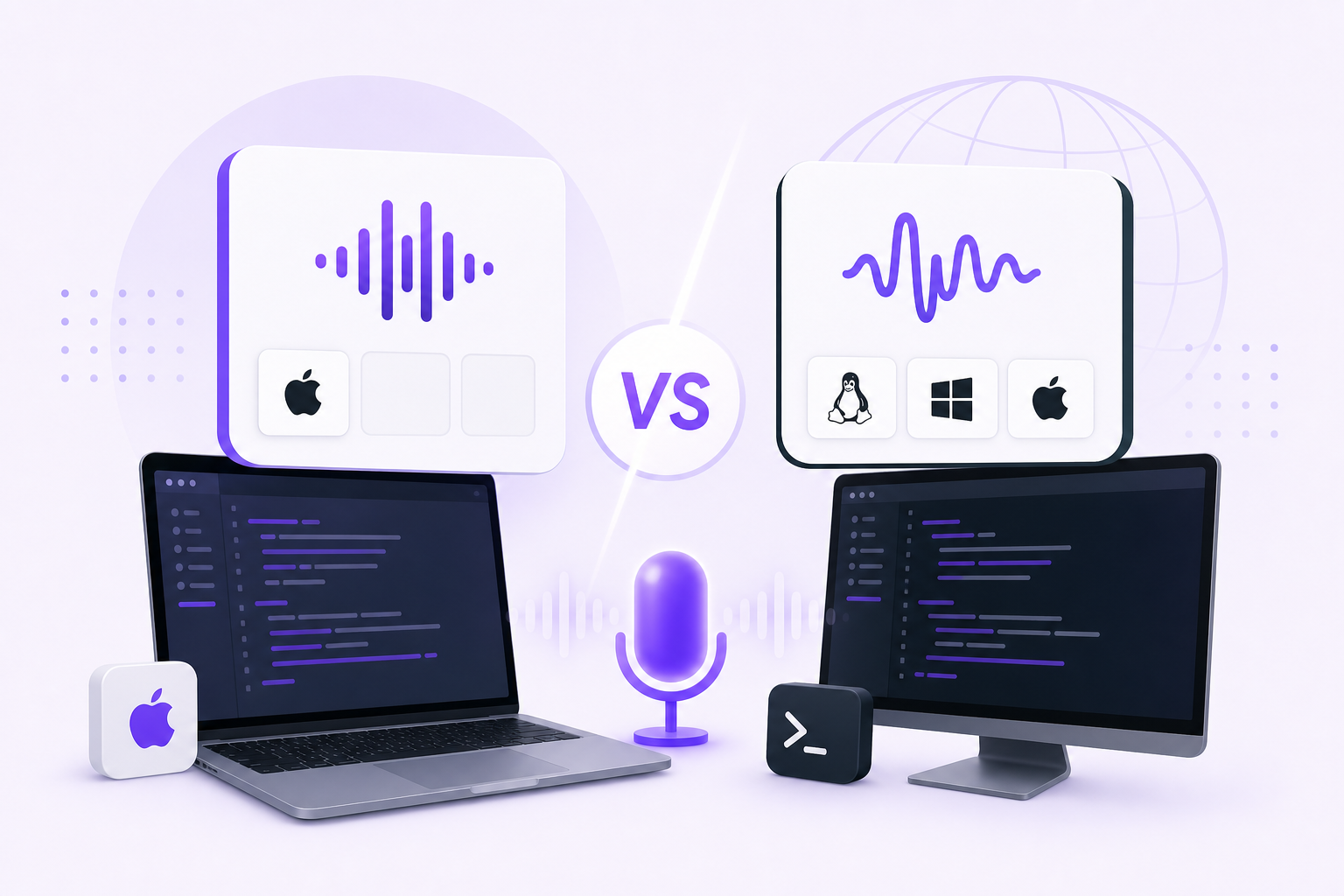
Download Vibe Typer for Linux, Windows, or macOS.
Try Vibe Typer free
Voice typing that works in every app on Linux, Windows, and macOS. Free to download: 2,000 words a month, no card.
Download free