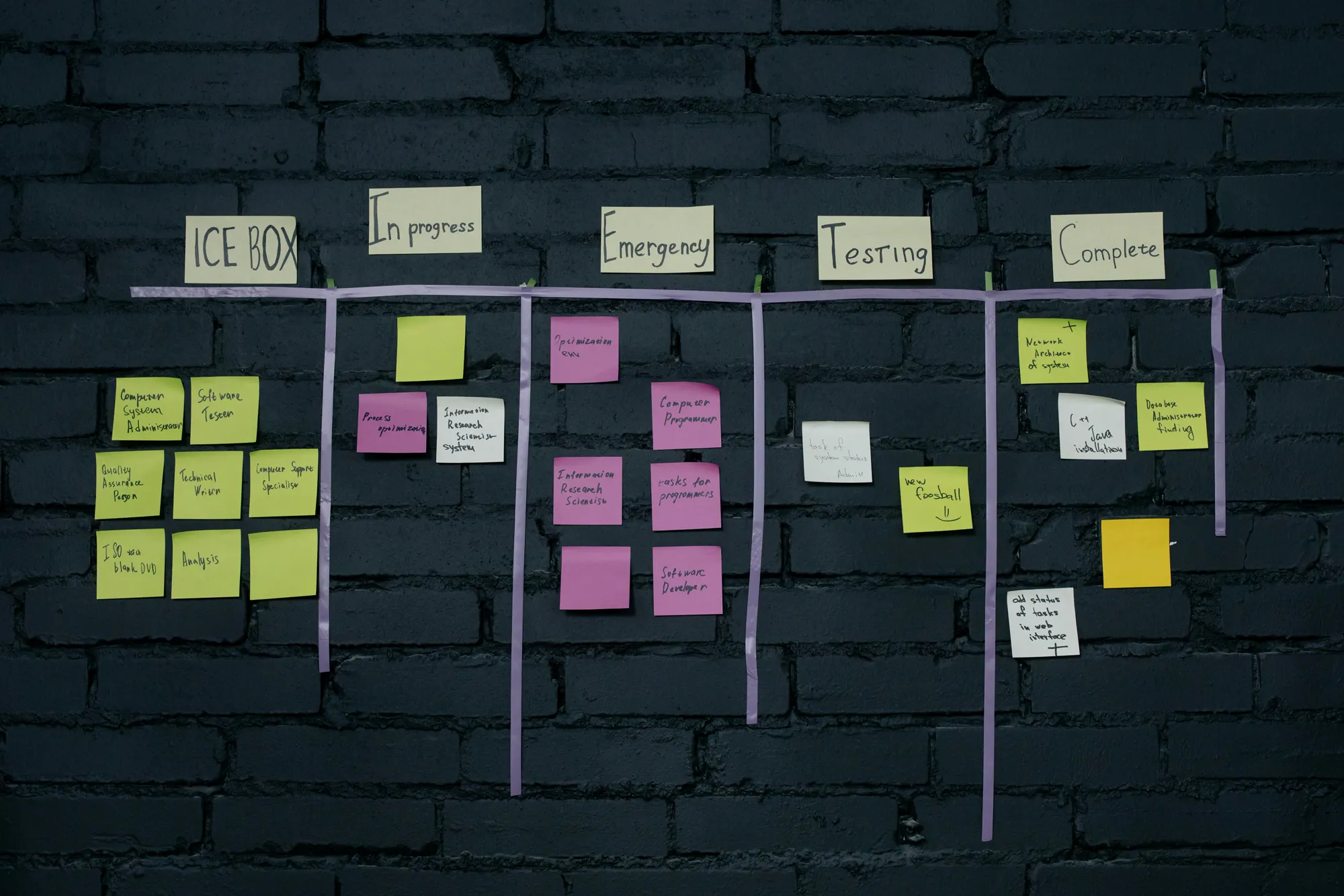
Voice Input for Miro Boards: How to Add Dictation to Your Whiteboards


During workshops and brainstorming, the faster you capture ideas the better. In the official docs checked for this article, we did not find a built-in Miro voice typing workflow for sticky notes or comments. Talktrack records walkthroughs, but Vibe Typer turns speech into text after you stop.
The gap: no built-in dictation in Miro
Miro has plenty of visual tools, but there is no mic icon to speak text into a sticky or comment. That slows you down when ideas are coming quickly.
Add system-wide voice typing with Vibe Typer
Vibe Typer lets you dictate into any text field on your computer. Set a keyboard hotkey, press and hold to talk, and your words appear in the focused text area, including Miro sticky notes, shapes, and comments. You can also select any text on the board and ask Vibe Typer to rewrite it based on your instruction.
Step-by-step: dictate sticky notes
- Install Vibe Typer on Linux, Windows, or macOS from vibetyper.com.
- Open your Miro board and create a sticky.
- Click the sticky to start editing, then hold your Vibe Typer shortcut and speak.
- Release to insert the text. Just speak normally; no need to say punctuation or commands.
- If the note needs polish, select the text and tell Vibe Typer how to rewrite it, for example "shorten and keep the verbs".
Team tips for workshops
- Assign one facilitator to type or dictate while others ideate.
- Use comments for longer thoughts, then condense with Vibe Typer's rewrite.
- Keep each sticky short. Split long items across several notes.
Other tools in this series
Also see: Airtable | Smartsheet | Basecamp | Confluence | Jira | HubSpot | Zendesk | Coda.
Vibe Typer works in any app where you can type, including Miro. Try it free on Linux, Windows, or macOS at vibetyper.com.
Try Vibe Typer free
Voice typing that works in every app on Linux, Windows, and macOS. Free to download: 2,000 words a month, no card.
Download free