Superwhisper vs Vibe Typer: Best Dictation Tool for Terminal and Code Editors (2026)

If you spend most of your day in a terminal, a code editor, or an AI coding tool like Cursor or Claude Code, you've probably noticed that most voice dictation software wasn't built with you in mind. These tools work fine in a browser text box. Open a shell, and things fall apart quickly.
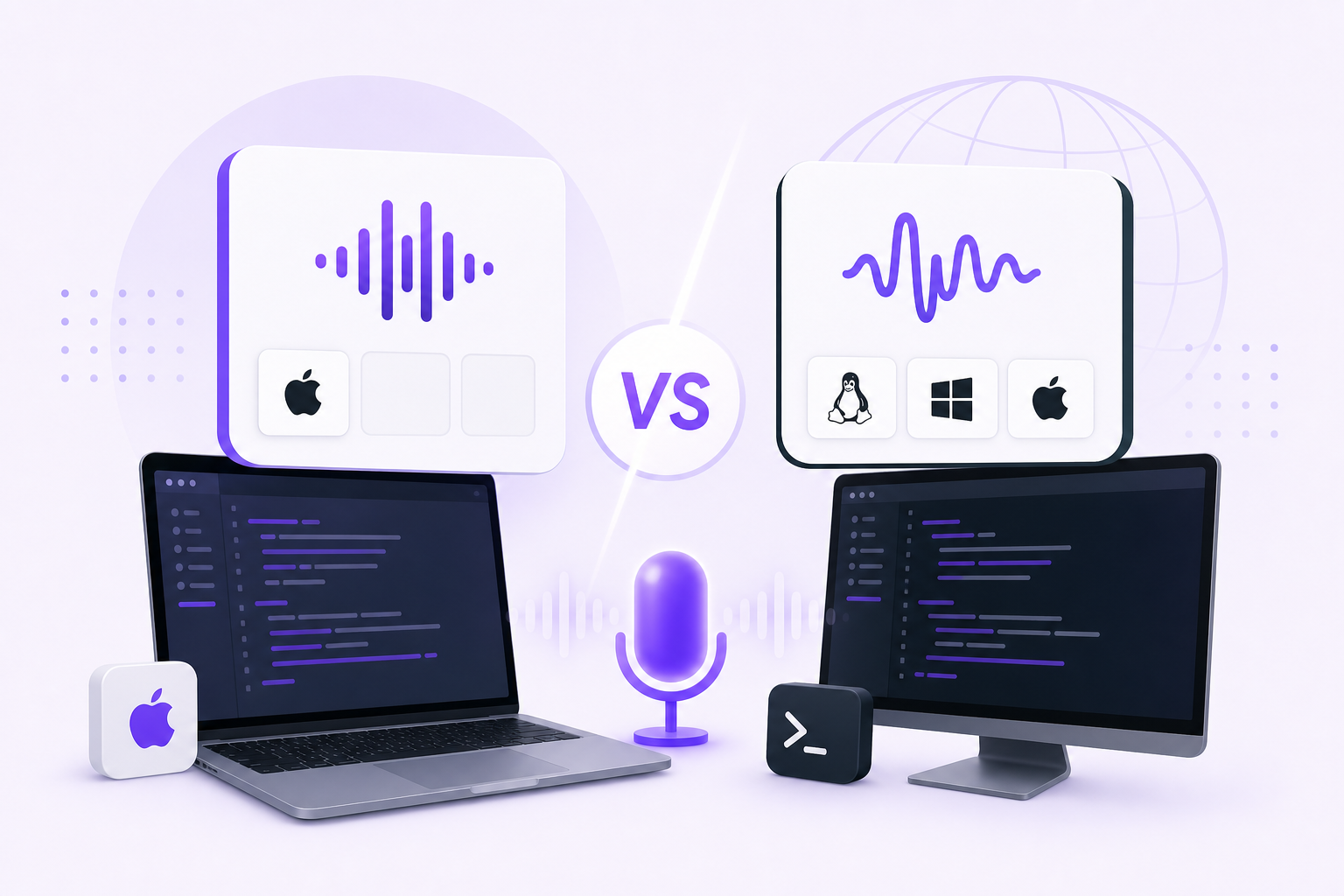
This comparison looks at exactly that problem. Superwhisper and Vibe Typer are two of the most discussed dictation tools heading into 2026, and both take accuracy seriously. Where they differ is platform support, setup, and how well they work for developers.
Platform support: where each tool actually runs
This is the most important difference between the two, and it's worth settling before anything else.
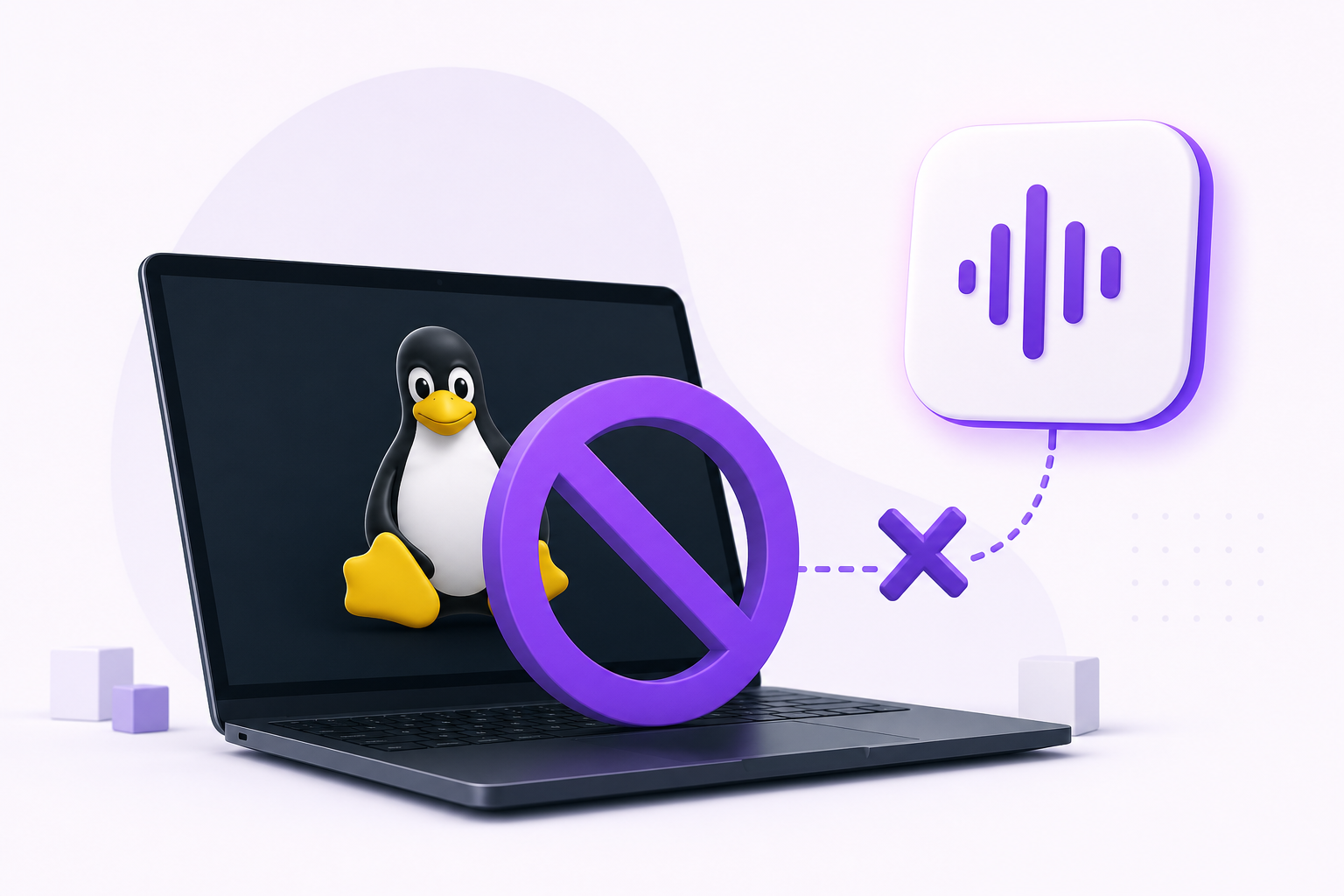
Superwhisper's platform list is macOS, Windows, iOS and Android (superwhisper.com). It does not run on Linux. A Linux version has been publicly requested on Superwhisper's roadmap since well over a year ago, with no ship date (roadmap request). If you're on Linux, Superwhisper isn't available to you, and neither Wine nor a Flatpak changes that.
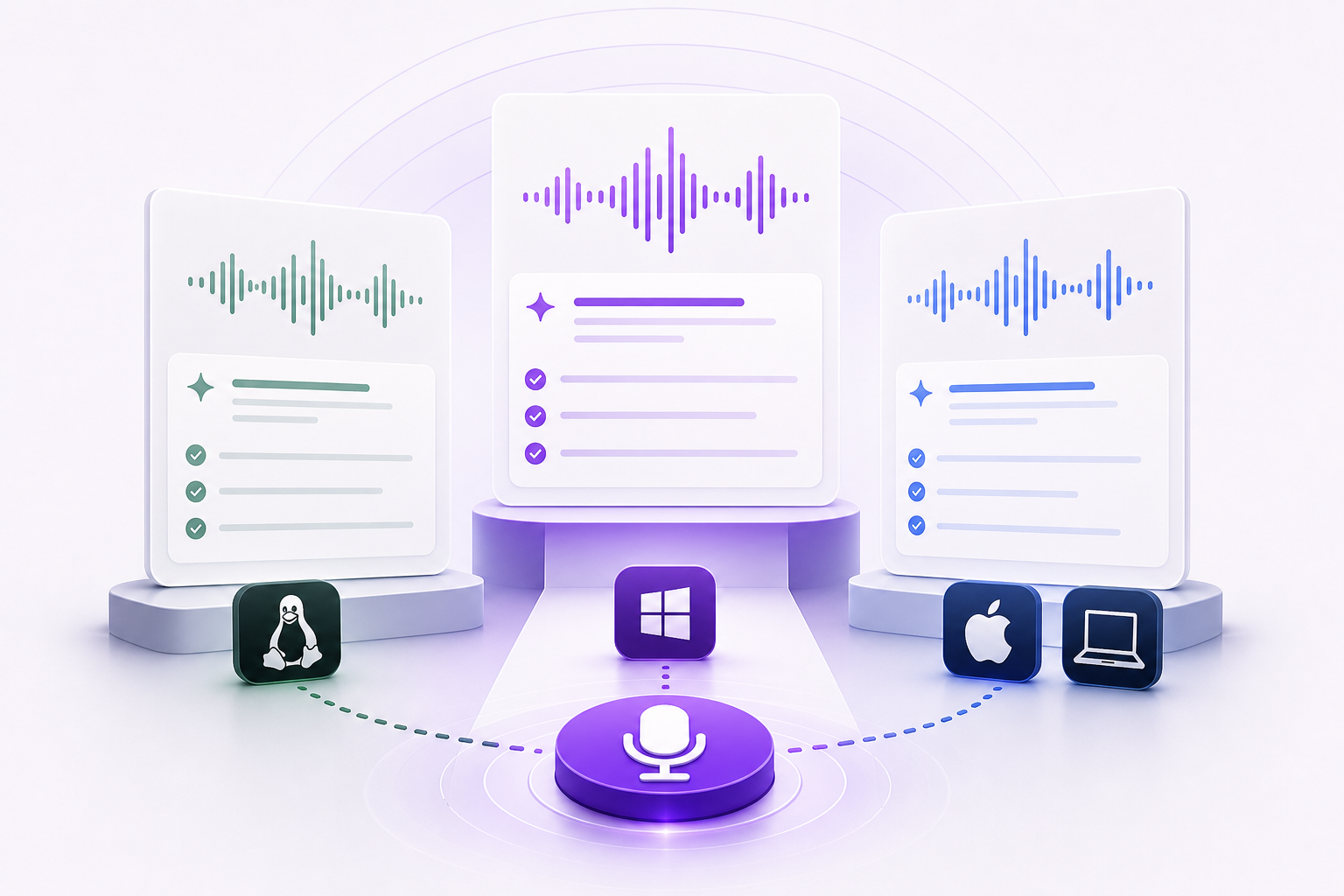
Vibe Typer runs natively on Linux, on both Wayland and X11, plus Windows and macOS. Install it, assign a hotkey, and it types transcribed text directly at your cursor position in whatever application has focus. Terminals, code editors, AI coding tools, anything.
For Linux developers, the comparison ends here. But even on macOS and Windows, the differences in architecture and features are worth understanding.
How each tool works in terminals and code editors
How the text gets into the app matters once you're working in a terminal.
Vibe Typer activates via hotkey, listens while you speak, then inserts the transcription into the focused application at your cursor. Nothing to copy by hand, and insertion is terminal-aware: Ctrl+Shift+V in Linux terminals, Shift+Insert in Konsole and in the VS Code and Cursor integrated terminals, or simulated keystrokes with no clipboard at all if you set an app to Always Type. No special integration required from the target app. Because it behaves like a keyboard, it works in terminals, VS Code, Cursor, Claude Code, OpenCode, whatever you're using.
Superwhisper also operates system-wide on macOS and Windows and types directly into applications. On both it handles this well. The ceiling is the platform itself. If your team mixes Linux and macOS machines, or you move between them, Superwhisper can't follow you.
Inside VS Code specifically, the editor now has its own on-device dictation, which is worth knowing before you buy either tool. It covers the editor, chat and integrated terminal and nothing outside the window; voice dictation in VS Code and the Linux terminal covers where it stops.
Formatting and style: Magic Formatter vs Modes
Raw transcription is rarely what you actually want to insert. You speak in fragments, backtrack, say "wait no actually". The output needs to reflect how you write, not how you talk under pressure.
Vibe Typer's Magic Formatter handles this in two ways. It strips filler words and self-corrections automatically, and it rewrites output according to style instructions you write once in plain English. Those instructions persist across every session. Write something like "use concise, lowercase sentences" or "wrap code variable names in backticks," and the formatter applies it every time.
Superwhisper's Modes system works on a similar idea. You create modes with different prompts that shape how output is formatted. The difference is where it sits on the price list: custom prompt control is a Pro feature, and Pro lets you use Superwhisper's bundled cloud models or bring your own OpenAI or Anthropic key. Fine if you already juggle API keys, but it's an extra setup step, and on the free plan you get the raw transcript.
Vibe Typer's Magic Formatter is built into the product on every plan, including free. No third-party API, no mode configuration.
Privacy and audio processing
Neither tool stores audio recordings server-side, but they handle processing differently.
Vibe Typer processes audio in memory on its own backend infrastructure. Recordings aren't stored on Vibe Typer's servers. Your dictation history lives locally on your device, and a diff view lets you compare what you said against what was output. That's useful for catching transcription errors and seeing what the formatter changed.
Superwhisper's free tier runs locally on your device with smaller, less accurate models. The paid tier uses cloud processing for better accuracy. So the free tier keeps audio on-device, which some people will prefer. The tradeoff is that the smaller local models are less accurate.
Neither is careless about it. Which one suits you depends on your priorities and which tier you're on.
Language support
Vibe Typer supports 99 languages with automatic language detection. You don't need to switch manually before dictating. It figures out what you're speaking.
Superwhisper also supports multiple languages, though the exact count and automatic detection behavior varies by model and tier.
Pricing
| Vibe Typer | Superwhisper | |
|---|---|---|
| Free plan | 2,000 words and 20 AI operations a month, Magic Formatter included | Unlimited local Whisper transcription, no custom AI modes |
| Pro monthly | $10 | $8.49 |
| Pro annual | $96 ($8/month) | $84.90 ($7.08/month) |
| Lifetime | Not offered | $249.99 |
| Student discount | No | 40% off Pro |
The monthly gap is small and the annual gap is about $11 in Superwhisper's favour. The lifetime licence breaks even against annual billing around year three, and it suits anyone who wants to pay once and move on, as long as you are staying on macOS or Windows.
Which tool fits your workflow
Choose Vibe Typer if:
- You're on Linux, or your work spans Linux, Windows, and macOS
- You want formatting that works without connecting a third-party API
- You want persistent style rules that apply to every dictation automatically
- You want local dictation history with a diff view showing raw speech versus formatted output
- You use AI coding tools like Cursor, Claude Code, or OpenCode and need dictation that types directly into them
Choose Superwhisper if:
- You're on macOS or Windows and want a native app with a polished local-model setup
- You want fully local, on-device processing, which its free tier includes
- You want a lifetime payment option or the student discount
For developers who live in terminals and code editors, system-wide typing is the whole point. Both tools do that on macOS and Windows. Only Vibe Typer does it on Linux.
FAQs
Does Vibe Typer work on Linux with Wayland?
Yes. Vibe Typer runs natively on Linux and supports both Wayland and X11 display servers.
Can I use Superwhisper on Linux?
No. As of September 2026, Superwhisper ships macOS, Windows, iOS and Android builds. A Linux version has been requested on its public roadmap but has no confirmed release date.
Does Vibe Typer work in terminals and code editors like VS Code or Cursor?
Yes. Vibe Typer activates via hotkey and types transcribed text directly at your cursor position in any application. Terminals, VS Code, Cursor, Claude Code, OpenCode, all of them.
Does Vibe Typer store my audio recordings?
No. Vibe Typer processes audio in memory on its own backend infrastructure and does not store recordings server-side. Your dictation history is saved locally on your device.
Do I need to bring my own API keys to use Magic Formatter?
No. Magic Formatter is included in Vibe Typer on every plan, including free, without connecting any third-party API. Superwhisper's custom AI modes are a Pro feature; Pro can use Superwhisper's bundled cloud models or your own API keys.
How does Magic Formatter handle filler words?
It strips filler words and self-corrections automatically. You can also write persistent style instructions in plain English that shape how every dictation is formatted going forward.
How does Vibe Typer's pricing compare to Superwhisper?
Vibe Typer Pro is $8 per month on annual billing ($96 a year) or $10 month to month. Superwhisper Pro is $8.49 per month or $84.90 per year, with a $249.99 lifetime option. Superwhisper's annual plan is about $11 cheaper; Vibe Typer includes AI formatting on the free plan and is the only one of the two that runs on Linux.
Try Vibe Typer free
Voice typing that works in every app on Linux, Windows, and macOS. Free to download: 2,000 words a month, no card.
Download free