5 Ways to Automatically Clean Up Filler Words from Voice Transcription

Why silence detection won't work
A common assumption is that filler words can be caught by detecting pauses in audio. In practice, this doesn't hold up.
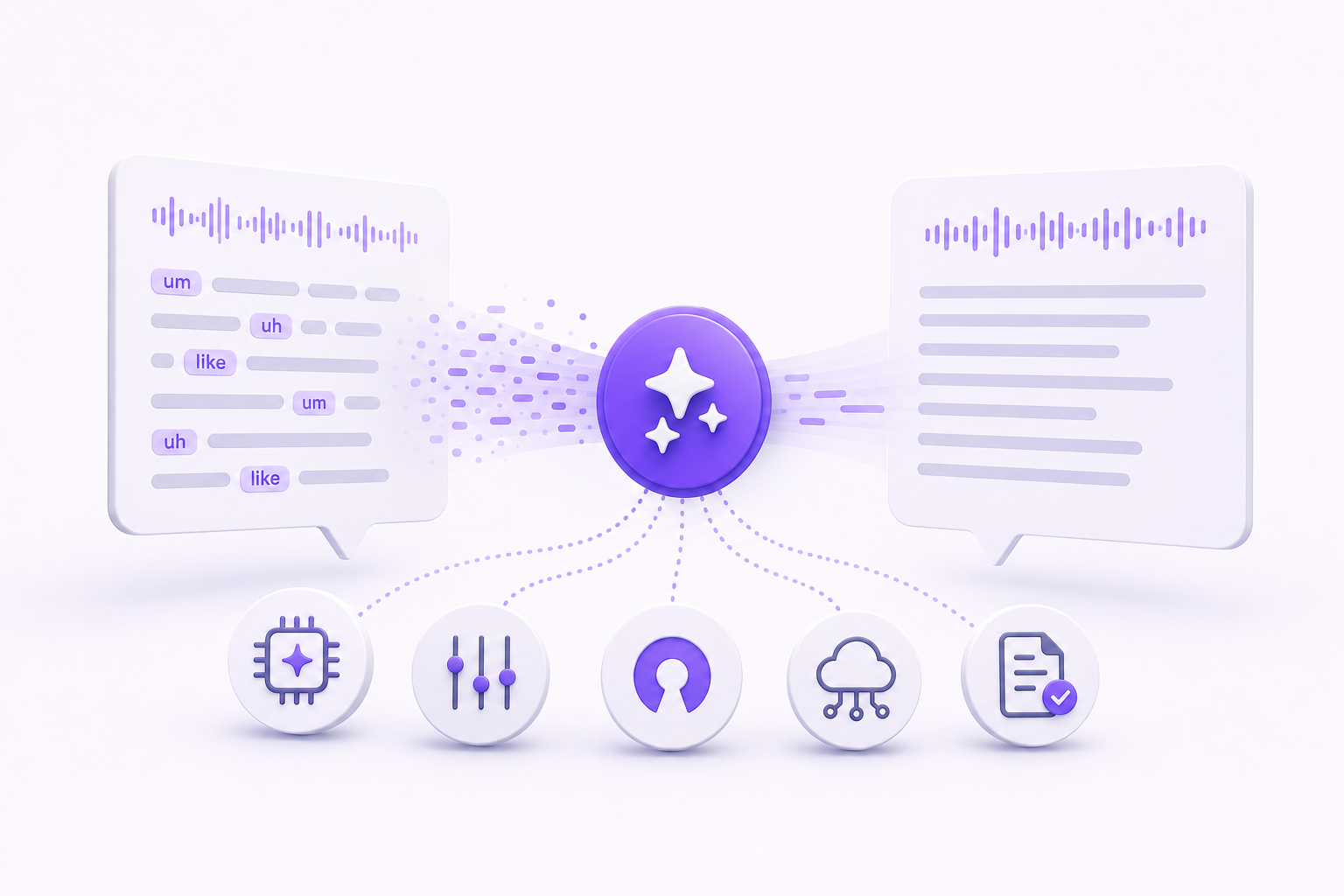
Words like "um," "uh," "like," and "you know" aren't silent. They take up real audio space at normal speech volume and duration. A silence-based trimmer has no way to tell "um" apart from a short word like "and" or "but." It hears sound, not meaning.
Reliable filler-word removal requires transcription first. Once the audio becomes text, the system can identify specific words and decide what to strip. That's why audio-only tools fail at this, and why every method below starts from a transcript.
1. Real-time AI cleanup during dictation
If your goal is clean written text as you dictate, real-time cleanup is the shortest path. You speak, and the output is already clean before it reaches your document, terminal, or code editor. No separate editing pass required.
That's what Vibe Typer's Magic Formatter does. As you dictate, it strips filler words and self-corrections from your speech before typing the result into whatever application is active at your cursor. The cleanup happens before the text lands, not after.
Magic Formatter also takes standing style instructions. You write your formatting preferences in plain English and it applies them to every session. Tell it to write in short sentences, use active voice, or format output as bullet points. Those instructions carry over automatically, so the output stays consistent.
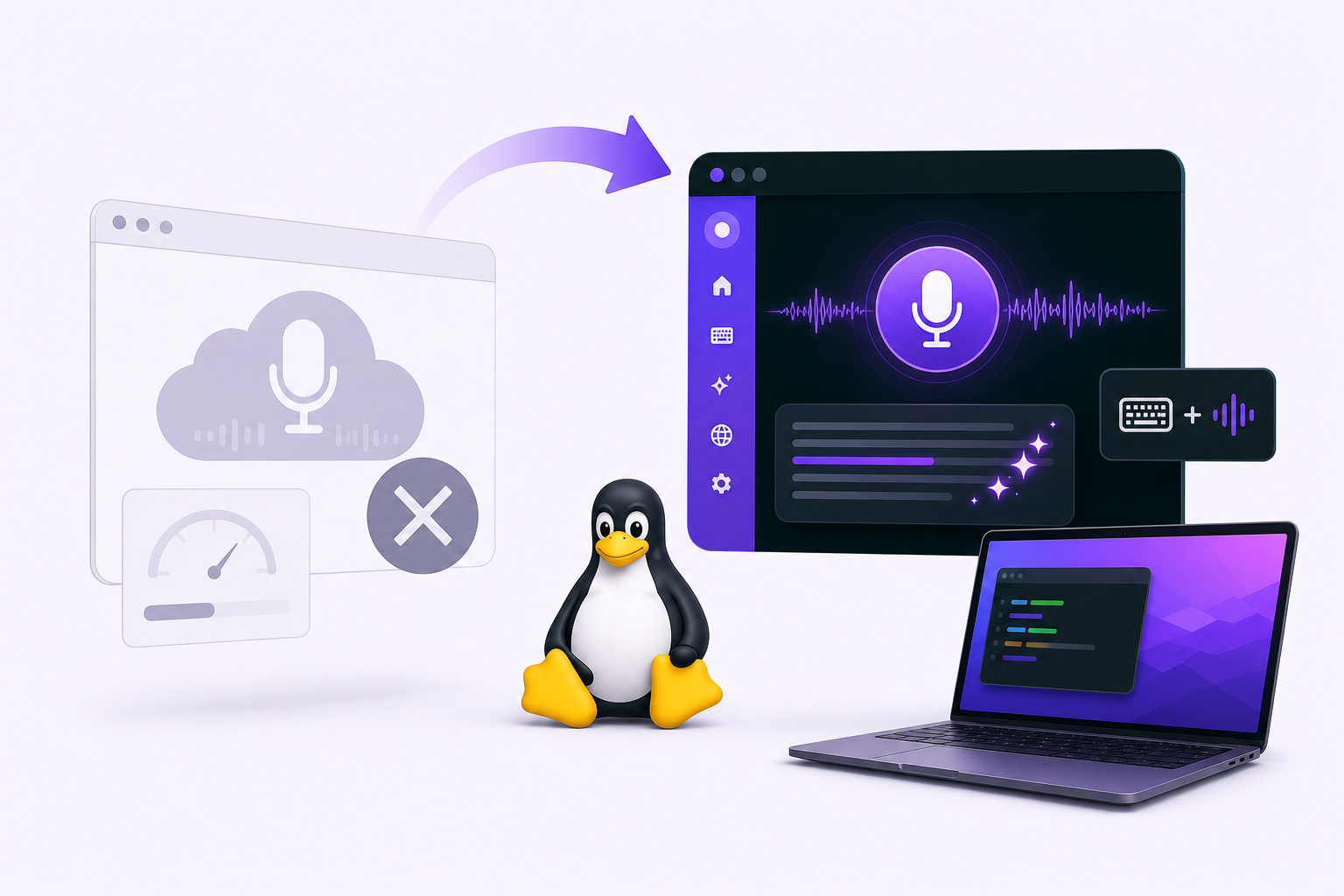
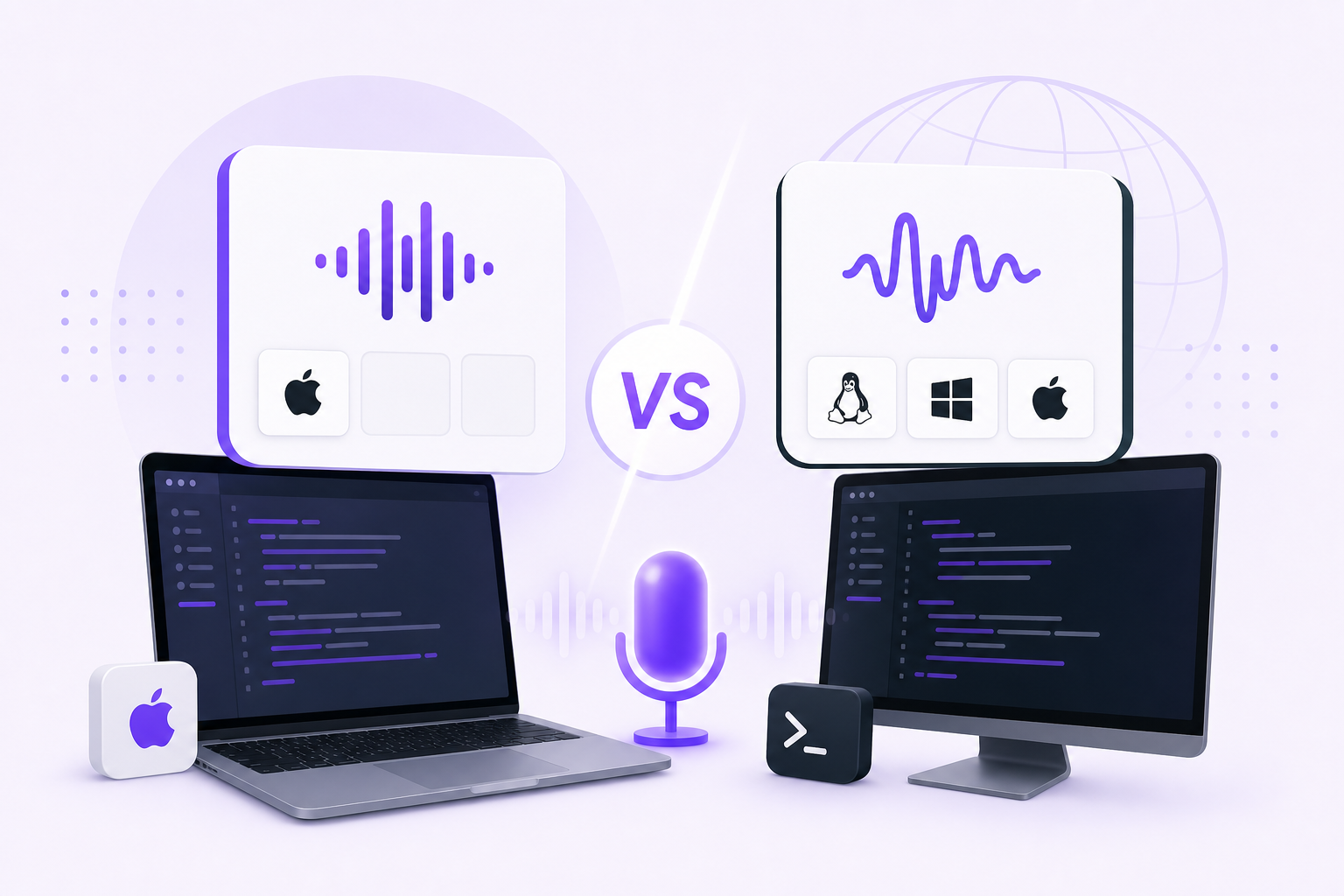
Vibe Typer runs natively on Linux (including Wayland), Windows, and macOS, and activates via hotkey to drop transcribed text directly into any application. Audio is processed in memory on Vibe Typer's own backend infrastructure with no server-side storage of your recordings. Dictation history is saved locally on your device, and a diff view lets you compare what you said against what was output.
Best for: writing, coding, filling in forms, composing emails, or any task where you want clean text immediately without a post-production step.
2. Post-recording editing tools (Descript and similar)
For podcast producers, video editors, and anyone working with recorded audio or video, post-recording tools are the standard approach.
Descript transcribes your audio and lets you edit the transcript like a text document. Delete a word in the transcript and the audio disappears with it. It includes automatic filler-word removal that scans the transcript and flags or removes common filler words in bulk.
These tools are built to record first and clean up later. The tradeoff is that cleanup is always a separate step, and the results depend on how accurate the underlying transcription is.
Best for: podcast episodes, recorded interviews, YouTube videos, and any content where the audio or video file itself is the final deliverable.
3. Local and open-source pipelines
If you want full control over your data and don't mind some technical setup, you can build a local pipeline using open-source transcription models combined with post-processing scripts.
The general pattern: transcribe audio with a local model, then run the transcript through a script that strips known filler words by matching against a list, or uses a lightweight language model to catch them in context.
This gives you complete data ownership and no dependency on external services. The tradeoff is setup time, ongoing maintenance, and the scripting that context-aware cleanup needs. Catching a self-correction takes more than matching a fixed word list.
Best for: developers, researchers, or privacy-focused users who want to own the entire pipeline.
4. API-dependent transcription services
Some transcription tools offer filler-word filtering but require you to supply your own API key to a third-party model provider. Superwhisper, for instance, routes transcription through external model APIs that the user configures themselves.
Filtering quality depends on the underlying model and how the tool handles post-processing on top of the raw transcript. The API key requirement also means managing credentials, monitoring usage costs, and accepting the data handling terms of the model provider, on top of the transcription tool's own terms.
Best for: users who already pay one model provider and want to add dictation on top.
5. Manual review with assisted highlighting
The least automated option is sometimes the most accurate. A tool highlights probable filler words in a transcript and you confirm or reject each one.
Some transcription platforms and subtitle editors include this as a review mode. It's slower than fully automated approaches, but useful when accuracy is critical and deleting a meaningful word by accident is too costly.
Best for: legal transcription, medical documentation, or any context where automated removal carries real risk.
Live cleanup vs. post-production editing: which do you need?
These two categories solve different problems, and the wrong one costs you an extra step.
| Live dictation cleanup | Post-production editing | |
|---|---|---|
| When cleanup happens | During dictation, before output | After recording, in a separate editing pass |
| Primary output | Clean text in any application | Edited audio or video file |
| Best for | Writing, coding, email, terminals | Podcasts, video, recorded interviews |
| Example tools | Vibe Typer (Magic Formatter) | Descript, Opus Clip |
| Extra editing step needed? | No | Yes |
If you're a developer dictating code comments, a writer composing drafts, or anyone who wants clean text to appear directly in their active application, live cleanup is the right category. If you're producing audio or video content, post-production editing tools are built for that.
Vibe Typer is in the live cleanup category. It also runs on Linux, including Wayland, as well as Windows and macOS.
Picking the right method
Start from a transcript; nothing else works. Then pick by the job: real-time cleanup for writing and coding, post-production editing for media, a local pipeline if the data has to stay on your machine, an API-based service if you already pay a model provider.
If you want clean text the moment you stop speaking, with no separate editing pass, see what Magic Formatter does at vibetyper.com.
FAQs
Can silence detection remove filler words from a recording?
No. Filler words like "um" and "uh" produce real audio, not silence. A silence-based trimmer can't distinguish them from short words like "and" or "but." Reliable filler-word removal requires transcription first, so the system can identify specific words by their text content.
What's the fastest way to remove filler words from dictated text?
Real-time AI cleanup during dictation is the fastest approach because the output is already clean before it reaches your document or application. Vibe Typer's Magic Formatter handles this automatically. There's no separate editing pass.
Does Vibe Typer process audio locally on my device?
Vibe Typer processes audio in memory on its own backend infrastructure. No recordings are stored server-side. Your dictation history is saved locally on your device, and a diff view shows what you said versus what was output.
What's the difference between stripping filler words and cleaning up self-corrections?
A simple filler-word list can catch fixed phrases like "um" or "uh," but self-corrections require context. "Send the file to, no wait, attach the file" means the speaker changed their mind mid-sentence. A word list won't catch that. Magic Formatter handles both.
Which platforms does Vibe Typer support for live filler-word cleanup?
Vibe Typer is a native desktop application for Linux (including Wayland), Windows, and macOS. It activates via hotkey and types transcribed, cleaned text directly into any active application at the cursor position.
Try Vibe Typer free
Voice typing that works in every app on Linux, Windows, and macOS. Free to download: 2,000 words a month, no card.
Download free