Vibe Typer vs Superwhisper vs Wispr Flow: The 2026 Head-to-Head

Written by Futsy, founder at Vibe Typer
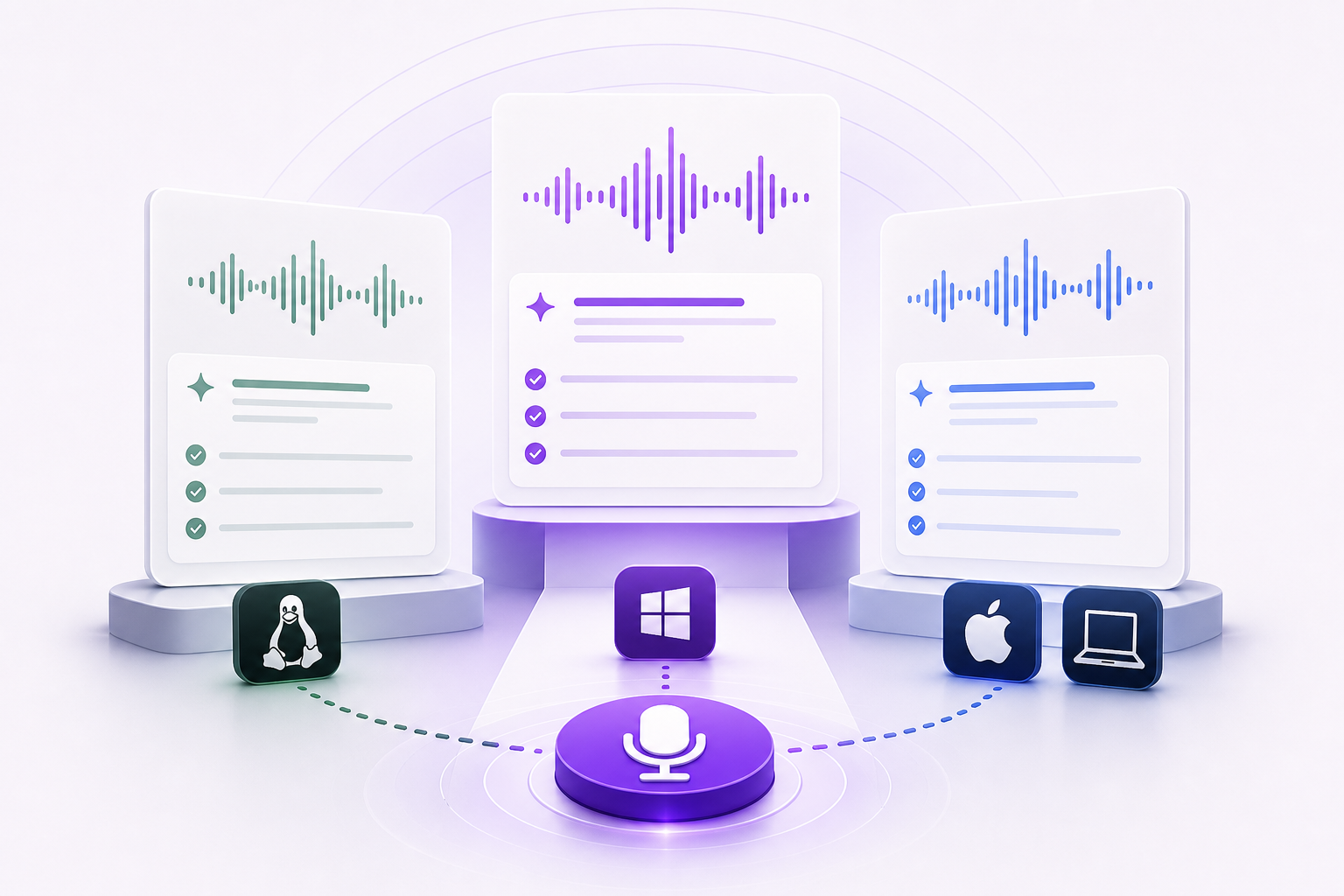
If you've been looking for a voice dictation app that fits how you work, you've probably landed on the same three names: Vibe Typer, Superwhisper, and Wispr Flow. All three promise fast, accurate transcription with AI cleanup. The differences depend on what OS you run, how much you care about privacy, and how much setup you're willing to do upfront.
This comparison covers what affects daily use: platform support, how AI formatting works, privacy posture, what each free tier includes, and pricing.
Platform support: where each app actually runs
This is the fastest way to narrow the field.
Wispr Flow supports Mac, Windows, iOS, and Android. No official Linux build.
Superwhisper started as a Mac app and later added Windows, iOS, Android and, in a preview, Linux (Superwhisper). On Linux it needs Wayland with Hyprland, KDE Plasma or GNOME, on Arch, Ubuntu 24.04 or newer, Fedora 40 or newer, Debian 13 or newer, Linux Mint 22 or newer or openSUSE Tumbleweed. X11 sessions and other desktops aren't supported.
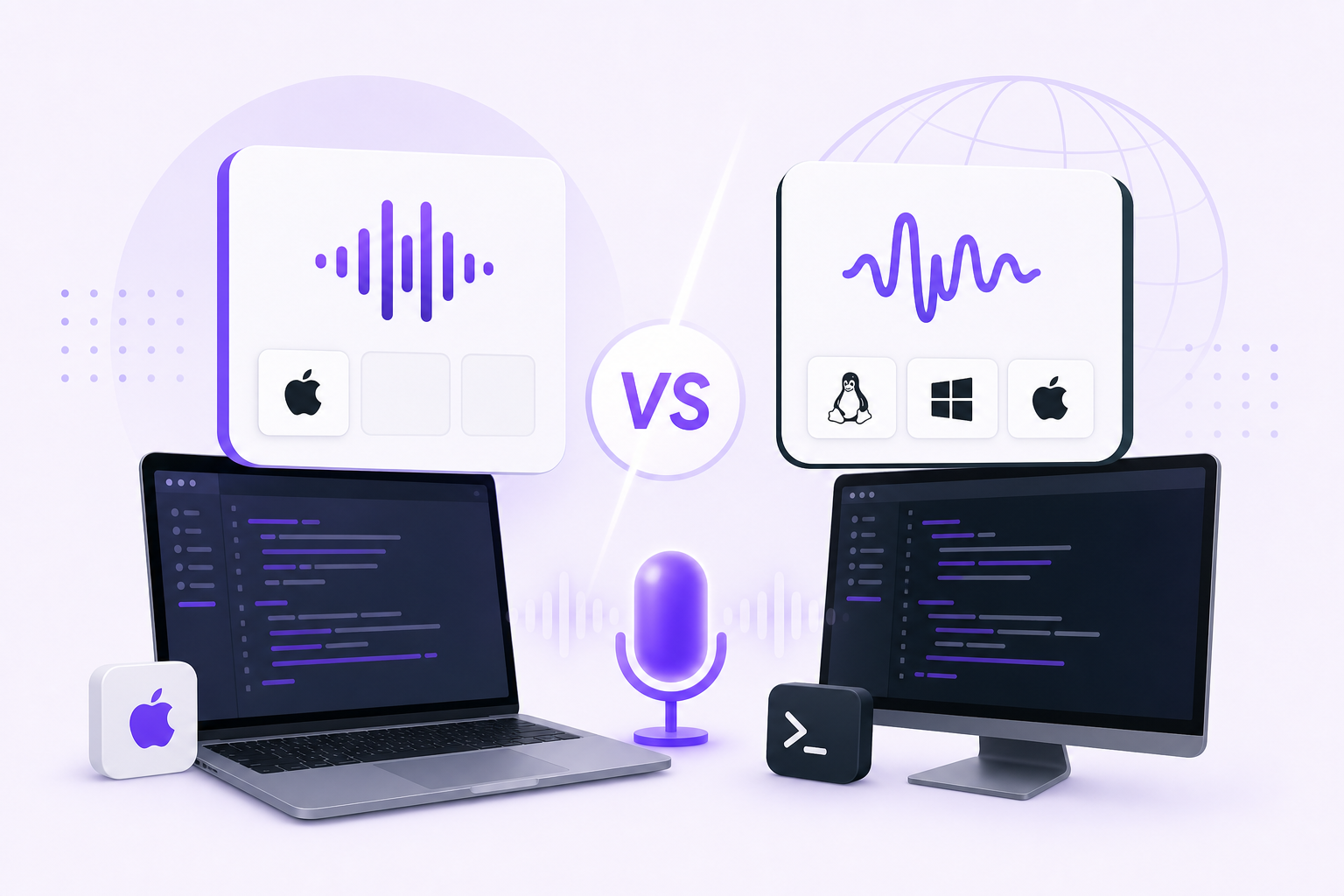
Vibe Typer runs natively on Linux, Windows and macOS, and there are iPhone and Android apps too. On Linux it ships as one portable AppImage with native support for both Wayland and X11. No compatibility hacks required.
On Linux the field narrows. Wispr Flow has no official Linux build, and Superwhisper's Linux preview needs Wayland and one of three desktops. Vibe Typer is the only app in this group that runs on X11 as well as Wayland, on Xfce, Cinnamon and COSMIC as well as GNOME and KDE Plasma.
For Windows and Mac users, all three are in play, which is where the rest of this comparison matters.
Text injection: where does the text actually go?
A dictation app is only as useful as where it can put the text.
Vibe Typer activates via hotkey and injects transcribed text directly at the cursor position in any application, including terminals, code editors like Cursor and Claude Code, and plain text fields. No clipboard step, no paste required.
Wispr Flow and Superwhisper type at the cursor too, on the platforms they support. Wispr makes no official Linux build, and Superwhisper's Linux preview runs on Wayland only, with Hyprland, KDE Plasma or GNOME. Vibe Typer types at the cursor across the whole Linux desktop, X11 included, in terminals and AI coding tools as much as in your browser.
AI formatting: how each app cleans up your speech
Raw transcription is rarely what you want to send. Filler words, self-corrections, inconsistent style. All of it needs cleaning. Here's how each app handles that.
Vibe Typer: Magic Formatter, our own model
Vibe Typer includes Magic Formatter, our own model built in-house just for cleaning up dictation. It strips filler words and self-corrections from your dictation automatically, with no setup required.
The more distinctive piece is how good the cleanup is. In a blind comparison across 2,400 dictations in 46 languages, it was picked three times as often as our previous Magic Formatter: 1,145 to 368, with 887 ties. Talk for a minute and you get paragraphs back, talk through a list and you get a list, and it never adds a word you didn't say. No per-session reconfiguration. It just runs.
Superwhisper: Modes system with API keys
Superwhisper has a Modes system that can apply post-processing to transcriptions. The catch on Mac and Windows is that AI processing is a Pro feature: the free plan allows two modes with no AI processing. Pro runs AI modes on cloud models bundled with Pro, or on your own API keys if you bring them. Vibe Typer's Magic Formatter works on every plan, free included.
Wispr Flow: AI cleanup built in
Wispr Flow includes AI formatting in the core product. One thing worth knowing is that Wispr Flow reads text from the app you're dictating into to power its context features. Wispr says it doesn't take screenshots, and you can switch it off on Mac and Windows (Wispr). It is still a privacy question for anyone working with sensitive content.
Privacy: what happens to your audio
Here's what each app does with your audio.
Vibe Typer transcribes in the cloud, which gives you accuracy that doesn't depend on your GPU. It processes your audio in memory, with no recordings or transcripts on our servers. Your dictation history stays on your device, and a diff view shows what you said next to what was output.
Superwhisper runs local models for core transcription, so its speed and accuracy depend on your hardware, and that step stays on your device. On Mac and Windows its AI cleanup is a Pro feature and, apart from one local English model, runs on cloud language models included with Pro.
Wispr Flow processes audio server-side and, unless you switch cloud storage off, keeps transcripts, audio and history on its servers. As noted above, it also reads on-screen text for context. If you work with confidential documents on screen, that matters.
For privacy without the hardware trade-off, Vibe Typer is the pick: audio is processed in memory, with no recordings or transcripts on our servers, and accuracy doesn't depend on your computer.
Free tier: what you actually get without paying
Here's what each free tier includes.
| Vibe Typer | Superwhisper | Wispr Flow | |
|---|---|---|---|
| AI operations | Included | Pro only on Mac and Windows | Included |
| Credit card required | No | No | No |
| Magic Formatter / AI cleanup | Yes, our own model | Pro only on Mac and Windows | Yes |
Vibe Typer's free tier includes Magic Formatter, our own model for cleaning up dictation, and 20 AI operations, with no credit card required, and it is the only one of the three that runs on X11 as well as Wayland. Once you're past the free tier, Vibe Typer Pro is unlimited at $8 per month billed annually, which is where the comparison tips its way.
Paid pricing
Vibe Typer Pro is $8/month billed annually, $96 a year, or $10/month on a month-to-month basis. Pro includes unlimited voice typing, unlimited AI operations, and priority support. AI rewrite, tone styling, and voice commands work on every plan, free included.
Wispr Flow Pro is $12 a month billed annually or $15 month to month. Superwhisper Pro is $8.49/month.
Language support
Vibe Typer supports 99 languages with automatic language detection. You don't need to select a language before you start dictating.
Since September 2026 Wispr Flow runs on Canto, the first speech model Wispr built itself, which Wispr has so far evaluated on English only (Wispr). Wispr says Flow dictates in 100+ languages and, on Mac, Windows and iOS, can detect the language of each dictation for you (Wispr Flow help). Superwhisper's language coverage depends on the model you pick.
Activity tracking
Vibe Typer includes an activity dashboard that tracks words dictated, time saved, speaking pace, and a streak calendar. If you're trying to build a dictation habit, those numbers are in the app without any third-party integration.
Which one to pick
Use Vibe Typer if you're on Linux, or you want AI formatting that works without API key setup. It's also the right call if you work in terminals or AI coding editors and need text injected reliably at the cursor. Audio is processed in memory, with no recordings or transcripts on our servers. Vibe Typer runs natively on all three major desktop platforms, and is the only app in this comparison that runs on X11 as well as Wayland.
Superwhisper keeps AI cleanup for Pro on Mac and Windows, and its local models are only as fast and accurate as your hardware. Vibe Typer's Magic Formatter comes on every plan, free included, and its accuracy doesn't depend on your computer, so Vibe Typer is my pick.
Wispr Flow has no official Linux app, reads on-screen text for context unless you switch that off, which you can't on iPhone, and its Pro plan costs 50% more than Vibe Typer's, $12 against $8 a month, both billed annually. With Vibe Typer, a dictation sends nothing from your screen, and it runs on Linux, Windows and Mac, plus iPhone and Android keyboards, so it's my pick.
FAQs
Does Vibe Typer work on Linux with Wayland?
Yes. Vibe Typer ships as a portable AppImage with native support for both Wayland and X11. No compatibility layer needed, no display server switching required.
Can Vibe Typer inject text into a terminal or code editor?
Yes. Vibe Typer injects transcribed text at the cursor position in any application where a cursor exists, including terminal emulators and AI coding editors like Cursor and Claude Code.
Does Superwhisper support Linux?
Only on Wayland, with Hyprland, KDE Plasma or GNOME. As of November 2026, Superwhisper for Linux is in preview, for Arch, Ubuntu 24.04 or newer, Fedora 40 or newer, Debian 13 or newer, Linux Mint 22 or newer and openSUSE Tumbleweed. X11 sessions and desktops like Xfce, Cinnamon and COSMIC aren't supported. Vibe Typer runs on all of them, Wayland and X11, from one AppImage.
Does Wispr Flow support Linux?
Wispr makes no official Linux app. Wispr Flow supports Mac, Windows, iOS, and Android. The only Linux option is an unofficial community port of the Windows app, which Wispr does not support. Vibe Typer is the pick on Linux: it runs natively on Wayland and X11 from one AppImage.
Where does Vibe Typer process my audio?
In the cloud, so accuracy doesn't depend on your hardware. Vibe Typer processes your audio in memory, with no recordings or transcripts on our servers. Your dictation history stays on your device.
How does Vibe Typer's Magic Formatter work?
It's Vibe Typer's own model, built in-house just for cleaning up dictation. Once you stop talking, it strips filler words and self-corrections and sets punctuation, capitals, paragraphs and lists, without adding a word. It runs on every plan, free included, with no API key setup.
What's the difference between Vibe Typer's free tier and Wispr Flow's free tier?
Vibe Typer's free tier needs no credit card and includes Magic Formatter, its own model for cleaning up dictation. Wispr Flow's Pro plan is $12 a month billed annually or $15 monthly, against Vibe Typer's $8 a month billed annually or $10 monthly, and Wispr makes no official Linux build.
On X11, or on desktops like Xfce, Cinnamon and COSMIC, Vibe Typer is the only option in this group, and everywhere else it's still the pick, with AI formatting on every plan, free included, and no API key setup. Try the free tier at vibetyper.com before committing to anything.
Try Vibe Typer free
Voice typing that works in every app on Linux, Windows, Mac, iPhone and Android. Free to start, no card needed.
Download free