Does Superwhisper Work on Linux? Honest Answer for 2026

Written by Futsy, founder at Vibe Typer
If you found Superwhisper and thought it looked like exactly what you needed, then wondered whether it runs on your Linux machine, you're not alone. This question comes up often in r/linux and r/linuxquestions threads.
Here's the straight answer, plus what your real options look like in 2026.
Does Superwhisper support Linux?
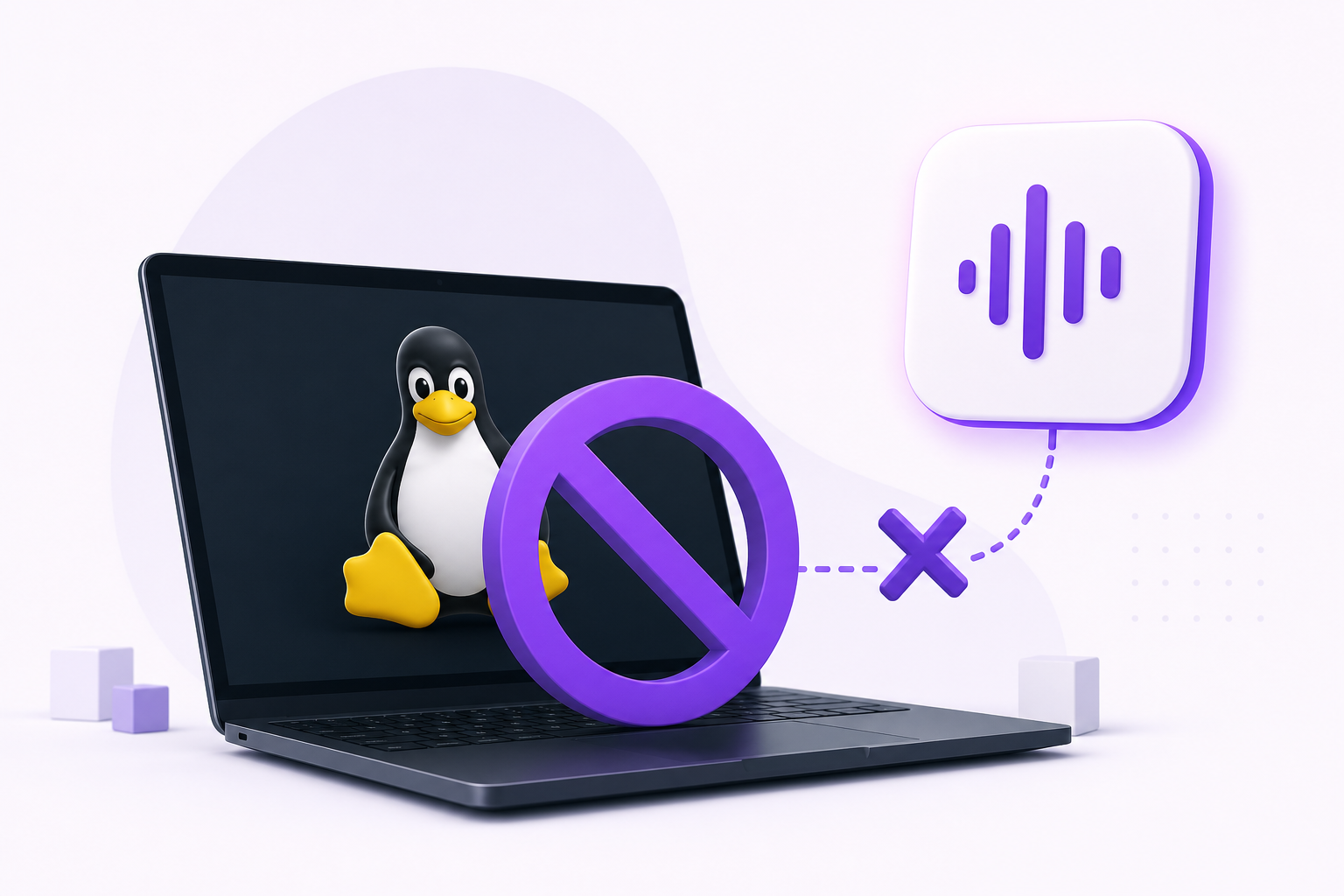
Only on Wayland, with Hyprland, KDE Plasma or GNOME. As of November 2026, Superwhisper for Linux is in preview, for Arch, Ubuntu 24.04 or newer, Fedora 40 or newer, Debian 13 or newer, Linux Mint 22 or newer and openSUSE Tumbleweed. X11 sessions aren't supported.
Superwhisper is Mac-first by design, built around running Whisper models locally on Apple hardware, which is central to its privacy model. Windows, iOS and Android support came later, and Linux is the newest. What it leaves out is X11 and every desktop other than Hyprland, KDE Plasma and GNOME: Linux Mint's default Cinnamon session, Xfce, MATE and COSMIC are all unsupported, and so is Ubuntu 22.04. There's no AppImage, deb, rpm or Flatpak either.
Why does this keep coming up?
Superwhisper is well known among Mac developers.
So when Linux users hear about it from colleagues or spot it in productivity threads, the natural next step is to look for a Linux version. There is one now, but only for Wayland with Hyprland, KDE Plasma or GNOME.
Wispr Flow is further behind: Wispr has published no official Linux app, and the only route is an unofficial community port of its Windows app.
What Superwhisper offers on Mac
Knowing what Superwhisper offers on Mac helps you figure out what to look for on Linux.
Local processing. Superwhisper's local models are only as fast and accurate as your hardware, and they keep audio on your device.
Hotkey activation. Press a key, speak, release, and the text appears. No window switching, no browser tab.
Whisper model quality. Superwhisper's free plan runs its local Whisper models on your Mac, and Pro adds cloud models and AI modes. How well the local models run depends on your Mac: Superwhisper says they only run really well on Apple silicon.
On X11, or on a desktop like Cinnamon, Xfce or COSMIC, none of them are available to you. Vibe Typer runs on every one of those.
The Linux dictation problem in 2026
Linux users who want system-wide voice typing run into a specific set of problems that most tools ignore.
Most voice typing apps are built for consumer operating systems first. Linux is an afterthought, if it's considered at all. When Linux support does get attempted, it often means X11 only, so it breaks on Wayland. That's a growing problem. Many distributions now default to Wayland. A tool that only works on X11 is already behind.
The other common failure mode is browser-based tools. They work inside a browser tab but can't inject text into a terminal, a code editor, or any native application. For developers working in Neovim, VS Code, Cursor, or a terminal running Claude Code or OpenCode, that's a dealbreaker.
What actually works on Linux
The only polished native desktop voice-to-text application with confirmed support for Linux, including both Wayland and X11, is Vibe Typer.
It ships as a portable AppImage, so there's no package manager dependency, no root access required, and it runs on Ubuntu, Fedora, Debian, Arch and Linux Mint. Wayland and X11 are both supported natively.
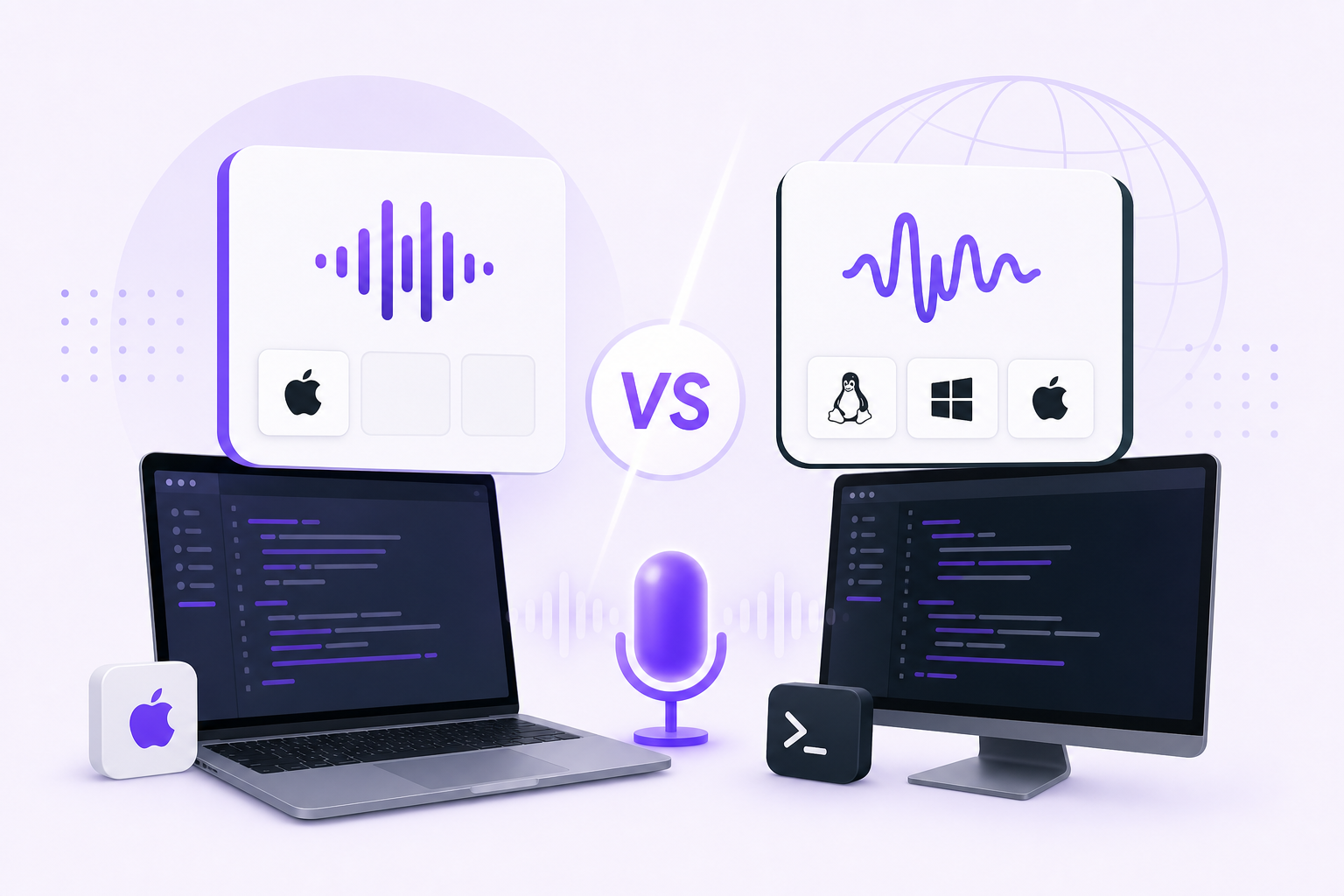
Here's how it stacks up against what Superwhisper offers on Mac:
| Feature | Superwhisper | Vibe Typer |
|---|---|---|
| Linux support | Preview, Wayland only, on Hyprland, KDE Plasma or GNOME | Yes: Ubuntu, Fedora, Debian, Arch and Mint, on X11 and Wayland |
| Hotkey activation | Yes | Yes |
| Injects text at cursor | Yes | Yes, including terminals |
| Filler word removal | Pro only, with AI modes | Yes, Magic Formatter |
| Audio processing | Superwhisper's local models on your device, or its cloud models | Cloud, in memory, no recordings or transcripts on our servers |
| Free tier | Superwhisper's local models, whose speed and accuracy depend on your hardware | Magic Formatter included, no credit card required |
Vibe Typer transcribes in the cloud. Audio is processed in memory, with no recordings or transcripts on our servers. Your dictation history stays on your device.
Magic Formatter
One thing Superwhisper doesn't have a direct equivalent for is Magic Formatter. It's our own model, built in-house just for cleaning up dictation, and you only get it in Vibe Typer: it strips filler words and self-corrections, sets punctuation, paragraphs and lists, and never adds a word. In Superwhisper on Mac and Windows, AI processing is a Pro feature, set up mode by mode, while Magic Formatter comes on every Vibe Typer plan, free included.
Terminals and code editors
Vibe Typer injects transcribed text directly at the cursor position in any application, including terminals. If you're dictating commands, writing commit messages, or talking through code in Cursor or OpenCode, it works the same way it does in a text editor or email client. That's not something most voice typing tools can claim.
A realistic summary for Linux developers
If you landed here because a Mac-using colleague mentioned Superwhisper and you wanted something similar for Linux, here's the honest picture.
Superwhisper now runs on Linux, but only on Wayland with Hyprland, KDE Plasma or GNOME, and it's still in preview. The tools that do exist for Linux voice typing either need a lot of manual setup, only work on X11, or are browser-based and can't reach your terminal.
Vibe Typer was built for that gap. The free tier needs no credit card, so you can test whether voice typing fits how you work before committing to anything. Pro is $8 per month billed annually, and Magic Formatter comes on every plan, free included, where Superwhisper keeps AI processing for Pro on Mac and Windows.
Start at vibetyper.com.
FAQs
Does Superwhisper have a Linux version?
Only on Wayland, with Hyprland, KDE Plasma or GNOME. As of November 2026, Superwhisper for Linux is in preview, for Arch, Ubuntu 24.04 or newer, Fedora 40 or newer, Debian 13 or newer, Linux Mint 22 or newer and openSUSE Tumbleweed. X11 sessions and desktops like Xfce, Cinnamon and COSMIC aren't supported. Vibe Typer runs on all of them, Wayland and X11, from one AppImage.
Can I run Superwhisper on Linux with Wine or a compatibility layer?
No. Superwhisper does not support running its Windows app under Wine, and its own Linux version needs Wayland with Hyprland, KDE Plasma or GNOME, so on X11 or another desktop there is no supported route. Vibe Typer runs natively on Wayland and X11.
What is the best Superwhisper alternative for Linux in 2026?
Vibe Typer is the only polished native desktop voice-to-text application with confirmed support for Linux, including both Wayland and X11. It activates via hotkey, injects text at the cursor in any application including terminals, and includes Magic Formatter, its own model built just for cleaning up dictation, for automatic filler-word removal, paragraphs and lists.
Does Vibe Typer work on Wayland?
Yes. Vibe Typer ships as a portable AppImage with native support for both X11 and Wayland. That's a meaningful distinction. Many voice typing tools that claim Linux support break on Wayland.
Is Vibe Typer's audio processing private?
Yes. Vibe Typer transcribes in the cloud. Audio is processed in memory, with no recordings or transcripts on our servers, and dictation history is saved locally on your device.
How does Vibe Typer's free tier compare to Superwhisper's free tier?
Vibe Typer's free tier includes AI cleanup with Magic Formatter, needs no credit card, and transcribes in the cloud, so accuracy doesn't depend on your computer. On Mac and Windows, Superwhisper's free tier runs its local Whisper models on your device with no AI processing; its AI modes and cloud models need Pro. Of the two free tiers, I'd pick Vibe Typer's.
Can Vibe Typer type into a terminal or code editor?
Yes. Vibe Typer injects transcribed text directly at the cursor position in any application, including terminals and code editors like Cursor, VS Code, and Neovim.
Try Vibe Typer free
Voice typing that works in every app on Linux, Windows, Mac, iPhone and Android. Free to start, no card needed.
Download free