Linux speech to text and dictation software: 10 tools compared

Written by Futsy, founder at Vibe Typer
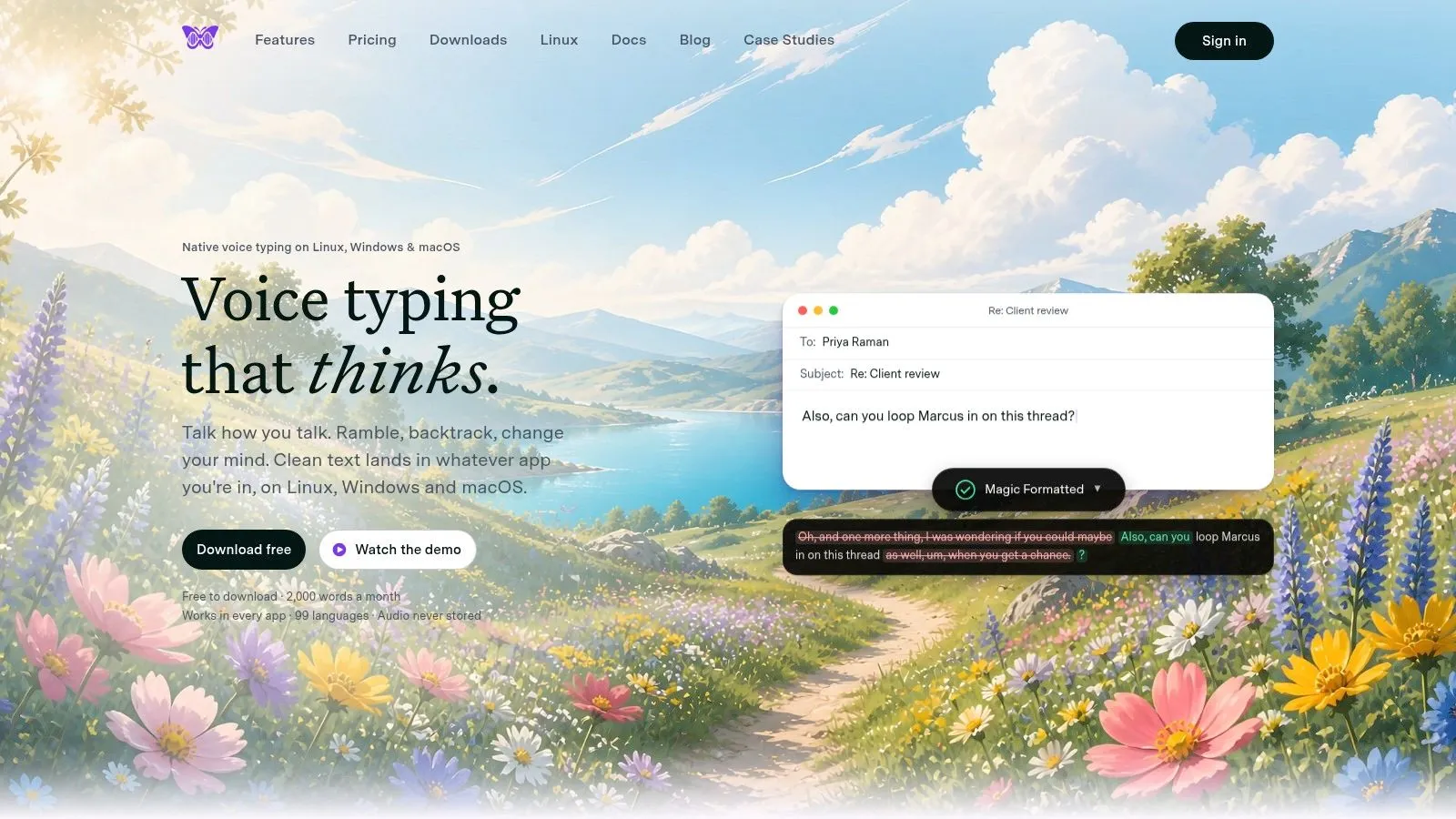
In 2026, the best dictation software for Linux is Vibe Typer: native on Wayland and X11, it types clean text into whatever app has focus, and Magic Formatter cleans up what you say before it lands. Linux users can choose from 17 free speech-recognition tools, and that variety makes the decision harder.
You might dictate a command into a terminal, draft a long report in an editor, then answer messages in a browser, all during the same workday. A tool that transcribes accurately but can't place text into the active window is still a poor fit. On Linux, the display server, insertion method, microphone path, processing model, language handling, and setup effort all shape whether dictation works beyond a demonstration.
The X11 and Wayland split matters most. A Wayland client can't see or inject input into another client, and it can't claim a global shortcut independently, so tools that worked through X11 automation may fail or behave inconsistently on modern desktops. That's why this comparison treats cursor insertion and compositor support as core capabilities.
The list below compares 10 Linux dictation tools on those decisions. It covers cross-platform apps, local Whisper and Vosk options, scriptable utilities, voice-control systems, and browser-only dictation. After the list there's a selection guide and a setup checklist for testing your pick in the app you use most. We make Vibe Typer, so weigh our recommendation accordingly.
Table of contents
- 1. Vibe Typer
- 2. Vocalinux
- 3. Nerd-Dictation
- 4. Speech Note
- 5. Voquill
- 6. whisrs
- 7. Whispering Tiger
- 8. Talon Voice
- 9. LotusQ
- 10. Voice In
- Top 10 Linux dictation tools, feature comparison
- Choose your Linux dictation setup
1. Vibe Typer
Vibe Typer is our pick for most Linux users: dictation that works across Linux desktops and other platforms without configuring each app separately. The Linux app supports native Wayland and X11, the same account works on Windows and macOS, and there are iPhone and Android keyboards too. On GNOME 48 or later and KDE Plasma 6 it needs no setup or password: it types through the desktop's own portals. It inserts text into the active application, including editors, terminals, and chat windows, so nothing depends on plugins or browser-specific fields.
What matters is what happens after speech recognition. Magic Formatter, our own model built in-house just for cleaning up dictation, removes filler, handles hesitations and mid-sentence corrections, and sets punctuation, paragraphs and lists. A diff shows the changes so you don't have to accept a rewrite blind. That makes it more useful for reports, messages, and technical writing than a raw transcript you still have to clean up.
Practical rule: Test insertion in your terminal, editor, and primary browser before judging a Linux dictation app. The same transcription can feel reliable in one workflow and frustrating in another.
Recording uses a customizable hotkey in hold-to-talk or toggle mode. Automatic system mute keeps other system sounds out of the recording. Per-app insertion rules keep terminal output as plain text and let you override that where needed. Custom dictionaries handle names, jargon, and product terms, and language detection is automatic across 99 languages.
Transcription runs in the cloud, so it's as fast and accurate on an old laptop as on a workstation, and there's no model to download. Audio is processed in memory, with no recordings or transcripts on our servers. Nothing you dictate trains a model, and preferences sync privately across machines. It's free to start, no card, with Magic Formatter included, and Pro costs $8 a month billed annually, or $10 month to month. See pricing for the current plans.
2. Vocalinux
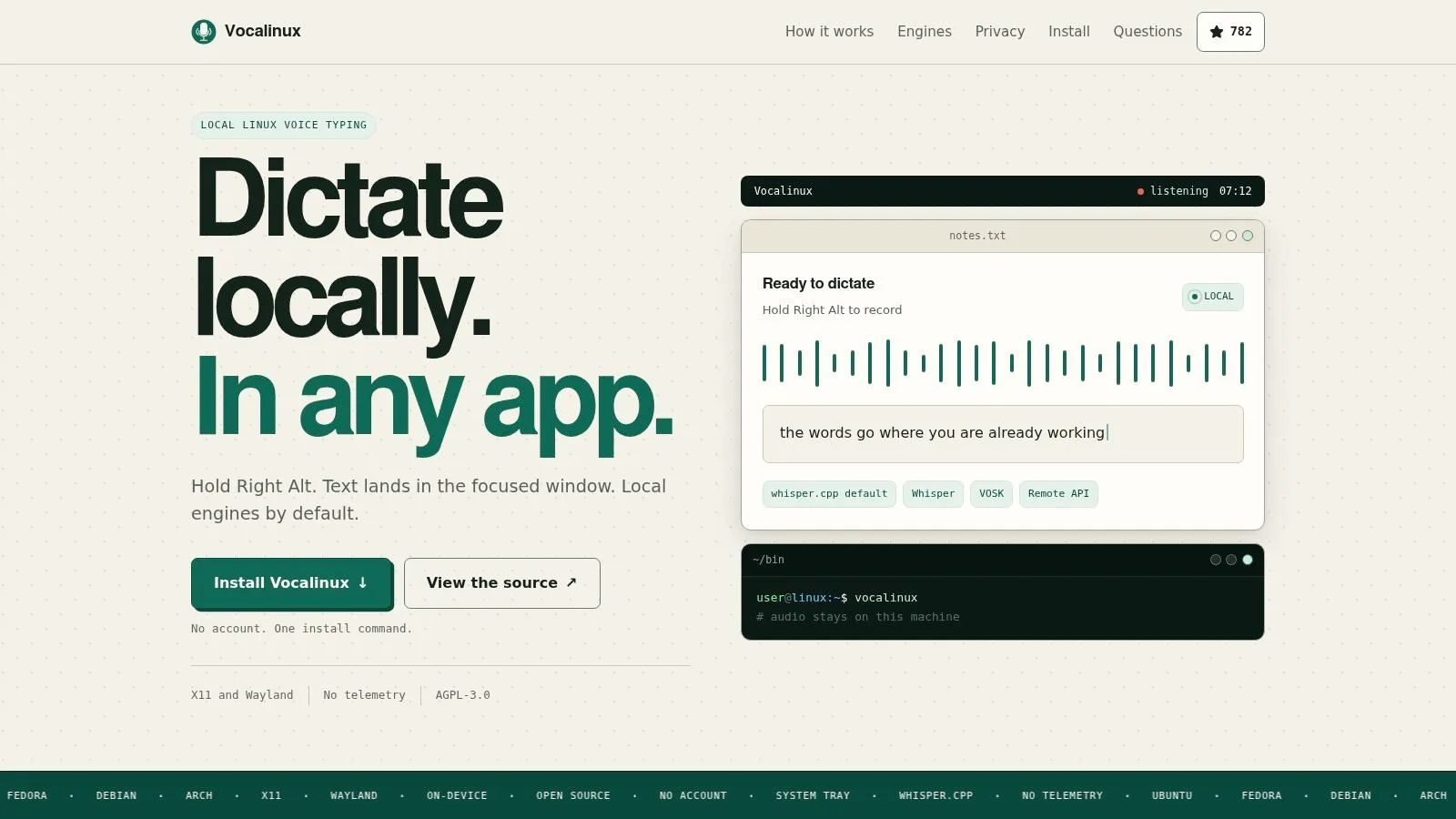
Vocalinux takes the opposite approach to a cloud-oriented productivity app. It's a free, open-source Linux application designed for on-device dictation, with a system-tray interface and direct typing at the cursor. The tool is built around Whisper and can use CPU or GPU processing, which gives users control over where recognition happens and whether audio leaves the machine.
It has a GUI and Linux-native packaging. AppImage, DEB, and RPM builds cover Ubuntu, Fedora, Debian, and Arch, and it supports both Wayland and X11. Push-to-talk, autostart, and a tray indicator mean you don't need a terminal command for every recording.
Vocalinux inserts text on Wayland through IBus, which matters because Wayland doesn't allow the synthetic input that X11 tools assume. Other Linux engines include Whisper, Vosk, Kaldi, SpeechBrain, Coqui STT, and Julius, and one Linux-focused directory lists 17 free tools built on them. This Linux voice-recognition overview explains why the front end and insertion path matter as much as the engine.
Trade-offs
Vocalinux is built for local processing with a GUI, no account and no telemetry, without assembling a personal script. The trade-off is hardware and storage overhead. Whisper model downloads can be large, and older or low-VRAM systems may need CPU inference, so an easy install doesn't mean it runs quickly on every machine.
3. Nerd-Dictation
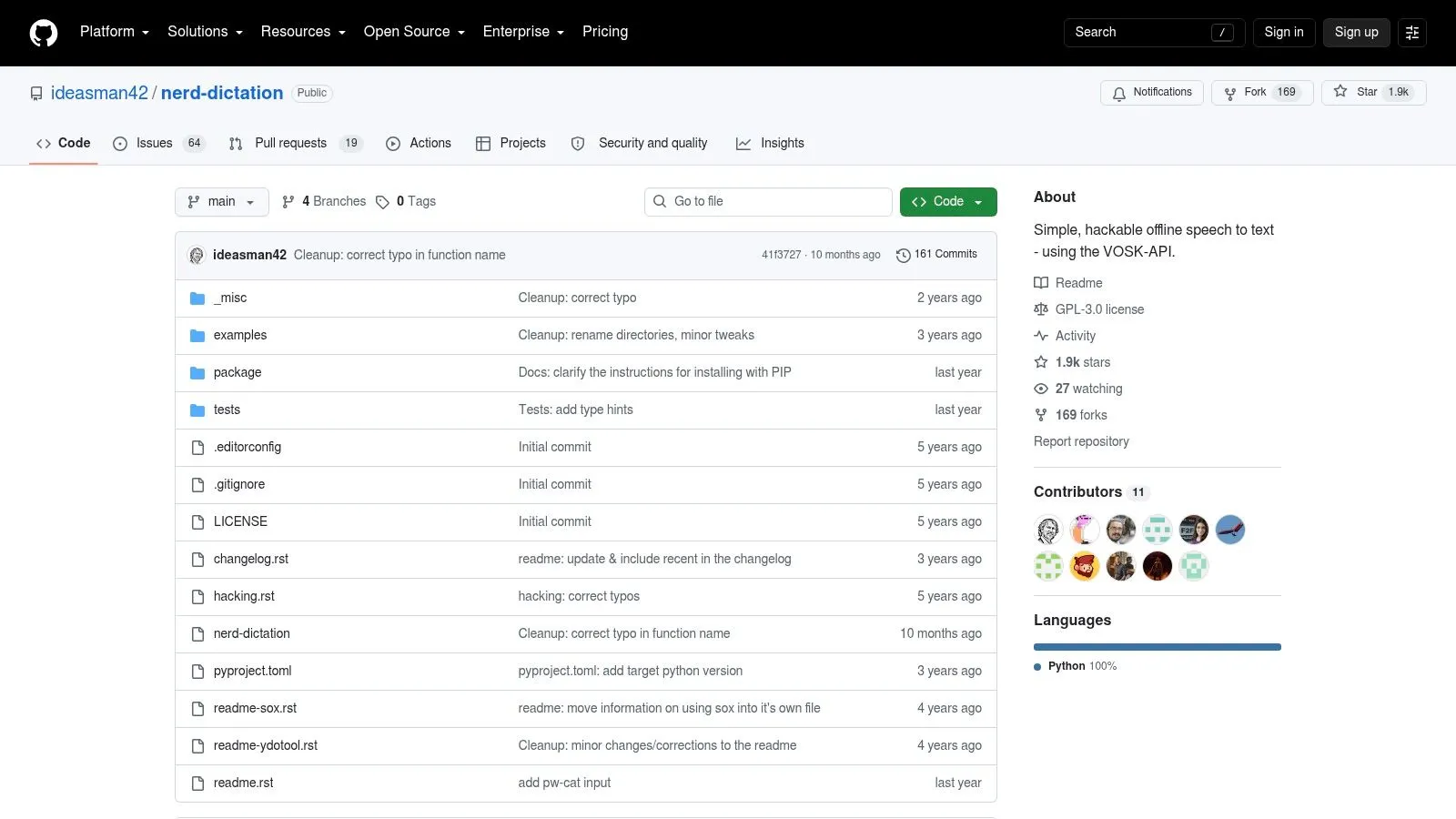
Nerd-Dictation is for Linux users who see configuration as a feature. It's a minimalist Python utility using Vosk, without a full desktop application or background daemon. You control how it starts, stops, receives audio, transforms text, and inserts output.
The output path is deliberately explicit. On X11, the tool can use xdotool. On Wayland, it can work with ydotool, dotool, or wtype, but each of those helpers brings its own permission and compositor quirks. xdotool isn't native on Wayland, and nested X11 or alternative helpers behave differently on GNOME and KDE.
Nerd-Dictation supports PulseAudio and PipeWire and allows Python post-processing hooks. You can use those hooks for number formatting, capitalization rules, or project-specific transformations. The flexibility is also the main cost. You need to understand the audio device, hotkey, model, and insertion command yourself; there's no guided setup.
Vosk output tends toward lowercase, and punctuation or capitalization may require custom rules. That makes it a poor fit for email you'd send as-is.
4. Speech Note
Speech Note is a Linux desktop app for taking, reading and translating notes. Speech to text, text to speech and machine translation all run offline on your machine. You pick a speech engine and download its model inside the app: Vosk, whisper.cpp and Faster Whisper are among them, with add-ons for GPU acceleration.
It ships as a Flatpak on Flathub, so you don't build it yourself. Typing into other apps is a side feature: a global shortcut or a command-line action starts listening and inserts the text into the window in focus. On X11 that works out of the box. On Wayland it needs the ydotool daemon installed and running, and global shortcuts need a desktop that supports the GlobalShortcuts portal, which the project says recent KDE Plasma and GNOME do.
Where it sits
Speech Note is a notes app first, with local recognition and a long list of engines to tune. For dictating straight into a terminal, editor or chat window on Wayland, Vibe Typer is the pick: one hotkey, and no outside tool like ydotool to install and keep running.
5. Voquill
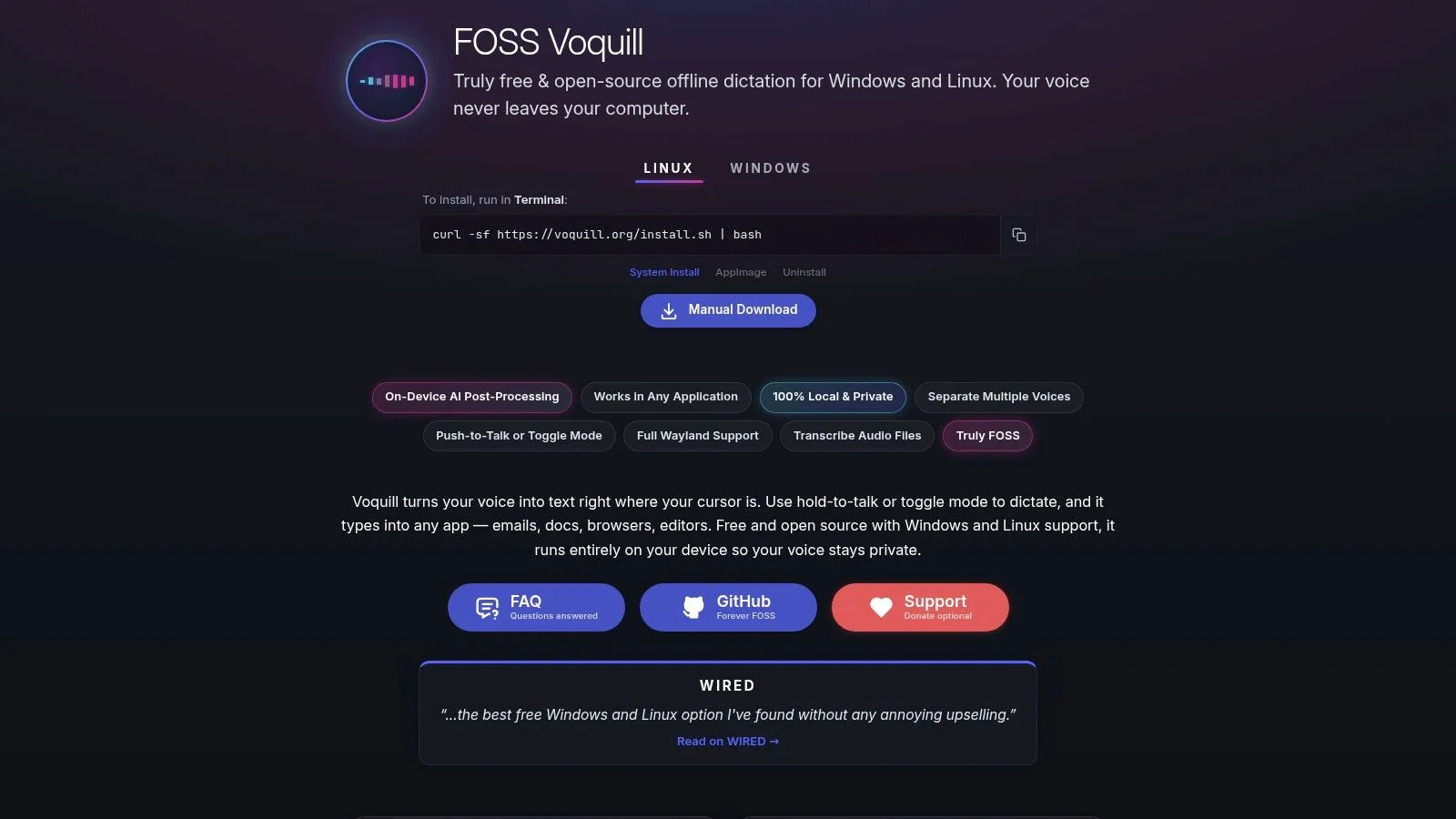
Voquill focuses on private, local voice input and broader transcription tasks. It's a FOSS application under the AGPLv3 license, with no account or subscription requirement, and it types live dictation at the cursor on both Wayland and X11. Wayland insertion goes through XDG Portals, the permission model modern Linux desktops expect.
The live workflow is only part of the product. Voquill can transcribe audio files, apply local refinement, search dictation history, use a custom dictionary, and support speaker diarization for multi-speaker material. You can pick between local Whisper and Parakeet engines, and optional local LLM post-processing removes filler without sending that step to a remote service.
If you only need short text in a chat box, file transcription and diarization are features you won't use.
Privacy boundary: "Local" describes where processing occurs. You should still check whether the application keeps searchable history, cached audio, model data, or generated transcripts on the machine.
The risks are operational. It's a newer project, so packaging and docs are still changing, and local LLM refiners are heavy on low-end hardware. If you want no account and an AGPLv3 codebase, that's the price.
6. whisrs
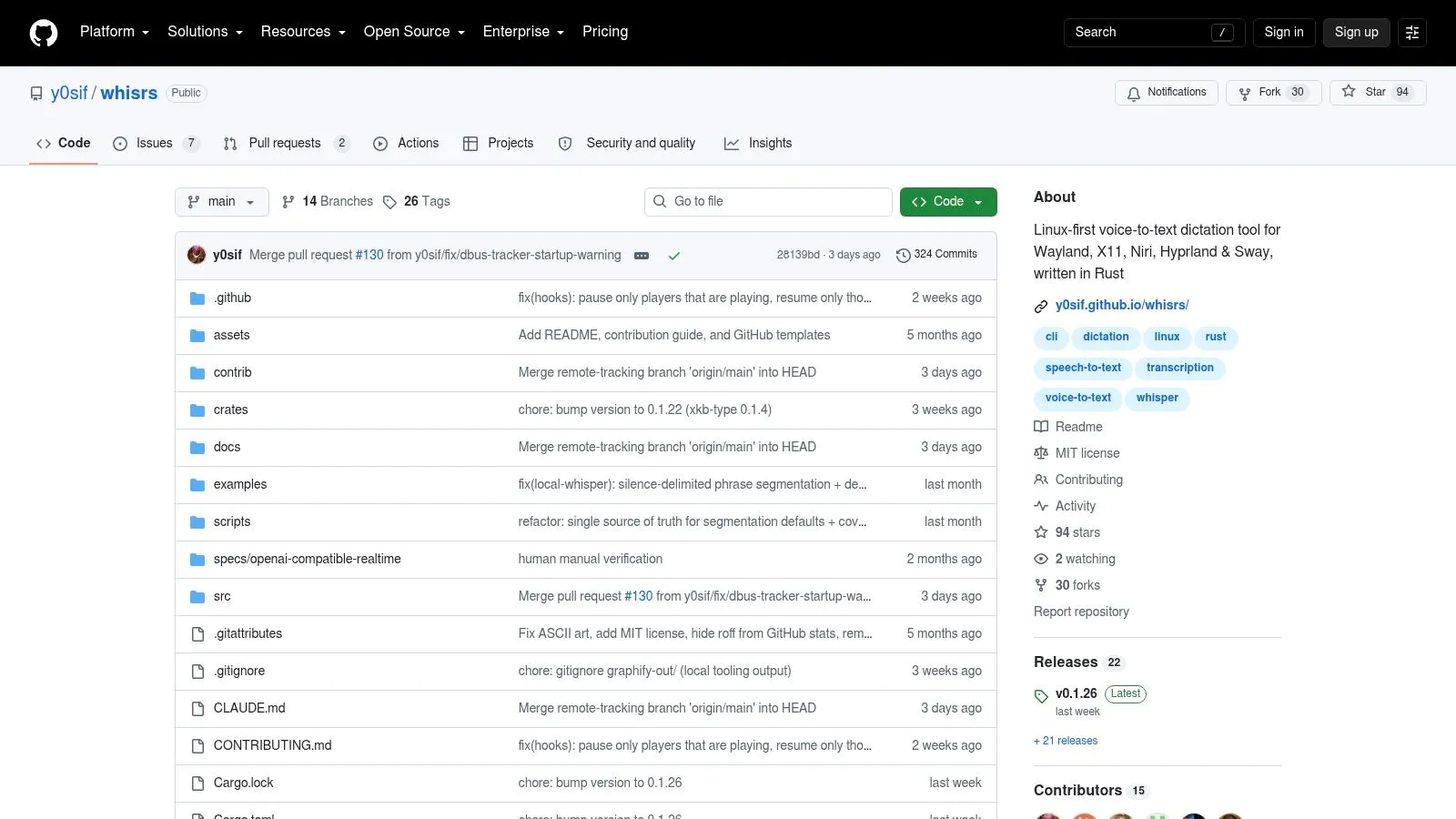
whisrs is built for the Linux setups where input gets complicated. Written in Rust, it supports Wayland, X11, Hyprland, Sway, Niri, GNOME, and KDE, with text appearing at the active cursor after a hotkey recording. Window tracking and keyboard-layout handling are built in.
The backend is your choice. You can run local whisper.cpp, or connect to one of several cloud speech APIs with your own key. That lets you switch between offline and remote without replacing the front end, though the privacy and account implications change with each provider. Same app, different data path.
A basic build is straightforward. GPU acceleration through Vulkan, CUDA, or ROCm needs extra headers and toolkits, so tuning for local acceleration is more work.
The compositor-first choice
whisrs is aimed at people who already know which compositor and backend they need. It documents Wayland virtual-input support on GNOME, KDE Plasma on Wayland, Hyprland, Sway, and Niri, and leaves the choice of backend and its setup to you.
7. Whispering Tiger
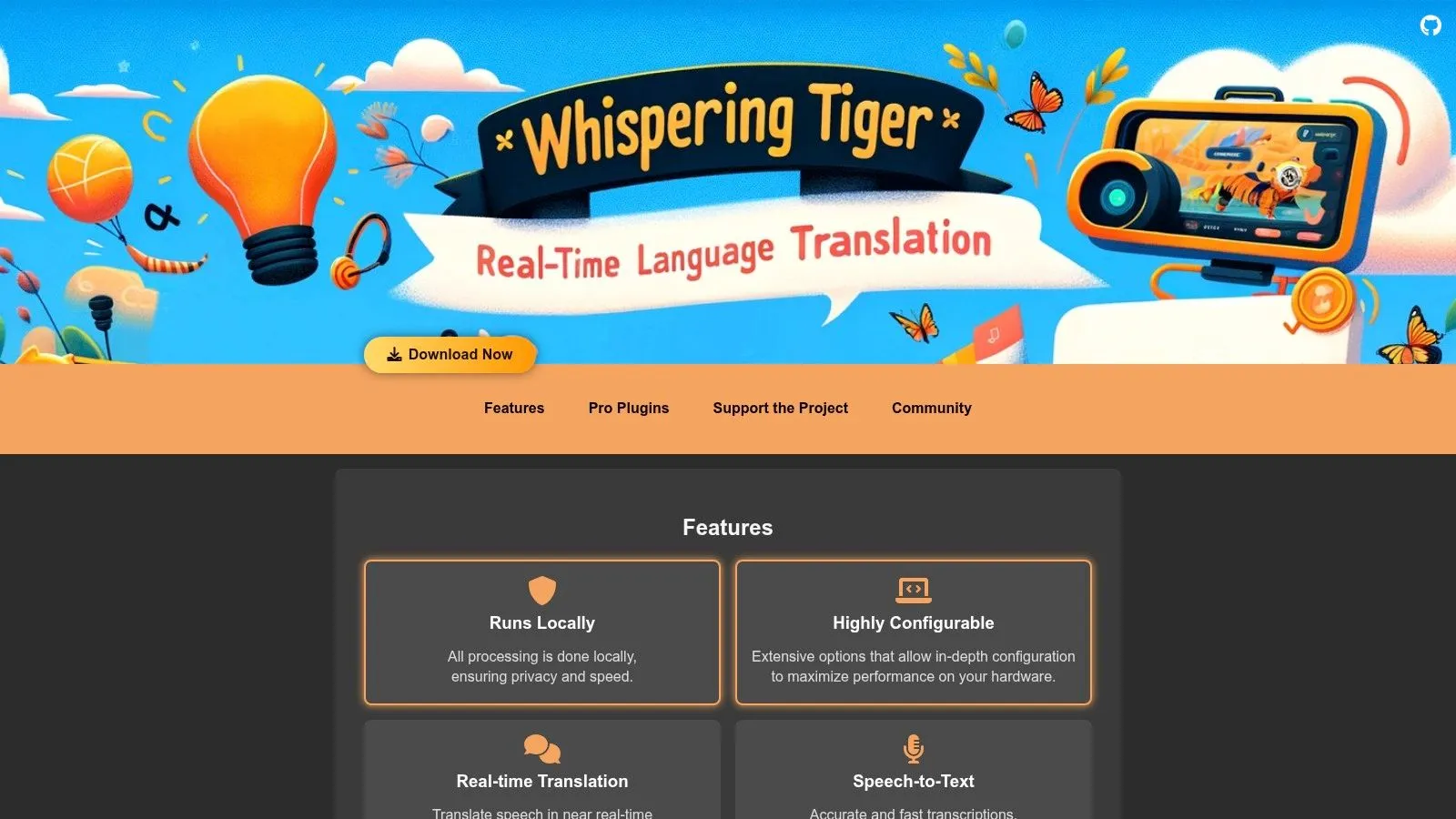
Whispering Tiger is less a focused dictation utility than a local speech and language workspace. Alongside speech-to-text, it includes real-time translation, text translation, text-to-speech, OCR, and a plugin architecture.
Everything runs locally. Multiple STT models and plugins give you room to tune, and there's no mandatory cloud path. The cost is attention. A tool that does transcription, translation, TTS, OCR, and plugins has far more settings than one built around press, speak, insert.
For a writer who wants clean text in an editor with minimal configuration, Vibe Typer is the pick.
This guide to Whisper dictation on Linux covers Whisper-based setups. You can also see Whisperweb's available downloads, but a model download isn't the same thing as system-wide insertion.
8. Talon Voice
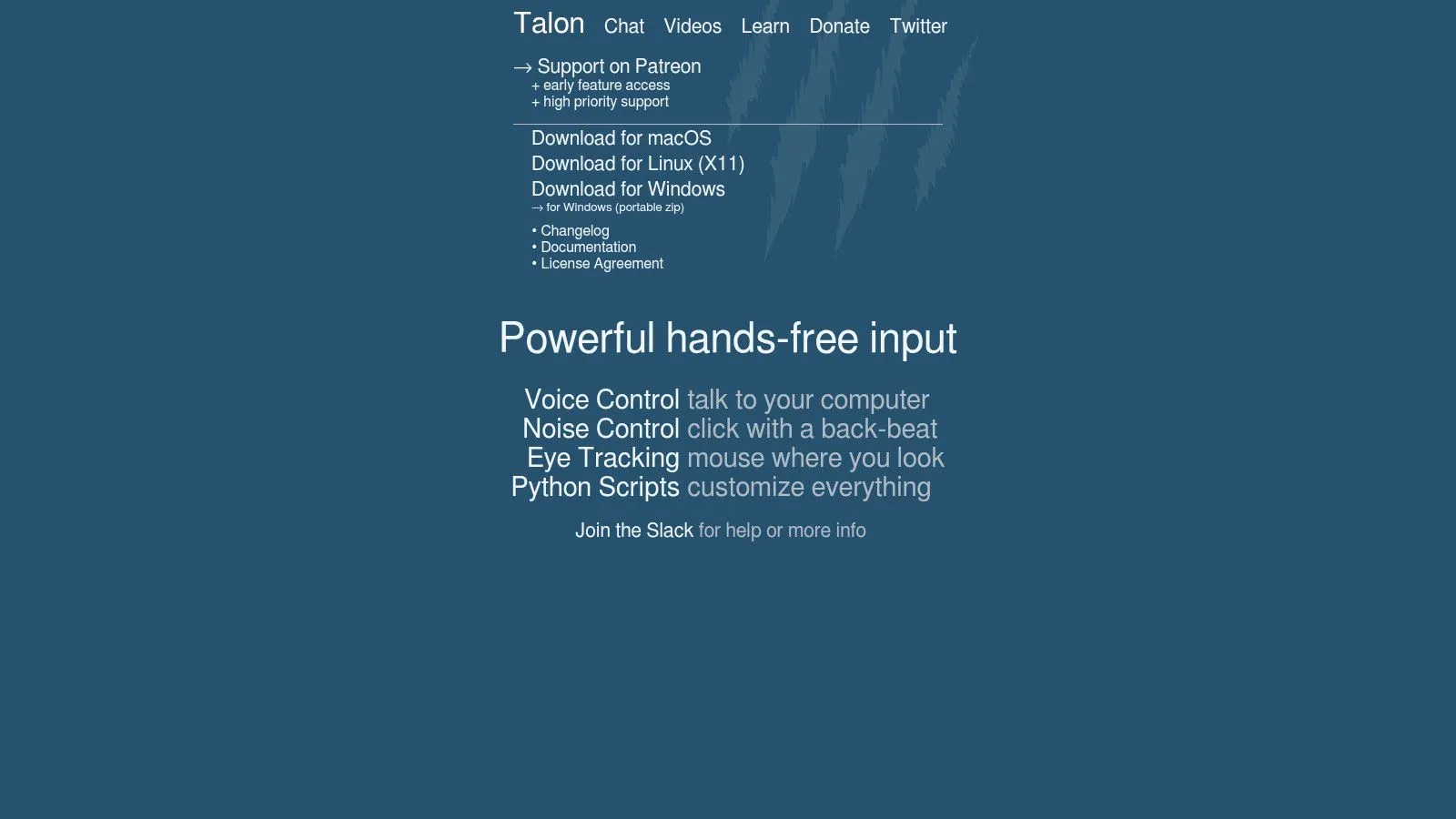
Talon Voice is here because dictation is sometimes only part of the input problem. Talon combines speech recognition with system-wide voice control, Python scripting, accessibility integrations, and eye tracking.
Its Linux limitation is decisive. Talon supports Linux on X11 only, so a Wayland-first desktop user would need an X11 session to use it. That's more than an installation detail. Display-server architecture controls whether the application can observe and act on other windows, and Wayland's client isolation makes the broad automation model more difficult.
What you get for accepting X11 is customization. Python scripts shape commands for coding, window management, and app switching. Talon also has a mature community and a large library of shared commands, so it goes well beyond dictation if you're willing to learn and maintain a command set.
What it asks of you
Talon is built for hands-free control, voice coding, and accessibility, and on Linux it asks you to stay on X11 and learn a command set to get them. For dictating into a modern Wayland desktop, Vibe Typer needs neither. Talon is proprietary. It's free to use, with a paid Talon+ tier on Patreon for more features and better support.
This Linux voice-typing guide for Wayland explains why an X11-only tool and a Wayland-native tool behave differently, worth reading before you switch sessions.
9. LotusQ
LotusQ's distinguishing feature is Compose, which drafts new text or edits your selection from a spoken request and holds it until you choose Insert. Every dictation is turned into text on LotusQ's servers. Hold-to-talk, direct insertion into the focused field, a dictionary, snippets and Smart Styles that pick a writing style for each app round it out.
Direct cursor insertion matters more than raw recognition if dictation moves between editors, email, and other native apps. Test the focused-field insertion in your main Wayland or X11 apps; cross-platform software can still integrate differently on each desktop.
LotusQ runs on Linux, Apple Silicon Macs and Windows, so snippets and Smart Styles carry over if you switch operating systems.
Plan and workflow checks
LotusQ has no free version: after a 7-day trial it stops transcribing until you pay. So checking the plan is part of setup, especially if Compose is the reason you're looking at it.
Before adopting it, check the processing mode, the account requirement, and insertion in the apps you use most.
10. Voice In
Voice In is a browser extension that inserts speech into web fields across 10,000+ websites, according to the developer's product description. Toolbar hotkeys, punctuation and editing commands, custom snippets in Plus, and an Advanced mode for difficult sites round it out.
Voice In lives only in the browser. It doesn't insert into native terminals, desktop editors, or anything else outside it, and it requires Chrome or Edge; Firefox and Brave aren't mentioned in the product details.
Voice In stays inside the browser, so a developer still needs a system-wide tool for the terminal or a native editor. Vibe Typer covers both, browser and desktop, with one hotkey.
Top 10 Linux dictation tools, feature comparison
| Product | Core features | Privacy & processing | UX / quality | Price / value |
|---|---|---|---|---|
| Vibe Typer | Wayland, X11, Windows and macOS; Magic Formatter, diff view, per-app insertion, AI rewrite commands, hotkeys. Plus iPhone and Android keyboards | Cloud transcription; in memory, no recordings or transcripts on our servers; no training on user data; prefs sync & private history | ★★★★★, polished, fast, app-wide insertion | Free to start, no card; Pro $8/mo billed annually or $10/mo; business seats |
| Vocalinux | Local Whisper (whisper.cpp), Wayland + X11, tray UI, push-to-talk | Fully local; no account or telemetry | ★★★★, native Linux GUI experience | Free / FOSS |
| Nerd-Dictation | Single-file Python CLI, Vosk offline, keystroke/stdout insertion, hooks | Fully offline & private | ★★★★, lightweight, highly scriptable (CLI) | Free / FOSS |
| Speech Note | Offline STT (Vosk, whisper.cpp, Faster Whisper), TTS, translation, notes; insert into active window by shortcut | Fully offline & private | ★★★, notes-first; Wayland insertion needs ydotool | Free / FOSS |
| Voquill | Wayland + X11, on-device Whisper/Parakeet, local LLM refine, diarization | 100% local; AGPLv3; no accounts | ★★★★, privacy-forward, multi-speaker features | Free / FOSS |
| whisrs | Multi-compositor Wayland support, local or cloud backends, GPU accel, window tracking | Choice of local (whisper.cpp) or cloud; configurable | ★★★★, Linux WM-focused, flexible backends | Free / FOSS |
| Whispering Tiger | STT + real-time translation, TTS, OCR, plugin architecture | Local processing with plugins; no mandatory cloud | ★★★, versatile but heavier to configure | Free / FOSS |
| Talon Voice | Voice control + dictation, deep Python scripting, eye-tracking integrations | Local engine; X11 only on Linux; proprietary | ★★★★, extremely customizable; steep learning curve | Free; Talon+ on Patreon adds features |
| LotusQ | Cloud engine, Compose editing, snippets, Smart Styles, hold-to-talk | Cloud; account needed | ★★★★, cross-platform, polished editor features | 7-day trial, then paid; no free version |
| Voice In (extension) | Browser dictation for 10k+ sites, in-browser commands, snippets (Plus) | Processes in browser (developer states no server upload) | ★★★, very easy for web workflows; browser-only | Free; Plus paid for advanced features |
Choose your Linux dictation setup
The right choice depends on which constraint you refuse to give up. Linux has no OS-level dictation framework like macOS or Windows, so each tool makes its own decisions about microphone capture, insertion, shortcuts, models, and privacy. That's why a feature list alone isn't enough.
Choose Vibe Typer if you want one tool across platforms, native Wayland and X11 support, app-aware insertion, formatting with a diff, and 99 languages. It fits people who move between terminals, editors, and chat windows all day, and it's free to start, no card.
The other nine are each built around a trade. Vocalinux, Speech Note, Voquill and whisrs offer local models you download and tune. Nerd-Dictation is a command line you script yourself, and Talon is voice control on X11 only. Whispering Tiger is a wider local toolkit with translation, TTS and OCR, LotusQ's dictionary learns your spelling only on Windows and Mac, and Voice In works in the browser alone. If you'd rather not make that trade, start with Vibe Typer and run the check below in the apps you use most.
A short setup check
Run this sequence before committing to a tool:
- Display server. Confirm whether your session uses X11 or Wayland, then check the tool's actual insertion method and compositor support.
- Microphone access. Verify the selected input device in PipeWire or PulseAudio and test recording outside the dictation application.
- Hotkey conflicts. Choose a shortcut that isn't already claimed by GNOME, KDE, your window manager, terminal, or accessibility tools.
- Cursor insertion. Dictate into your main terminal, editor, browser field, and chat application. Look for missed text, wrong focus, delayed insertion, and formatting problems.
- Model or account needs. Determine whether the tool downloads local models, requires a provider key, needs an account, or offers a cloud fallback.
- Privacy expectations. Ask whether audio, transcripts, history, logs, and refined text remain local, are processed in memory, or reach a remote service.
- A realistic sample. Speak a paragraph containing names, technical terms, punctuation, and a correction in the middle of a sentence.
The Vosk speech-recognition benchmark records 448 public results since 27 April 2021, with the latest as of 26 August 2024. It doesn't crown a winner, but it does show why CPU, memory, latency, model, and hardware details are more useful than vague claims about speed or accuracy. Accents deserve the same care. Recognition isn't uniform across speakers, so test with your own voice.
If you're evaluating for a team, write down the display server, insertion path, processing mode, retention behavior, model source, and fallback. If you're also comparing writing tools beyond dictation, find AI authoring tools that fit the same privacy and deployment requirements.
Vibe Typer has native Wayland and X11 support, app-aware insertion, Magic Formatter cleanup with a diff, and 99 languages, for Linux work that moves between terminals, editors, browsers, and chat. Try Vibe Typer free, no card, before assembling a multi-tool setup.
Try Vibe Typer free
Voice typing that works in every app on Linux, Windows, Mac, iPhone and Android. Free to start, no card needed.
Download free