Wispr Flow vs Vibe Typer: Feature-by-Feature Comparison for 2026

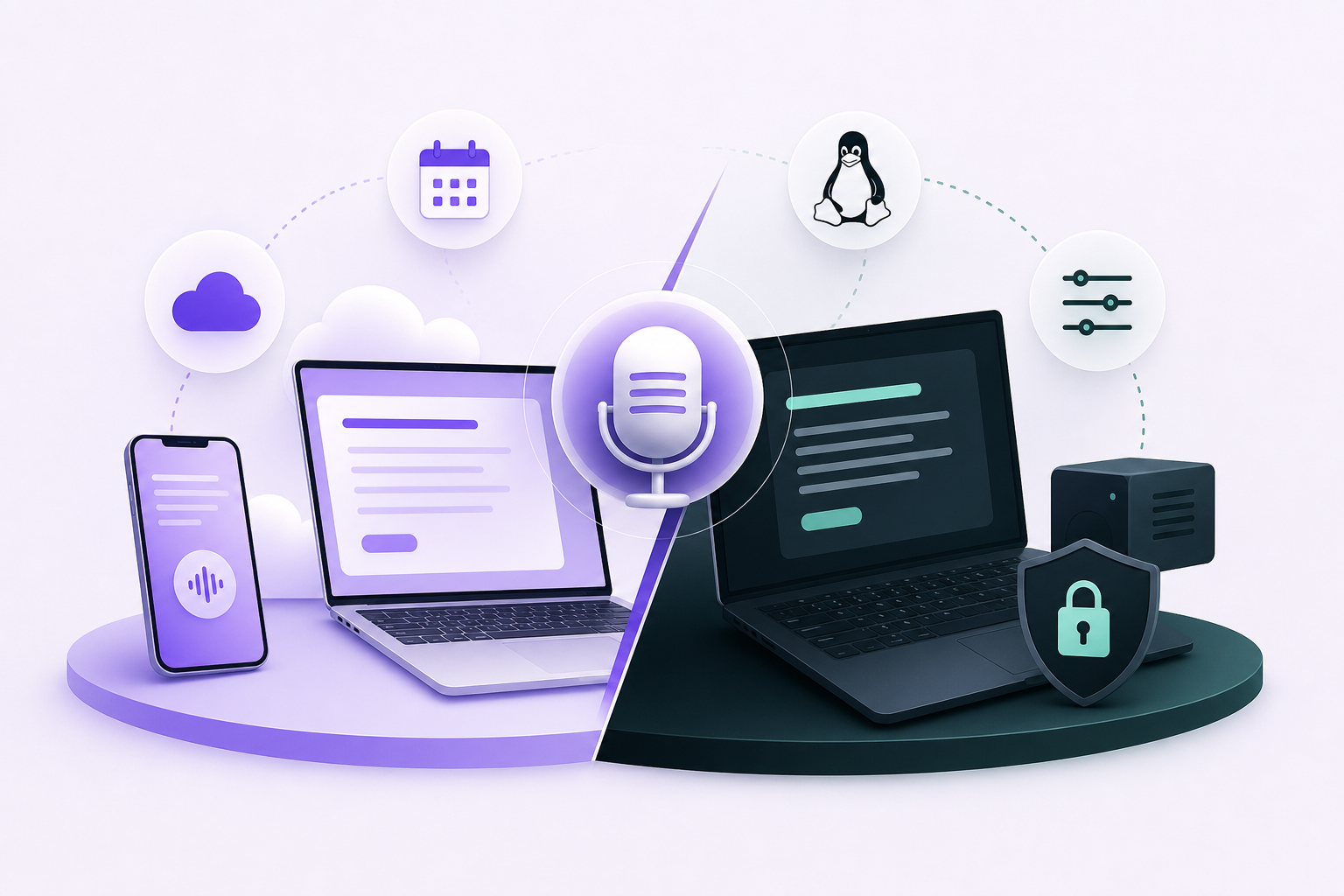
If you're searching for a Wispr Flow alternative, you're probably in one of three situations: you hit the free tier cap after two days of real dictation, you saw the price tag on the Pro plan and winced, or you're on Linux and discovered the app simply doesn't exist for you.
This comparison covers platform support, privacy, output quality, pricing, and the features that separate the two products.
What each tool is
Wispr Flow is a cloud-first AI dictation app available on Mac, Windows, iOS, and Android. It transcribes speech across 100+ languages and uses AI to clean up output, integrate with calendar and Slack, and work alongside tools like Claude and ChatGPT via MCP compatibility. It's polished and well-funded, and it runs on most platforms.
Vibe Typer is a native desktop voice-to-text app for Linux, Windows, and macOS. It uses a hotkey to activate dictation in any app, runs a Magic Formatter that strips filler words and rewrites output in your preferred style, and keeps your dictation history on your device only. It's built for people who produce large volumes of text and want clean output without editing, and for Linux users who have historically had no serious options.
Platform support
This is the biggest difference.
Wispr Flow covers Mac, Windows, iOS, and Android. If you move between a Mac laptop and an iPhone throughout your day, Wispr Flow handles that well.
What it doesn't cover is Linux. There is no Wispr Flow Linux client, no AppImage, no Wayland support. If you're on Ubuntu, Fedora, Arch, or any other distribution, Wispr Flow is not an option.
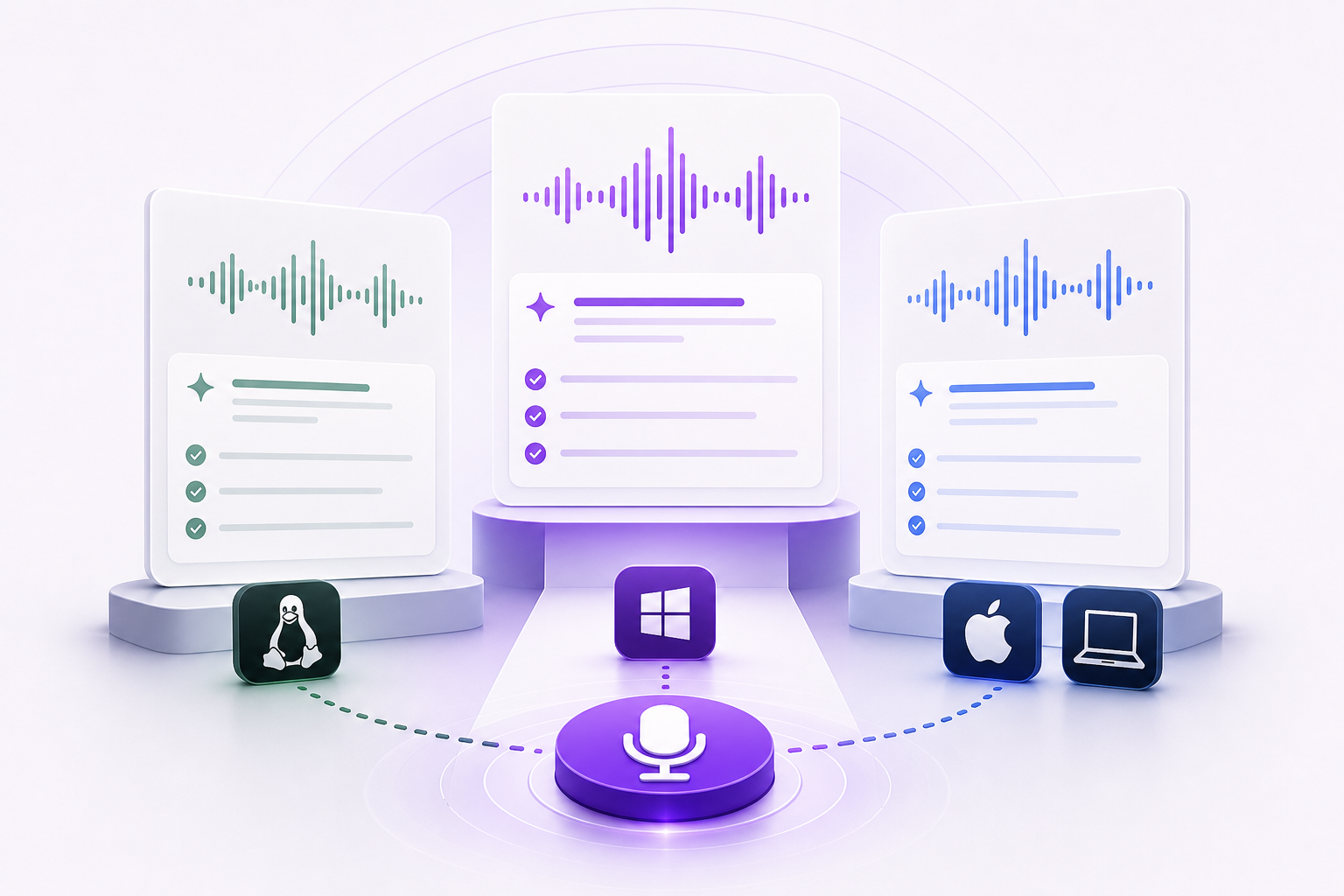
Vibe Typer ships as a portable AppImage on Linux and supports both X11 and Wayland. It works across major distributions without requiring a package manager or root access. On Windows and macOS, it runs as a native desktop app. On iPhone it ships on the App Store, so the only mobile gap left is Android, and the desktop coverage is complete, Linux included.
Winner for Linux users: Vibe Typer, by default. Wispr Flow doesn't run on Linux at all.
Winner for mobile users: Wispr Flow, on reach alone. Both ship an iPhone app, so there it comes down to which keyboard you prefer; Wispr Flow also covers Android, and Vibe Typer does not.
Privacy and data handling
The two products handle privacy differently.
Wispr Flow is a cloud-dependent service. Audio is processed server-side, which is standard for cloud transcription. The more notable concern is the screenshots. Wispr Flow captures your screen periodically so its AI knows what you're dictating into. You can opt out of model training, and the product is HIPAA-ready for enterprise deployments, but for anyone working with sensitive material that screen capture is a real consideration.
Vibe Typer processes audio in-memory. No recordings are stored server-side. Your dictation history is saved locally on your device, not uploaded to a cloud service. The app doesn't take screenshots or capture screen context. If you don't want your screen contents sent to a third party, that's the difference that matters.
Winner: Vibe Typer, if you want less data leaving your machine.
Output quality and AI formatting
Both tools go beyond raw transcription to produce cleaner output. But how they do it differs.
Wispr Flow's AI features
Wispr Flow uses AI to clean up transcription, apply context from what's on your screen, and adapt output to the application you're using. It integrates with calendar apps and Slack natively, which is useful if you dictate meeting notes or messages frequently. The AI formatting is automatic and generally good.
The limitation is that there's no documented way to give Wispr Flow a persistent plain-English instruction that applies to every dictation. You can't tell it "always write in first person, use short paragraphs, and never use the word 'leverage'" and have that rule stick across every session in every app.
Vibe Typer's Magic Formatter
Magic Formatter is the main thing that sets Vibe Typer apart. It does two things: first, it strips filler words and self-corrections from your raw speech before the text appears ("um, so, like, I mean, the report is, wait, the analysis is ready" becomes "The analysis is ready"). Second, it applies your custom style instructions to every dictation automatically.
Those style instructions are written in plain English. You type something like "always use British spelling, write in an active voice, keep sentences under 20 words" and the formatter applies those rules every time, in every app, without you having to do anything else. There's no mode switching, no API key setup, no per-session configuration.
Vibe Typer also keeps a dictation history with a diff view, so you can see exactly what you said versus what was typed after formatting. That's useful when you're tuning your style instructions.
Winner: Vibe Typer for users who want persistent, automatic style control. Wispr Flow for users who want calendar and Slack integration baked in.
Pricing comparison
This is where Wispr Flow is hard to defend for individual users.
Wispr Flow's free tier is capped at 2,000 words per week. For a power user dictating documentation or long-form content, that still runs out, and the Pro tier at $15/month is effectively mandatory for serious use.
Vibe Typer's free tier is 2,000 words per month with 20 AI operations. Wispr Flow offers more free words, but Vibe Typer's free tier includes Magic Formatter access, so you can test the feature that matters most before paying, and it works on Linux, where Wispr Flow does not exist. Once you upgrade, Pro is unlimited at $8/month, close to half of Wispr Flow's price.
The Pro gap is large. $15/month for Wispr Flow, $8/month for Vibe Typer on annual billing. That's a 47% price difference for a comparable or better feature set depending on your use case. Over a year, $96 versus $180, an $84 difference.
Neither product offers a lifetime license.
Winner: Vibe Typer on price, at every tier.
| Plan | Wispr Flow | Vibe Typer |
|---|---|---|
| Free tier | 2,000 words/week | 2,000 words/month + 20 AI ops |
| Pro (monthly) | $15/user/mo | $10/mo |
| Pro (annual) | $15/user/mo | $8/mo ($96/yr) |
| Business | Custom | Seat-based, contact sales |
| Lifetime option | None | None |
Feature-by-feature summary
| Feature | Wispr Flow | Vibe Typer |
|---|---|---|
| Linux support | No | Yes (AppImage, X11 + Wayland) |
| Windows support | Yes | Yes |
| macOS support | Yes | Yes |
| Mobile apps | iOS and Android | iOS |
| Free tier | 2,000 words/week | 2,000 words/month |
| Pro pricing | $15/mo | $8/mo (annual) |
| Filler word removal | Yes (AI cleanup) | Yes (Magic Formatter) |
| Persistent style instructions | No | Yes (plain-English rules) |
| Screen capture for AI context | Yes | No |
| Audio stored server-side | Yes | No (in-memory only) |
| Local dictation history | No | Yes (with diff view) |
| Calendar/Slack integration | Yes | No |
| Language support | 100+ | 99 |
| Hotkey activation | Yes | Yes |
| Works in terminals/code editors | Limited | Yes |
Who should use Wispr Flow
If you're on Mac or Windows, use Slack and calendar apps heavily, and want dictation that hooks into them, Wispr Flow does that well.
It's also the better choice if you dictate on Android, which Vibe Typer does not support at all. On iPhone both ship an app, so that one comes down to preference.
Enterprise teams that need HIPAA compliance documentation and can absorb the $15/month per-seat cost may find the enterprise tier worth evaluating.
It's the wrong pick for Linux users, for anyone privacy-sensitive, for anyone who wants persistent formatting rules, and for anyone who won't pay $15/month when comparable tools cost less.
Who should use Vibe Typer
Vibe Typer is the better choice for most desktop users.
If you're on Linux, it's the only serious option in this comparison. The AppImage installs in seconds, works on Wayland without workarounds, and drops text wherever your cursor is, including terminals and code editors that other tools struggle with.
If you dictate high volumes of text and care about output quality, Magic Formatter's persistent style instructions remove the editing step most dictation tools still need. Set your rules once and every dictation comes out in your style.
If privacy matters to you, the in-memory audio processing and local-only history storage mean your dictation data stays on your machine.
And on price, Pro at $8/month on annual billing is close to half of Wispr Flow's $15/month.
The Linux question
Wispr Flow does not work on Linux. This isn't a matter of limited features or a beta client. There is no Linux version.
If Linux is your main OS, that ends the comparison. The search query "Wispr Flow Linux" gets nearly 600 monthly searches from people who are discovering this the hard way.
Vibe Typer was built with Linux as a first-class target. It ships as a portable AppImage, supports both X11 and Wayland, and works across distributions without requiring package manager access or system-level configuration. For Linux users, that's the whole reason to look at Vibe Typer.
The screenshot question
The screenshot behavior in Wispr Flow is documented and opt-in for some features. In practice, the app captures your screen periodically to give the AI context about what you're working on. That context improves formatting decisions. It knows you're writing an email rather than a code comment.
But it also means a third-party service has images of your screen. If you're writing emails, that's probably fine. If you're working on proprietary code or confidential documents, it isn't.
Vibe Typer's approach is simpler. It processes audio in memory, stores nothing server-side, and keeps history on your machine. The tradeoff is that it doesn't have the context-awareness Wispr Flow's screen capture enables. If privacy is the priority, that tradeoff is easy.
Making the switch
If you're on Wispr Flow and considering switching, the steps are simple. Vibe Typer is free to start with no credit card required. The free tier includes Magic Formatter access, so you can test persistent style instructions and filler word removal before committing to a paid plan.
On Linux, download the AppImage, make it executable, and run it. On Windows and macOS, the installer handles setup. Set your hotkey, write your first style instruction, and dictate something. The diff view in your history will show you exactly what the formatter changed.
The Pro upgrade at $8/month (annual) or $10/month (monthly) removes the word and AI operation limits and adds voice commands, AI rewrite, and tone styling.
Which one to pick
Wispr Flow works well for Mac and Windows users who want calendar, Slack, and mobile. Its $15/month Pro tier is the most expensive in its category, and its screen capture will put some people off.
Vibe Typer is the stronger choice for Linux users, since Wispr Flow doesn't exist there, for anyone privacy-conscious, for anyone who wants persistent style rules, and for anyone who wants the same or better output at a lower price.
Vibe Typer is free to start, no credit card required.
Frequently asked questions
Does Wispr Flow work on Linux?
No. As of 2026, Wispr Flow has no Linux client. There is no AppImage, no Flatpak, and no Wayland support. Linux users looking for a Wispr Flow alternative need to look elsewhere. Vibe Typer is the most direct replacement, with full Linux support including X11 and Wayland.
Is Vibe Typer cheaper than Wispr Flow?
Yes. Vibe Typer's Pro plan costs $8/month on annual billing ($96/year) or $10/month on a monthly basis. Wispr Flow's Pro plan costs $15/month. Over a year that's an $84 difference. Vibe Typer costs about 47% less than Wispr Flow at the Pro tier.
Does Wispr Flow take screenshots of your screen?
Yes. Wispr Flow captures screenshots of your screen to give its AI context about what you're working on. This improves formatting decisions but means a third-party service receives images of your screen. Vibe Typer does not capture screenshots. It processes audio in-memory and stores history locally only.
What is Magic Formatter and does Wispr Flow have an equivalent?
Magic Formatter is Vibe Typer's feature that strips filler words and self-corrections from raw speech, then rewrites the output according to persistent plain-English style instructions you set once. Wispr Flow has AI cleanup but no documented equivalent to persistent style rules that apply automatically across every session and every app. Wispr Flow's AI formatting adapts based on screen context rather than user-defined style instructions.
Can Vibe Typer dictate into a terminal or code editor?
Yes. Because Vibe Typer activates with a hotkey and drops text wherever the cursor is, it works in terminals, code editors, IDEs, and any other application. Wispr Flow's context-aware features are more limited in terminal environments where screen capture is less useful for formatting decisions.
Which tool is better for a developer on Linux?
Vibe Typer is the clear choice. Wispr Flow has no Linux support. Vibe Typer ships as a portable AppImage, supports Wayland and X11, works in terminals and code editors, and processes audio in memory on its servers without storing recordings. For developers who dictate code comments, documentation, or prompts into AI coding tools, Vibe Typer covers all of it.
Can I try Vibe Typer before paying?
Yes. Vibe Typer has a free tier that requires no credit card. The free plan includes 2,000 words per month, 20 AI operations, and access to Magic Formatter with custom style instructions, the feature that most sets it apart. You can evaluate it before deciding whether to upgrade.
Try Vibe Typer free
Voice typing that works in every app on Linux, Windows, and macOS. Free to download: 2,000 words a month, no card.
Download free