Dictation Software for Ubuntu: Myna and What Works on Wayland (2026)

There is one thing about Ubuntu that decides which dictation tools will work for you, and almost no guide mentions it: Ubuntu has defaulted to a Wayland session since 22.04.
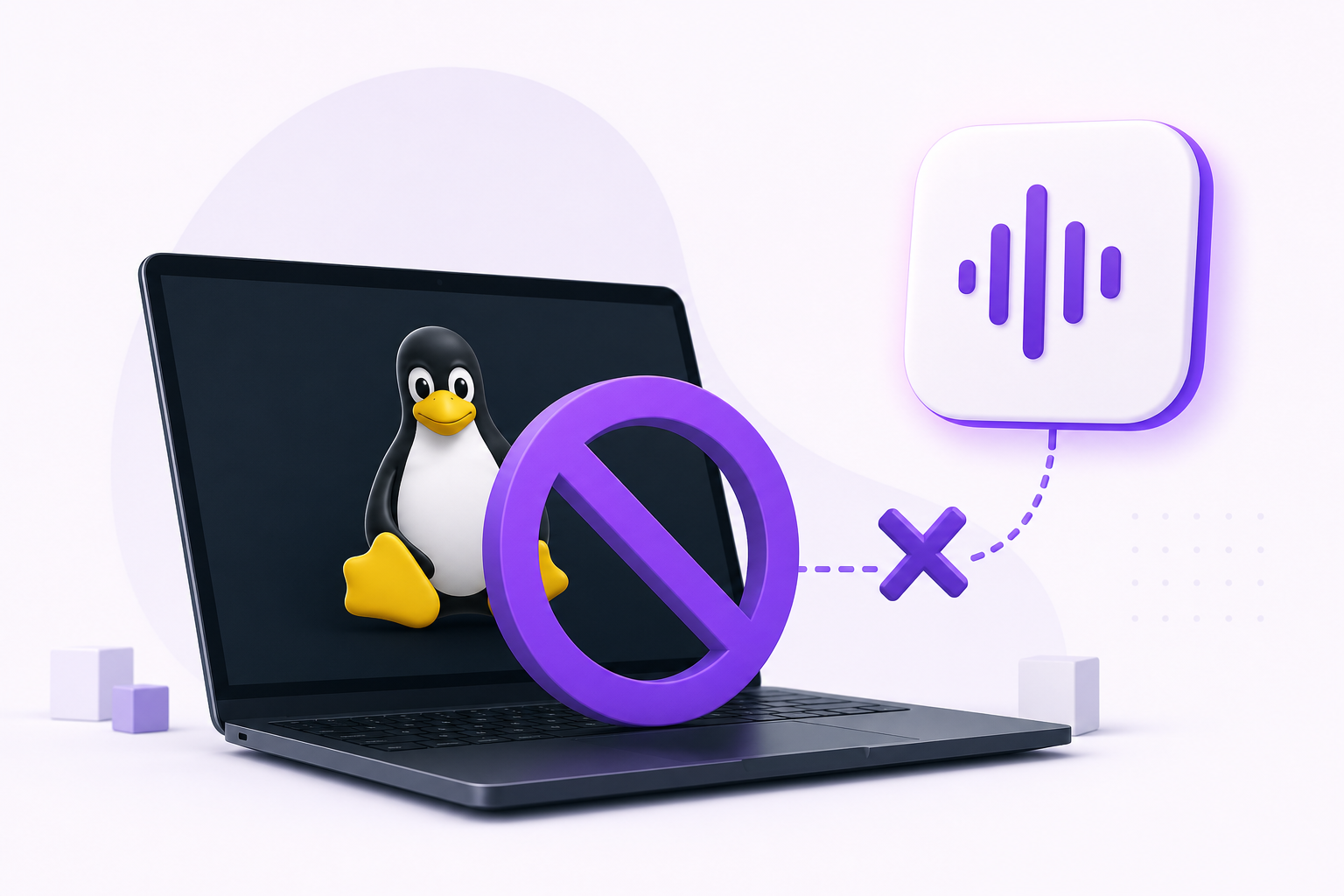
That matters because most Linux dictation tools inject text using xdotool, which is X11-only. Under Wayland they do not error; they just silently type nothing. If you have already tried a well-reviewed Linux dictation tool on Ubuntu and got no output at all, this is almost certainly why.
Worse, the escape hatch is closing. Ubuntu 25.10's GNOME edition is Wayland-only, and GNOME 50 dropped the X11 session in March 2026. "Just switch back to X11" is no longer generally available advice.
There is also news from Canonical: Ubuntu now has its own dictation tool in preview. Myna arrived as a technology preview on 12 October 2026. What it does, and how it compares, is below.
Which tools work on Ubuntu's default session
| Tool | Ubuntu (Wayland) | Offline | Install |
|---|---|---|---|
| Vibe Typer | Yes, native | No | AppImage |
| Myna (preview) | Yes, GNOME only | Yes | PPA |
| Vocalinux | Yes | Yes | One-line script |
| VOXD | Yes, via ydotool |
Yes | .deb |
| Handy | Partial, needs wtype or dotool |
Yes | AppImage |
| nerd-dictation | Partial, swap out xdotool |
Yes | pip + git |
| Talon | No, X11 only | Yes | Installer |
| Speech Note | Standalone app | Yes | Flatpak |
The GNOME complication: wtype does not work on GNOME because GNOME does not implement the virtual-keyboard protocol. Since GNOME is Ubuntu's default desktop, any tool whose Wayland answer is "install wtype" is not a working answer on stock Ubuntu. You need ydotool instead, which means a uinput daemon and usually a reboot.
Full comparison across all of them: Linux dictation software: 16 tools that actually run.
Myna: Ubuntu's own dictation preview
Canonical released Myna as a technology preview on 12 October 2026, with a feedback thread on Ubuntu Discourse. It is free, open source under the AGPL, and runs entirely on your machine: once the model has downloaded, it needs no internet connection, and Canonical says audio is not uploaded or stored.
What it does:
- Types into the app you are using. Put the cursor in a text field, press your shortcut, speak, and press it again. Myna inserts text as an input method, the way IBus enters other scripts, so it sidesteps the
xdotoolandwtypeproblems above. - Lets you choose the speech model: NVIDIA's Parakeet (25 languages), OpenAI's Whisper (99 languages) or Alibaba's FunASR (Chinese, Japanese, Korean, Cantonese and English). Parakeet and Whisper can use an NVIDIA GPU; other machines run them on the CPU.
- Dictation only. It is not a voice assistant and does not take voice commands.
Where it stops, for now:
- Ubuntu 24.04 LTS, 26.04 LTS and 26.10 on 64-bit Intel and AMD, with GNOME on Wayland. Not X11 sessions, KDE, Xfce or other distros yet; Canonical plans other desktops later.
- No published accuracy or speed figures. What you get depends on the model you pick and your hardware.
- No editing step after transcription: it types what the model returns, with the model's own punctuation. No custom instructions or personal dictionary.
- It is preview software. Canonical warns of rough edges and changes before a stable release.
To try it, from Canonical's post:
sudo add-apt-repository ppa:canonical-desktop-team/myna
sudo apt install myna-config
Then open Myna settings from Activities and follow the setup.
Myna or Vibe Typer?
| Myna | Vibe Typer | |
|---|---|---|
| Speech recognition | On your machine | In the cloud; audio processed in memory, never stored |
| Works offline | Yes | No |
| Linux | Ubuntu 24.04, 26.04, 26.10 | Any modern 64-bit distro |
| Desktop and session | GNOME on Wayland | GNOME, KDE Plasma, Cinnamon, Hyprland and others, on Wayland or X11 |
| Accuracy and speed | Depend on the model and your hardware | Large models on server hardware, the same on any laptop |
| Cleanup | The model's own punctuation | Magic Formatter: filler words, self-corrections, punctuation, plus custom instructions |
| Languages | Up to 99 with Whisper | 99, detected automatically |
| Other devices | Ubuntu only | Mac, Windows and iPhone |
| Price | Free, open source | Free for 2,000 words a month; Pro $8/month billed annually |
| Status | Technology preview | Released |
Pick Myna if your audio must never leave your computer and you run stock Ubuntu: it is free, local, and made by the people who make Ubuntu. Pick Vibe Typer if you use another desktop or an X11 session, want your text cleaned up as you speak, or want the same dictation on your Mac, Windows PC or iPhone.
Installing on Ubuntu
Vibe Typer is one AppImage, no repository, and it implements the Wayland path natively rather than shelling out to xdotool:
chmod +x VibeTyper.AppImage
./VibeTyper.AppImage
Bind a hotkey in Settings → Keyboard → Keyboard Shortcuts → Custom Shortcuts, or from inside the app.
Vocalinux, if you want offline:
curl -fsSL https://raw.githubusercontent.com/jatinkrmalik/vocalinux/main/install.sh -o /tmp/vl.sh && bash /tmp/vl.sh --interactive
Tested on Ubuntu 22.04 and later, works on both X11 and Wayland.
Snap, deb, Flatpak or AppImage on Ubuntu?
Ubuntu pushes snaps, and Myna is built from them: its installer sets up the confined parts for you. For other dictation tools, snap confinement can get in the way of microphone access and global hotkeys, so their AppImage or Flatpak builds are usually easier. Vibe Typer ships as an AppImage, with no confinement to fight.
If you prefer Flatpak, Ubuntu does not ship it configured:
sudo apt install flatpak
flatpak remote-add --if-not-exists flathub https://flathub.org/repo/flathub.flatpakrepo
Microphone and PipeWire
Ubuntu has used PipeWire as the default audio server since 22.10. Most issues are input selection rather than PipeWire itself, so check Settings → Sound → Input and confirm the right device is active and the level moves when you speak.
If a tool cannot see your microphone at all, wpctl status lists what PipeWire has. More in audio input issues.
Terminal paste behaviour
Ctrl + V is not paste in GNOME Terminal; it is Ctrl + Shift + V. Tools that insert text by simulating a paste get this wrong constantly. Vibe Typer sends the right combination for known terminals and Shift + Insert for Konsole and the VS Code and Cursor integrated terminals, and you can override it per app in text insertion and paste preferences.
Ubuntu flavours
Kubuntu, Xubuntu and Ubuntu MATE mostly still default to X11, which, as with Linux Mint, means a longer list of tools works, Talon included.
Myna does not support these flavours yet, since it needs GNOME on Wayland.
Check which session you are in:
echo $XDG_SESSION_TYPE
wayland or x11. Worth running before you choose anything.
The tools with no Ubuntu build at all
Dragon Professional is Windows only, and Nuance explicitly does not support Wine or VMs. Aqua Voice, Wispr Flow, SpeechPulse and TypeWhisper have no official Linux build either, and Superwhisper's early Linux builds are for Arch-based desktops, not Ubuntu. PulseScribe lists Linux on its roadmap.
Coming from one of them: Wispr Flow, Superwhisper, Dragon and TypeWhisper have dedicated guides.
Which should you pick?
Zero setup, works everywhere immediately → Vibe Typer. Free for 2,000 words a month. Cloud-based. Audio is processed in memory, never stored, never used for training, but it is not offline.
Offline, from Canonical, on stock Ubuntu → Myna, a technology preview for GNOME on Wayland.
Offline, minimal fuss → Vocalinux.
Offline, full control → nerd-dictation, with ydotool configured for Wayland.
Hands-free control of the desktop → Talon, but you will need an X11 session, so a flavour like Kubuntu rather than stock Ubuntu.
More at voice typing for Linux.
FAQ
Does Ubuntu have built-in dictation?
Not built in yet. In October 2026 Canonical released Myna, an optional speech to text tool, as a technology preview. It runs offline on Ubuntu 24.04, 26.04 and 26.10 with GNOME on Wayland, and you install it from a PPA. For other desktops, X11 sessions or AI cleanup, use one of the other tools above.
What is Myna on Ubuntu?
Myna is Canonical's free, open source speech to text tool for Ubuntu Desktop, released as a technology preview on 12 October 2026. Press a shortcut, speak, press it again, and the text appears in the focused app. Recognition runs on your machine with a model you choose (Parakeet, Whisper or FunASR), and audio is not uploaded or stored. It is dictation only, with no voice commands.
Should I use Myna or Vibe Typer on Ubuntu?
Myna if your audio must stay on your computer and you run stock Ubuntu with GNOME on Wayland. Vibe Typer if you use KDE, Xfce, an X11 session or another distro, want Magic Formatter to clean up filler words and self-corrections, or also dictate on Mac, Windows or iPhone. Vibe Typer is cloud-based, so it needs a connection, but its accuracy and speed don't depend on your hardware.
What is the best dictation software for Ubuntu?
Vibe Typer for zero setup, AI cleanup and any desktop or session. Myna if you run stock Ubuntu with GNOME and want Canonical's offline option. Vocalinux if you want offline on any session. All three work on Ubuntu's default Wayland session.
Why does my Linux dictation tool type nothing on Ubuntu?
Almost always Wayland. Tools built on xdotool cannot inject keystrokes into other windows under Wayland and fail silently. Run echo $XDG_SESSION_TYPE to confirm your session, then pick a tool that handles Wayland natively.
Does Ubuntu use Wayland or X11?
Wayland by default since 22.04. Ubuntu 25.10's GNOME edition is Wayland-only, and GNOME 50 removed the X11 session entirely in March 2026. Some flavours such as Kubuntu and Xubuntu still default to X11.
Is there free dictation software for Ubuntu?
Yes. Myna (Canonical's preview), Vocalinux, VOXD, Handy, nerd-dictation and Speech Note are all free and open source. Vibe Typer has a free tier of 2,000 words a month.
Should I install dictation software as a snap on Ubuntu?
It depends on the tool. Myna is built for snaps and its installer handles them. For other dictation tools, snap confinement can get in the way of microphone access and global hotkeys, so an AppImage or Flatpak build is usually easier.
Try Vibe Typer free
Voice typing that works in every app on Linux, Windows, and macOS. Free to download: 2,000 words a month, no card.
Download free