TypeWhisper Linux Alternative: What Runs on Wayland & X11

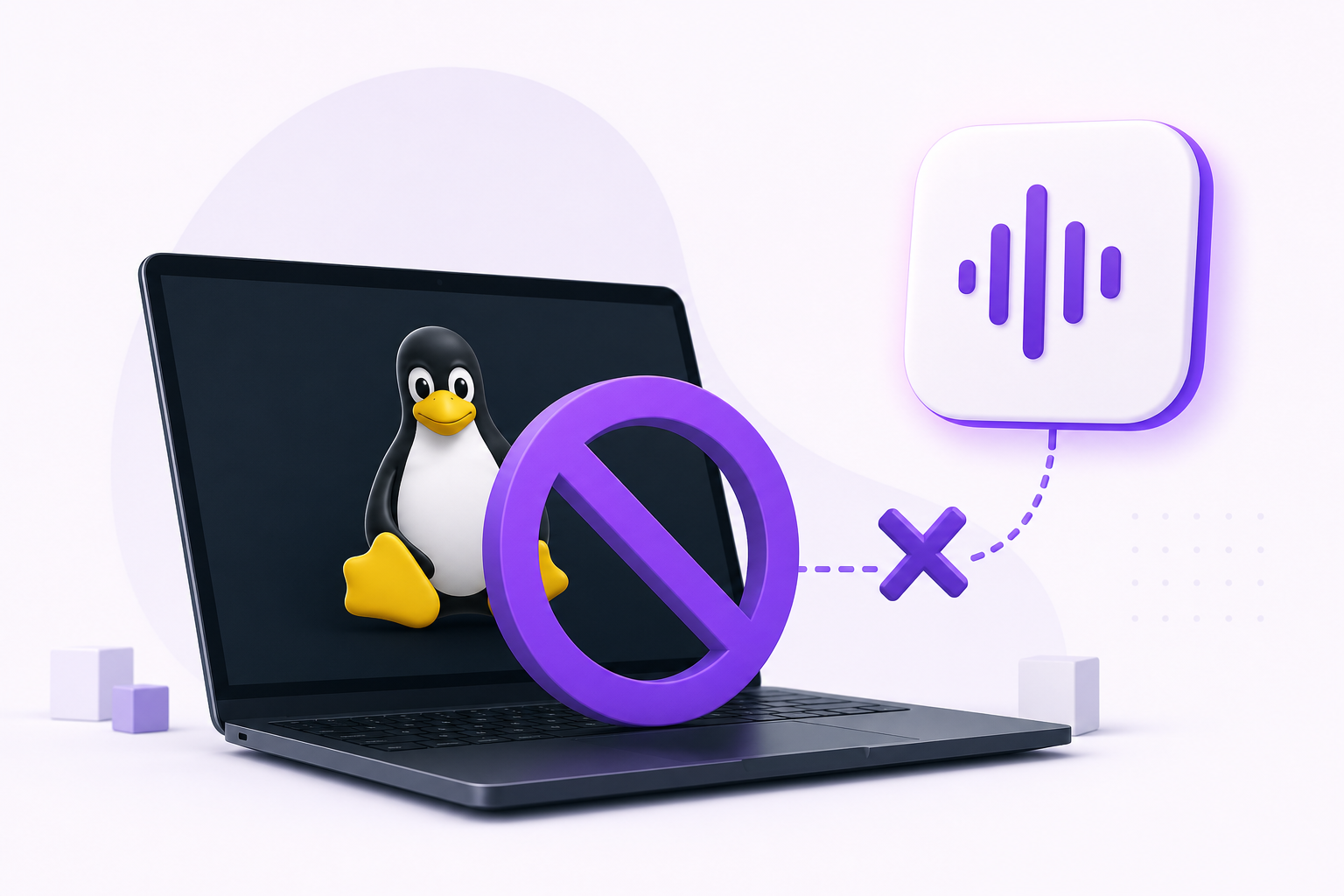
TypeWhisper ships stable builds for macOS and Windows, with iOS in alpha. There is no Linux build (TypeWhisper).
That is a genuinely annoying gap, because TypeWhisper is the kind of tool Linux users tend to want: GPLv3, local-first speech-to-text, no telemetry, no mandatory cloud, optional cloud engines as an add-on, and a €5/month commercial tier rather than a subscription wall around the basics.
So before anything else: if you liked TypeWhisper because it is open source and runs locally, the honest Linux answer is not Vibe Typer. It is nerd-dictation, Handy or Whispering. That section is right below. Vibe Typer is the answer to a different question, and we will get to which one.
Does TypeWhisper run on Linux?
No. macOS and Windows are the stable targets, iOS is alpha via TestFlight, and Linux is not on the list. The project is GPLv3, so the source is available, but no Linux build is published, and "it is open source, compile it yourself" is not a dictation workflow.
The local-first, open-source options
These are the tools that match TypeWhisper's actual philosophy, and they all run on Linux today.
nerd-dictation is the one people name first in every Linux dictation thread. Python, VOSK-backed, fully offline, no daemon, scriptable to a fault. It is X11-first; Wayland works but takes assembly. If you are comfortable wiring up your own audio config and hotkeys, this is the purist's answer.
Handy: press a shortcut, speak, text appears. Local Whisper with GPU acceleration, packaged per-distro, and by some distance the easiest offline option to actually get running. If you want nerd-dictation's privacy model without nerd-dictation's setup, start here.
Whispering is open-source, local Whisper, cross-platform, with a friendlier front end than most.
Speech Note: Flatpak, offline, strong multilingual coverage. More of a transcription workspace than a system-wide typing tool, but a good one.
The trade is consistent across all four: you own the stack and your audio never leaves the machine, in exchange for setup time, model downloads, GPU-dependent accuracy, and being your own support desk when a distro upgrade moves something.
Full comparison in the Linux roundup.
Where Vibe Typer fits
Vibe Typer is for the reader who wanted TypeWhisper's experience (hotkey, speak, clean text, works everywhere) more than its architecture, and would rather not maintain anything.
One portable AppImage:
chmod +x VibeTyper.AppImage
./VibeTyper.AppImage
No repository, no dependencies, no models to download. The same file runs on Ubuntu, Fedora, Debian, Arch and Linux Mint, natively on both Wayland and X11, and it migrates your settings automatically if you switch sessions.
What you get that the offline tools generally do not:
- Consistent accuracy that does not depend on your hardware. No GPU, no model selection, no quality cliff on a laptop.
- 99 languages with automatic detection and no per-language downloads.
- Magic Formatter: the ums, false starts and self-corrections are stripped before the text lands, rather than transcribed faithfully.
- AI rewrite and reply: select text, say "make this shorter", get it back rewritten.
And the trade, stated plainly: Vibe Typer is cloud-based. Groq primary, Cloudflare Workers AI fallback, no local model. Audio is processed in memory and discarded, the backend keeps no server-side transcript cache at all, and none of it trains a model. That is a real privacy position, but it is not the same promise as "the audio never leaves this machine." If that distinction matters to you, take Handy.
Free plan is 2,000 words and 20 AI operations a month, no card. Pro is $8/month billed annually, or $10 month-to-month.
TypeWhisper vs the Linux options
| TypeWhisper | Vibe Typer | Handy | nerd-dictation | |
|---|---|---|---|---|
| Linux build | No | Yes | Yes | Yes |
| Wayland | n/a | Yes | Yes | Partial |
| X11 | n/a | Yes | Yes | Yes |
| Offline | Yes | No | Yes | Yes |
| Open source | Yes (GPLv3) | No | Yes | Yes |
| Setup effort | Low | Low | Low-medium | High |
| AI cleanup / rewrite | Add-on | Yes | No | No |
| Cost | Free / €5 mo | Free / $8 mo | Free | Free |
Wayland is the part that catches people out
Most tools that claim Linux support mean X11. X11 lets any process synthesise keystrokes into any window; Wayland deliberately does not. So anything built on xdotool or XTestFakeKeyEvent works until the day your distro switches its default session, and then quietly does nothing.
This is the single most useful thing to check before committing to any Linux dictation tool: why most voice typing tools break on Wayland walks through how to test one in about five minutes.
Installing Vibe Typer on Linux
- Download the AppImage from the downloads page.
chmod +x VibeTyper.AppImage- Run it and grant microphone access.
- Set a global hotkey.
- Click into any app where you can type, press the hotkey, and talk.
If a particular terminal handles inserted text differently, see text insertion and paste preferences.
Verdict
TypeWhisper has no Linux build. Pick your replacement by what you valued about it:
- Open source and offline → Handy for an easy start, nerd-dictation if you want full control.
- The polished hotkey-and-talk experience, zero maintenance → Vibe Typer.
Either way, check Wayland behaviour before you commit. More in voice typing for Linux.
FAQ
Does TypeWhisper support Linux?
No. TypeWhisper ships stable macOS and Windows builds with iOS in alpha. No Linux build is published, although the project is GPLv3.
What is the best TypeWhisper alternative for Linux?
For the same local-first, open-source model: Handy or nerd-dictation. For a zero-setup system-wide workflow with AI cleanup: Vibe Typer.
Is there an open-source TypeWhisper alternative for Linux?
Yes: nerd-dictation, Handy, Whispering and Speech Note are all open source and run locally on Linux.
Does Vibe Typer work offline like TypeWhisper?
No. Vibe Typer is cloud-based. It processes audio in memory, stores no recordings or transcripts, and never trains on your voice, but it needs a network connection. For fully offline dictation, use Handy or nerd-dictation.
Does Vibe Typer work on Wayland?
Yes, natively on both Wayland and X11, and it migrates settings automatically when you switch between them. Many Linux dictation tools are X11-only.
Is Vibe Typer free?
The free plan is 2,000 words and 20 AI operations a month with no card. Pro removes the limits at $8/month billed annually, or $10 month-to-month.
Try Vibe Typer free
Voice typing that works in every app on Linux, Windows, and macOS. Free to download: 2,000 words a month, no card.
Download free