Voice Typing for Accessibility: A Guide for Disabled Users

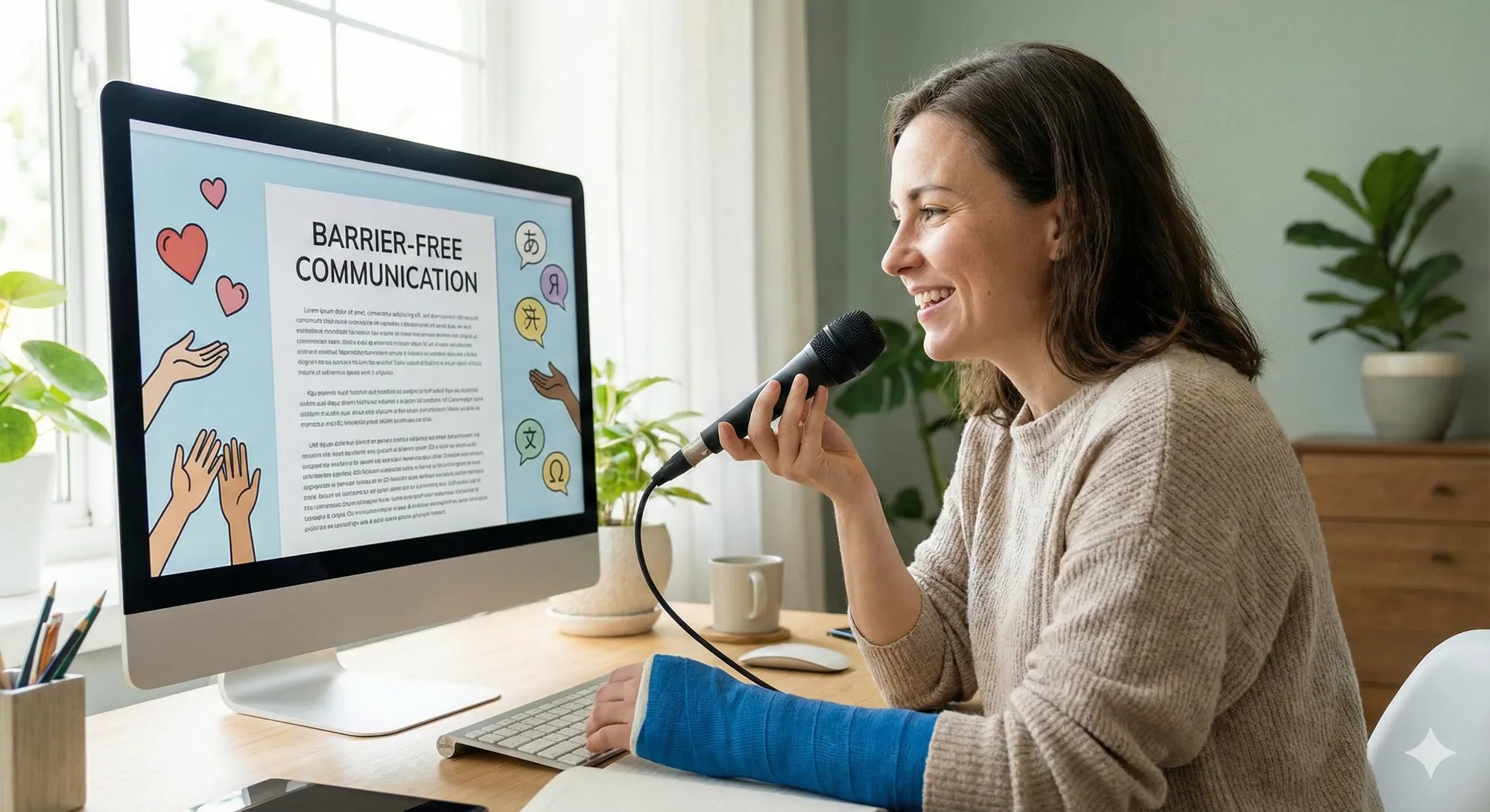
For many of us, typing is second nature. For people with physical, cognitive or learning disabilities, and those recovering from injuries, a keyboard and mouse can be a barrier. Speech recognition is another way in. You speak, and the software turns it into text.
The W3C's Web Accessibility Initiative (WAI) notes that speech recognition can be used for dictating text as well as navigating and activating links and buttons. It helps people who cannot use a keyboard or mouse, those with chronic conditions like repetitive stress injury (RSI) and people with cognitive or learning disabilities. Temporary limitations, such as a broken arm, count too.
Why voice typing matters for accessibility
Reduces the need for manual input
Typing and mousing require fine motor control and repetitive movements. By reducing keystrokes for suitable writing tasks, voice typing can lower the amount of manual input someone needs during the day.
Who it helps
- Physical disabilities. People with limited hand mobility or who use assistive devices can dictate text and control the computer using speech recognition, reducing reliance on a keyboard or mouse.
- Chronic conditions. Those with repetitive strain injury or carpal tunnel syndrome may be able to reduce some hand activity by moving suitable writing tasks to speech-to-text tools.
- Learning and cognitive disabilities. Voice typing is an alternative for people who struggle with reading or writing. Speaking lets them get ideas out more easily.
- Temporary limitations. A broken arm or sprained wrist shouldn't stop you from working. Speech recognition fills the gap.
Supports multiple languages and accents
Test dictation software with the languages, accents, and vocabulary your users have. That's what makes it usable for non-native speakers and people with unusual speech patterns.
Preserves privacy and security
People may hesitate to use voice tools because of privacy concerns. Vibe Typer doesn't keep recordings once the text is inserted. Read the current privacy policy before adopting any voice tool.
Best practices for inclusive voice typing
- Choose adaptive software. Look for dictation tools that allow full control of the interface, including navigation, selection and editing commands, as recommended by WAI.
- Customize vocabulary. Add proper nouns, acronyms and frequently used phrases to the custom dictionary. This benefits all users but especially those dictating technical or uncommon terms.
- Use noise-cancelling microphones. Clear audio improves accuracy for speakers with speech impairments or soft voices.
- Provide training and support. Show new users how to use voice commands, correct errors and fit dictation into their work. Training reduces frustration and encourages adoption.
Convenience for some, access for others
Voice typing is convenience for some people and access for others. If typing hurts, or your hands don't cooperate, or a screen reader is how you work, dictation is the difference between writing the email and not writing it. That is what the details above are for: a hotkey you can reach, a dictionary for the words a tool keeps getting wrong, and no recordings kept once the text lands.
Download Vibe Typer for Linux, Windows, or macOS and test hands-free writing in the apps you use.
Try Vibe Typer free
Voice typing that works in every app on Linux, Windows, and macOS. Free to download: 2,000 words a month, no card.
Download free