Vibe Typer vs Wispr Flow, Dragon & More (2026 Comparison)

Vibe Typer vs all competitors 2026: complete comparison guide
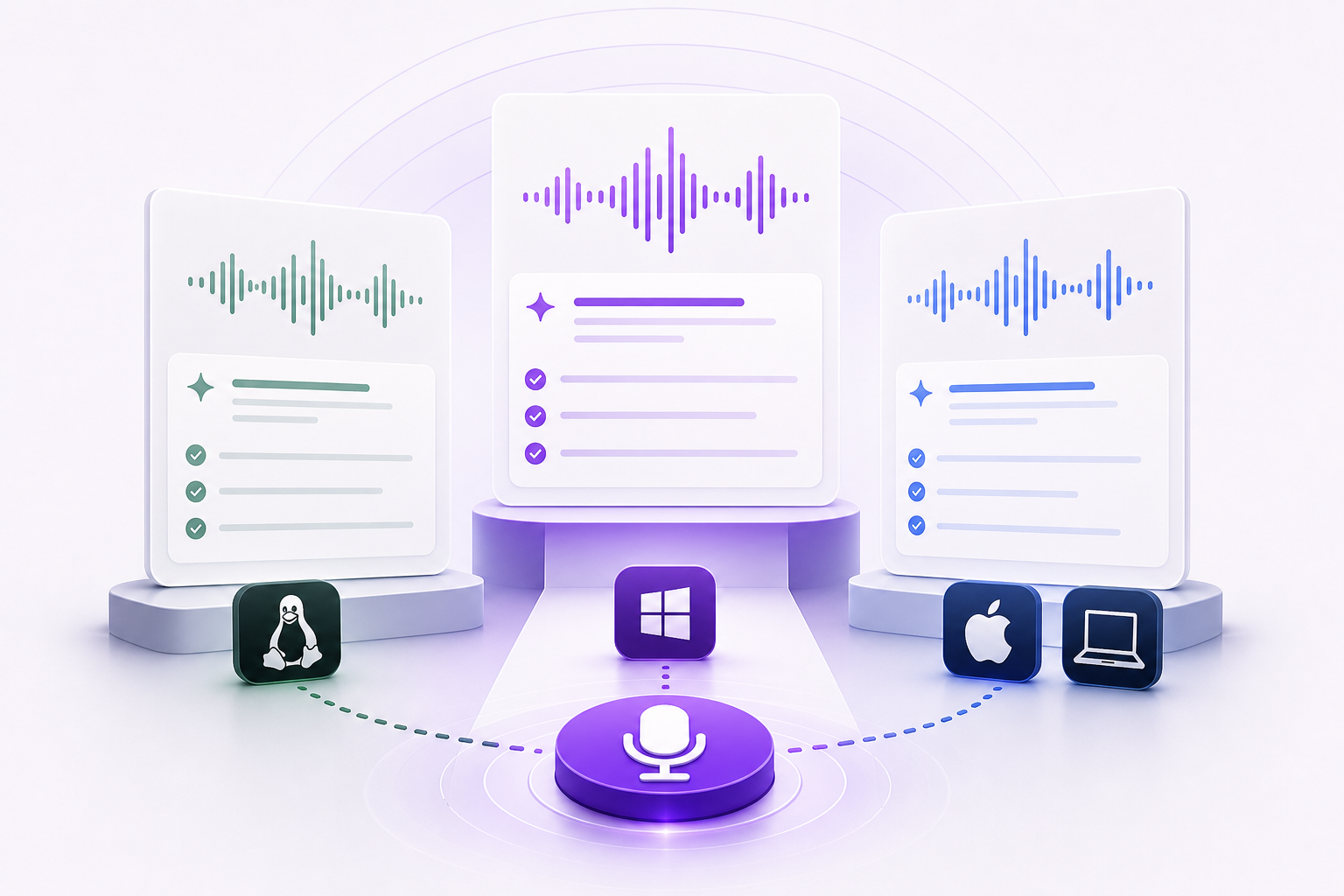
In 2026 you can choose from built-in free dictation, browser extensions, and AI dictation apps. This guide compares Vibe Typer with Wispr Flow, Dragon Professional, Voice In, Windows Voice Typing, Google Docs Voice Typing, and macOS Dictation.
Summary table: key features and pricing
| Tool | Platforms | AI features | Pricing | Strengths | Drawbacks |
|---|---|---|---|---|---|
| Vibe Typer | Linux, Windows, macOS, iPhone | AI rewrite and reply, tone adjustment, system-wide dictation | See official pricing | Cross-app voice typing, direct Linux support, works across major desktop platforms | Not bundled into the operating system |
| Wispr Flow | macOS, Windows, iPhone, Android | System-wide dictation, command mode, auto-edits | See official pricing | Strong multi-device experience, polished UX | Official FAQ says Linux is not supported |
| Dragon Professional | Windows | Mature speech engine, custom vocabulary, macros | See official site | Strong specialized dictation workflows | Premium product with heavier setup |
| Voice In | Chrome, Edge | Browser dictation, custom voice commands in paid tiers | See official site | Easy to start in supported browsers | Browser-only, no system-wide desktop dictation |
| Windows Voice Typing | Windows 11 and supported Windows 10 versions | Built-in dictation and punctuation support | Included with Windows | Native OS integration, no extra install | Windows-only, limited advanced AI editing |
| Google Docs Voice Typing | Google Docs/Slides in supported browser workflows | Speech-to-text in Docs and Slides | Included with Google Docs | Quick and convenient for Docs users | Limited scope outside Google Docs/Slides |
| macOS Dictation | macOS | Built-in dictation commands | Included with macOS | Native Apple integration | macOS-only, no advanced rewrite workflows |
Detailed competitor breakdown
Wispr Flow
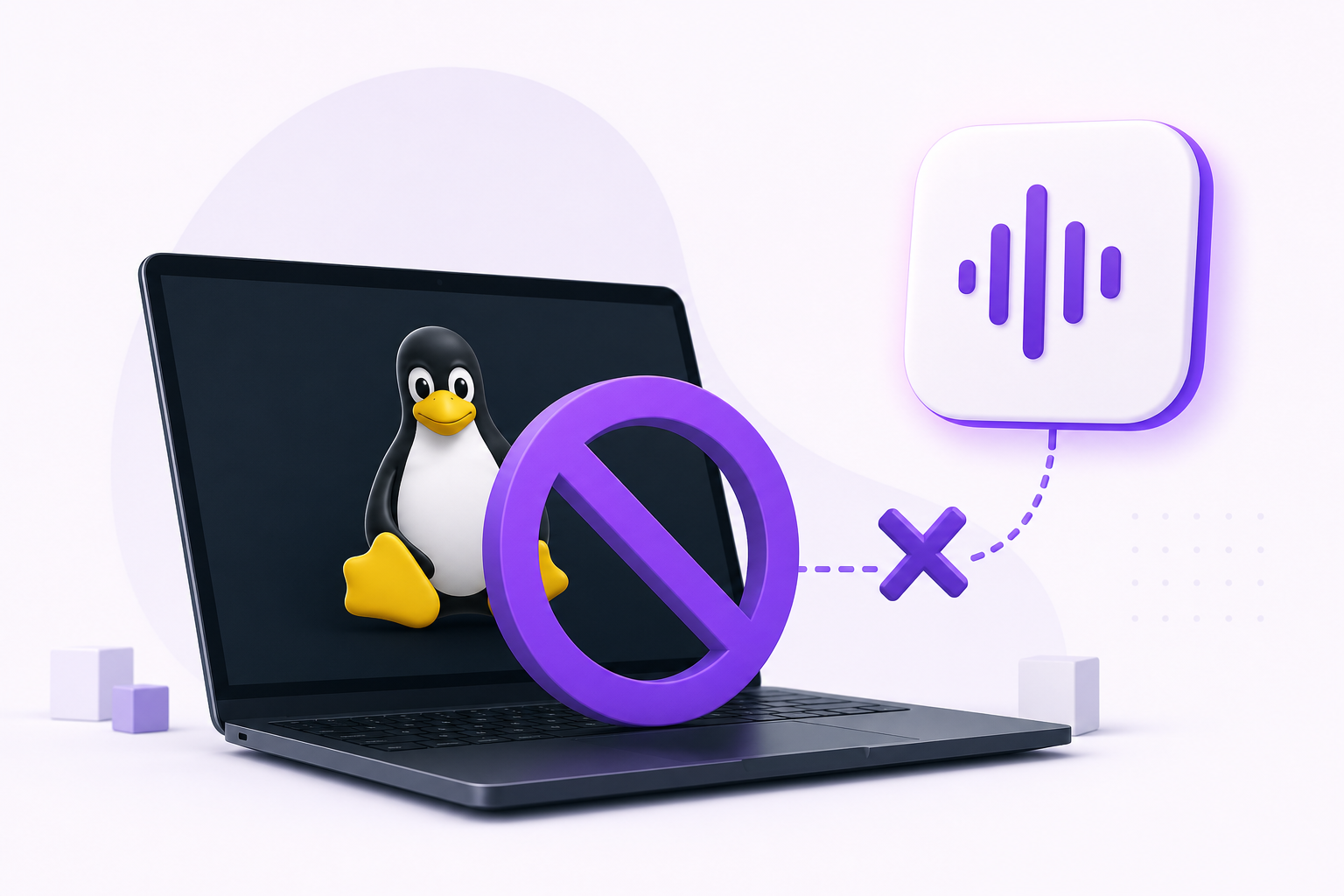
As of this review, Wispr Flow's official FAQ lists macOS, Windows, iPhone, and Android support, and says Linux is not supported.
Vibe Typer's advantages here are native Linux support and a lower price: Pro is $8 a month billed annually, against $12 for Wispr Flow Pro.
Dragon Professional
Dragon Professional is the long-standing option for users who need custom vocabulary and macros. It is a paid Windows product.
The drawbacks are heavier setup and a narrow focus. Vibe Typer is a simpler fit for everyday writing.
Voice In (Dictanote)
Voice In is a browser extension for Chrome and Edge. It is cheap and easy to install, and the Plus tier adds voice commands and formatting controls.
It is browser-bound, so you cannot dictate into native apps like code editors or email clients, and there is no AI rewrite or reply step.
Windows Voice Typing
Windows includes built-in dictation (Win + H) with multi-language support and basic punctuation commands. Windows 11 adds voice access for controlling apps, with commands like "Open Notepad" or "Press Enter". It is free and useful for occasional tasks.
Accuracy and punctuation can be inconsistent, it is Windows-only, and there is less editing automation than in dedicated AI dictation tools.
Google Docs Voice Typing
Google Docs Voice Typing works well if you stay in Docs or Slides. It is free and fine for drafting documents or speaker notes.
It works only inside Docs and Slides, with no integration with other apps and no AI rewriting.
macOS Dictation
macOS Dictation gives Apple users no-cost built-in dictation and command support.
It is tied to Apple platforms and does not replace full AI rewrite workflows.
Ranking the best voice typing software (2026)
Based on feature breadth, platform flexibility, and pricing value:
- Best overall is Vibe Typer, for cross-app dictation, AI editing, and low price.
- Best enterprise option is Dragon Professional, with custom vocabulary for specialist fields.
- Best free built-in option is Windows Voice Typing or Google Docs Voice Typing.
- Best browser-first option is Voice In, if you work mostly in Chrome or Edge.
- Best cross-device alternative is Wispr Flow, good on Mac, Windows, iPhone and Android, but no official Linux build.
Which one to pick
If you need cheap, cross-application dictation with AI rewrite, Vibe Typer is the default choice. If you need specialist enterprise dictation, Dragon is still the one to look at. If you only need occasional dictation, built-in tools are often enough. Browser-only tools like Voice In and Google Docs Voice Typing are fine alongside, but they do not replace system-wide desktop dictation.
Try Vibe Typer free
Voice typing that works in every app on Linux, Windows, and macOS. Free to download: 2,000 words a month, no card.
Download free