7 Voice to Text Apps for iPhone in 2026

You're trying to get words out of your head and into an iPhone app fast, but the job changes from moment to moment. Sometimes you need a message dropped straight into Slack or Notes, sometimes you want a searchable meeting transcript, sometimes you want something private and offline-friendly, and sometimes you want rough speech turned into polished prose. The best voice to text apps for iPhone are the ones that match that job cleanly, because cloud processing, on-device behavior, cleanup tools, and privacy controls all differ in ways that matter in daily use. If you want a broader vendor scan after this roundup, you can compare audio transcription platforms, but the list below stays focused on how people use an iPhone day to day.
Table of contents
- 1. Vibe Typer
- 2. Otter
- 3. Notta
- 4. Just Press Record
- 5. Rev Record and Transcribe
- 6. Whisper Memos
- 7. AudioPen
- Top 7 iPhone voice-to-text apps comparison
- Choose by accuracy, privacy, or workflow
1. Vibe Typer
Most iPhone dictation apps hand you a transcript to copy. Vibe Typer inserts clean text into whatever field has your cursor, so you speak once and keep going. If you write in editors, terminals, chat windows and office apps, that difference is the whole thing: no second app, no clipboard round trip.
Why the formatting angle matters
Magic Formatter is the real difference. It cleans filler, applies style instructions, and fixes mis-transcriptions. Vibe Typer also shows a diff view so you can see what changed between your spoken words and the final text, which is useful when names, numbers, or phrasing need to stay intact. That makes it better suited to drafting, replies, and technical text than a raw transcript tool.
Its privacy posture is unusually clear for a dictation product. Audio is processed in memory, transcripts are not retained on servers, and the app supports a private on-device history plus a custom dictionary for names and jargon. The product also supports 99 languages with automatic language detection. The iPhone build is a companion app to the desktop app, paired with a dictation keyboard. See the iPhone-specific walkthrough on Vibe Typer's iOS dictation app page.
Practical rule. Choose Vibe Typer when you care as much about the finished paragraph as the transcription itself.
A few concrete trade-offs matter. The Free tier is capped at 2,000 words per month and 20 AI operations per month. Pro is unlimited for voice typing and AI operations, at $8/month billed annually or $10/month month-to-month. Pro still keeps each transcription to a five-minute maximum recording time, but you can run an unlimited number of transcriptions, so heavy users can split longer work into multiple passes. If you want an iPhone voice typing tool that drafts rather than records, Vibe Typer is the closest fit in this list.
Pros
- Direct insertion. Text lands in the current app without a copy-paste step.
- Magic Formatter. Removes filler and follows style instructions.
- Privacy. Audio is handled in memory and transcripts are not retained on servers.
- Language coverage. 99 languages, with optional language detection.
Cons
- Dictation-only keyboard. It has no letter keys, so you switch to it to speak and back again afterwards.
- Session cap on Pro. Unlimited transcriptions still come in five-minute chunks.
- Free tier is modest. Heavy use pushes you to Pro.
Website: Vibe Typer
2. Otter
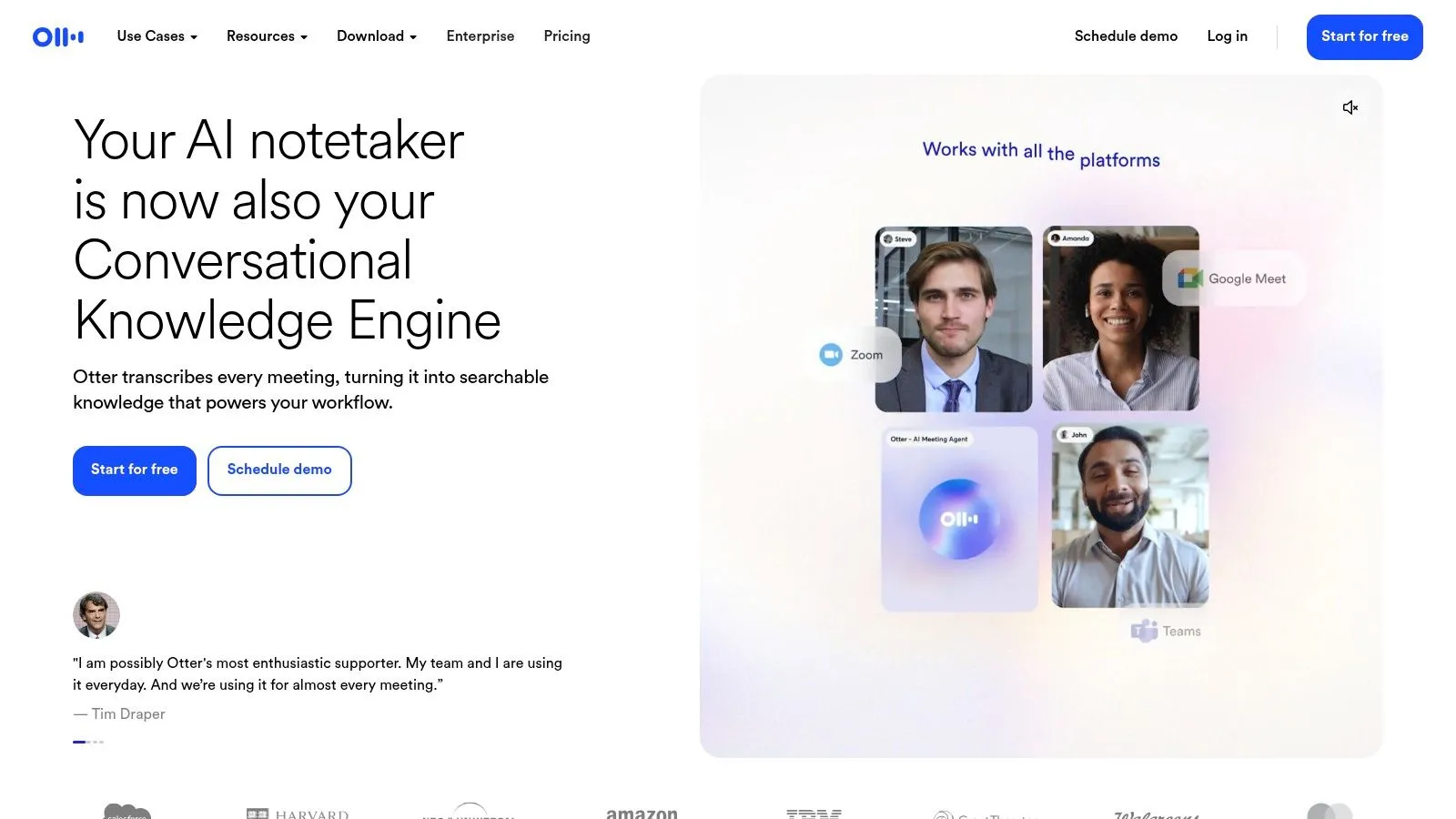
Otter makes the most sense when the iPhone is really a meeting capture device. What it does well is live transcription, speaker labeling, searchable notes, and collaboration that carry across mobile and desktop. Raw dictation into another app is not the point. If your day is built around recurring meetings, shared notes, and follow-up work, Otter fits better than a keyboard-style dictation tool.
Best for shared notes, not quick typing
The iPhone app pairs with a broader product that supports live transcription with speaker identification, searchable transcripts, calendar integration, reminders, and AI-generated summaries and action items. It also runs on desktop and imports pre-recorded audio and video, which makes it a stronger fit for teams than for someone who just wants a faster keyboard.
That team-first design comes with a trade-off. Otter's strongest features tend to live behind paid plans, and the product can feel heavier than a simple personal dictation app when all you want is a clean paragraph. If you're just typing a quick response, the meeting-centric interface is more than you need. If you're capturing a call, an interview, or a team discussion, it's a more natural fit.
The right question isn't whether Otter transcribes well, it's whether you need a shared transcript after the capture.
For iPhone users who want quick access, the app adds Siri and widget entry points. That helps when you need to start a recording quickly, but the broader value is still in organizing what happened afterward. Against built-in dictation, the deciding factor is usually whether the transcript needs to be shared and searchable across devices.
Privacy matters here too. If you're deciding whether to keep speech data inside Apple's own dictation or move it into a cloud collaboration tool, compare Otter against the privacy posture of built-in dictation and other recorder apps. That trade-off is why Otter sits in the meeting bucket, not the private drafting bucket. More on that in voice privacy risk in built-in app voice features.
Pros
- Meeting-first workflow. Speaker labeling, summaries, and searchable transcripts are strong for teams.
- Cross-device use. Mobile and desktop sync keep follow-up organized.
- Collaborative editing. Better when several people need the same notes.
Cons
- Heavier for solo dictation. More structure than a quick paragraph needs.
- Paid-plan pressure. The most useful features sit behind the paid tiers.
- Cloud-oriented design. Less appealing if privacy is your top concern.
Website: Otter
3. Notta
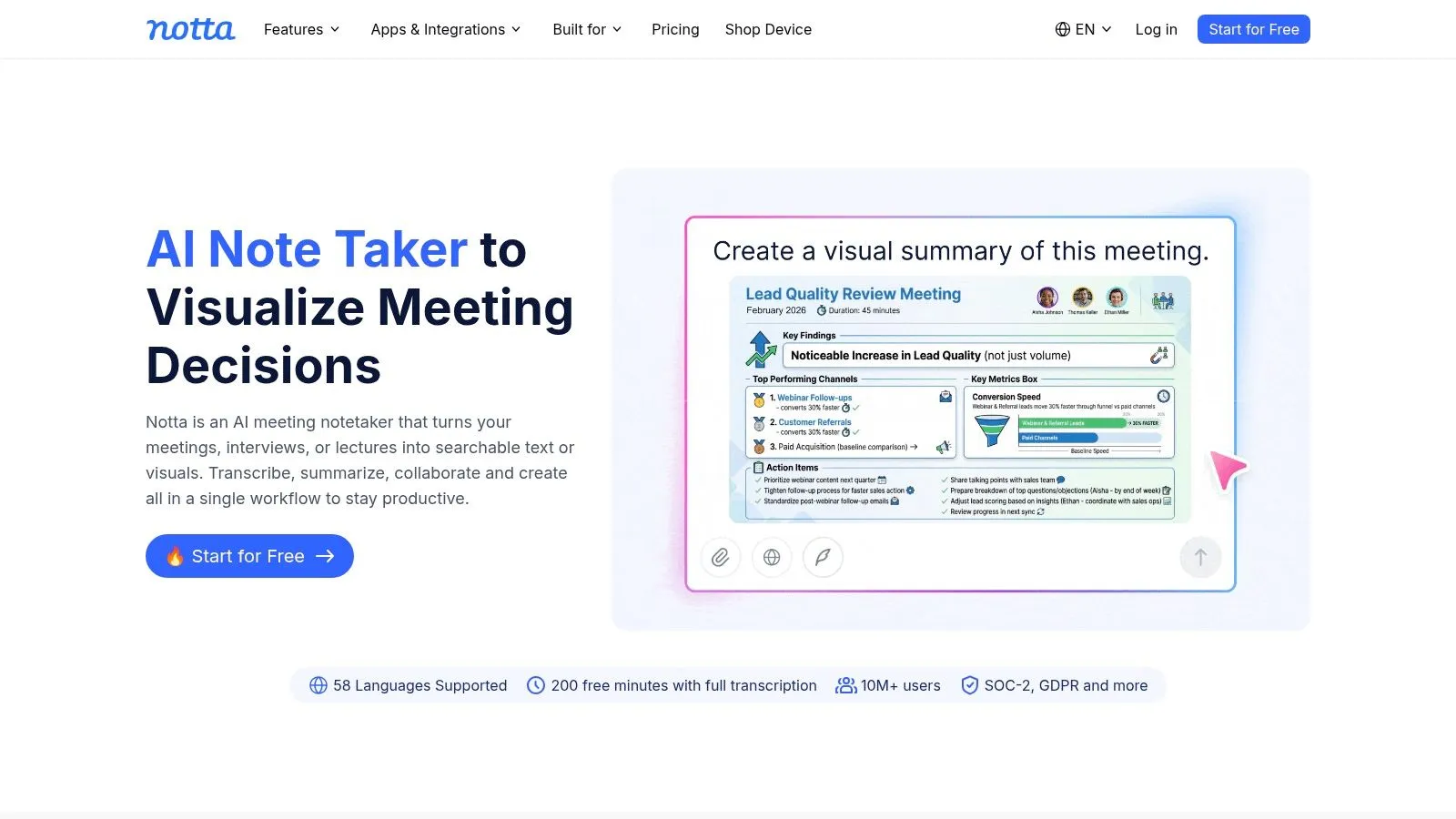
Notta is for the user who wants multilingual transcription plus automation in one place. It's useful when the iPhone is one part of a process that includes recordings, file uploads, translation, summaries, and calendar or CRM-connected tasks. That makes it a practical middle ground between a simple recorder and a team-grade meeting platform.
A better fit for multilingual users
The iPhone app includes widgets and Apple Watch support, so it feels like a phone app rather than a web tool squeezed onto a phone. Its core features are live transcription, file transcription, speaker identification, transcript translation, and AI summaries through "Notta Brain." For multilingual users, that combination is more useful than a plain transcript because the app handles capture and cleanup in one place.
Notta's strengths are also its trade-offs. The feature set gets deeper on higher tiers, especially around integrations with calendars, drives, CRM tools, and automation services. That helps people who want their transcription to feed other systems, but it can also make pricing feel less straightforward than a single-purpose recorder. Privacy labels on the App Store also indicate tracking and analytics, which makes it a different choice from a privacy-first local workflow.
If your real problem is turning speech into something your other tools can use, Notta does more of that job than a plain transcription app.
Think of Notta as a bridge between personal and team use. It handles recorded files, live speech, translation, and summaries, then routes the output toward the tools you already use. That suits small businesses and multilingual teams who want transcription to feed a larger process instead of stopping at the transcript.
Notta sits closer to the structured capture camp than the direct typing camp. If you want to see a broader iPhone-specific comparison angle from the Vibe Typer side, the product's dictation app for iPhone page is a useful reference point for how direct voice typing differs from recorder-first apps.
Pros
- Multilingual. Translation and transcription sit in the same place.
- Automation-friendly. Integrations move output into systems you already run.
- Mobile convenience. Widgets and Apple Watch support make quick capture easier.
Cons
- Tracking signals. Privacy labels suggest more data activity than local-first tools.
- Tier complexity. Features and quotas are harder to compare cleanly.
- Less ideal for pure typing. Better for structured transcription than instant insertion.
Website: Notta
4. Just Press Record
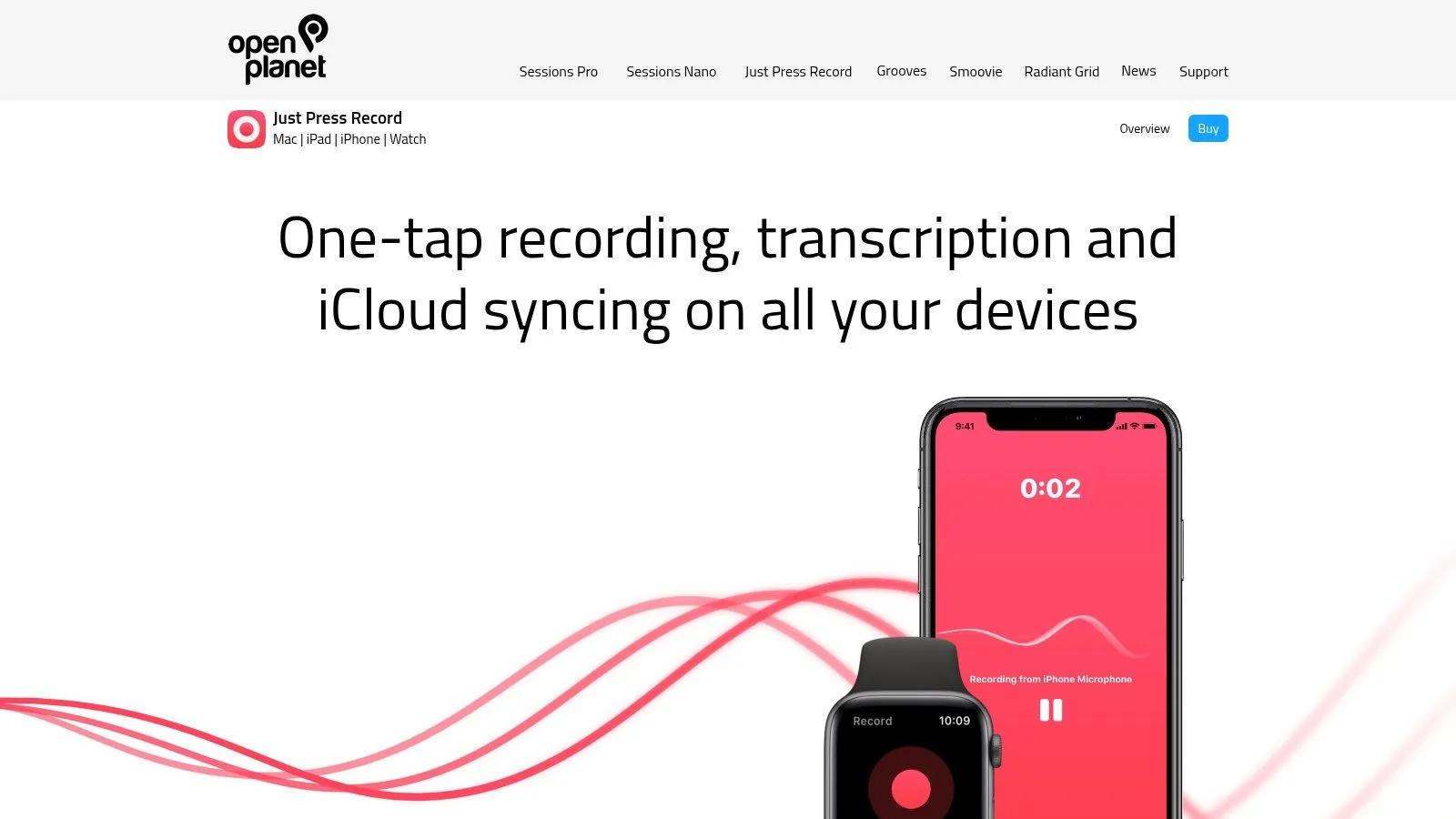
Just Press Record is the simplest app in this group for people who want one-tap capture with transcription and don't want to manage a bigger system. It feels like a recorder first, with transcription attached, rather than a workspace that tries to do everything.
Apple-device convenience without extra ceremony
The appeal is direct. You can start recording from the Lock Screen, Control Center, Action Button, or Siri, and the app also supports an Apple Watch workflow for quick capture on the go. It adds automatic transcription, editable text, jump-to-word playback, iCloud sync, and on-device storage modes, which is enough for many personal note-taking jobs without bringing a subscription-heavy platform into the mix.
That simplicity is the point. Just Press Record does not try to compete with meeting collaboration suites or AI rewriting tools, and that restraint is useful. If all you want is a dependable personal recorder that fits in with Apple's own apps, it avoids the clutter that comes with broader transcription services.
Use it when you want a voice memo to become text, not when you need a whole note-taking system.
The limitation is equally clear. It has fewer collaboration tools, fewer AI summary features, and a more limited language and formatting story than the heavier platforms in this list. That makes it a better match for solo use, quick personal capture, and Apple Watch convenience than for shared meeting work or polished drafting.
If your priority is a straightforward Apple-device recorder that stays out of your way, Just Press Record earns its spot. It's the app you reach for when the question is speed and reliability, not process.
Website: Just Press Record
5. Rev Record and Transcribe
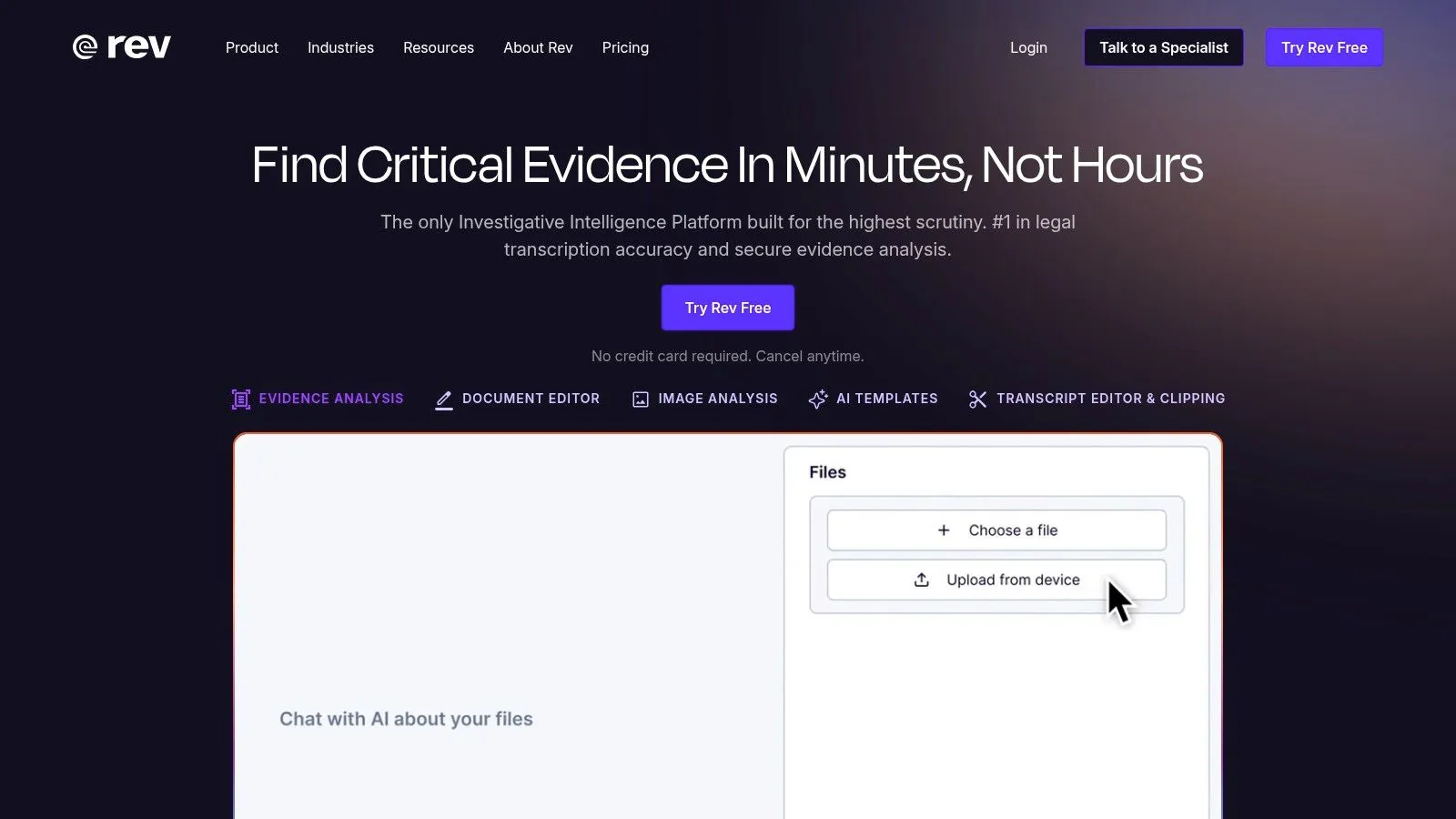
Rev sits in the accuracy-first corner of the list because it gives you a path to human transcription when the transcript has to be right. That makes it different from apps that only promise faster AI output. If the recording is a legal interview, a research call, or a piece of audio you can't afford to mistranscribe casually, Rev gives you a more deliberate workflow.
When accuracy matters more than speed
The iPhone app lets you record and then choose between AI transcripts or human transcription from the same pipeline. It also supports editing, highlights, AI templates, cross-device sync, and reliable handling of long recordings. That combination makes it useful for people who care about getting from capture to a usable transcript without building a separate manual process.
The value is clear, but so is the cost trade-off. Human transcription is not the same thing as casual dictation, and per-minute pricing can add up quickly for heavy users. Rev also has less of a team-collaboration feel than Otter, so the product is better at delivering a transcript than helping a group organize around it.
Choose Rev when the transcript itself is the deliverable.
Its strongest users are journalists and researchers who need a trustworthy transcript from recorded audio. If you only need quick voice typing into an iPhone text field, Rev is more tool than you need. If you need a path to a more careful transcript, it becomes more compelling than a basic recorder.
Website: Rev
6. Whisper Memos
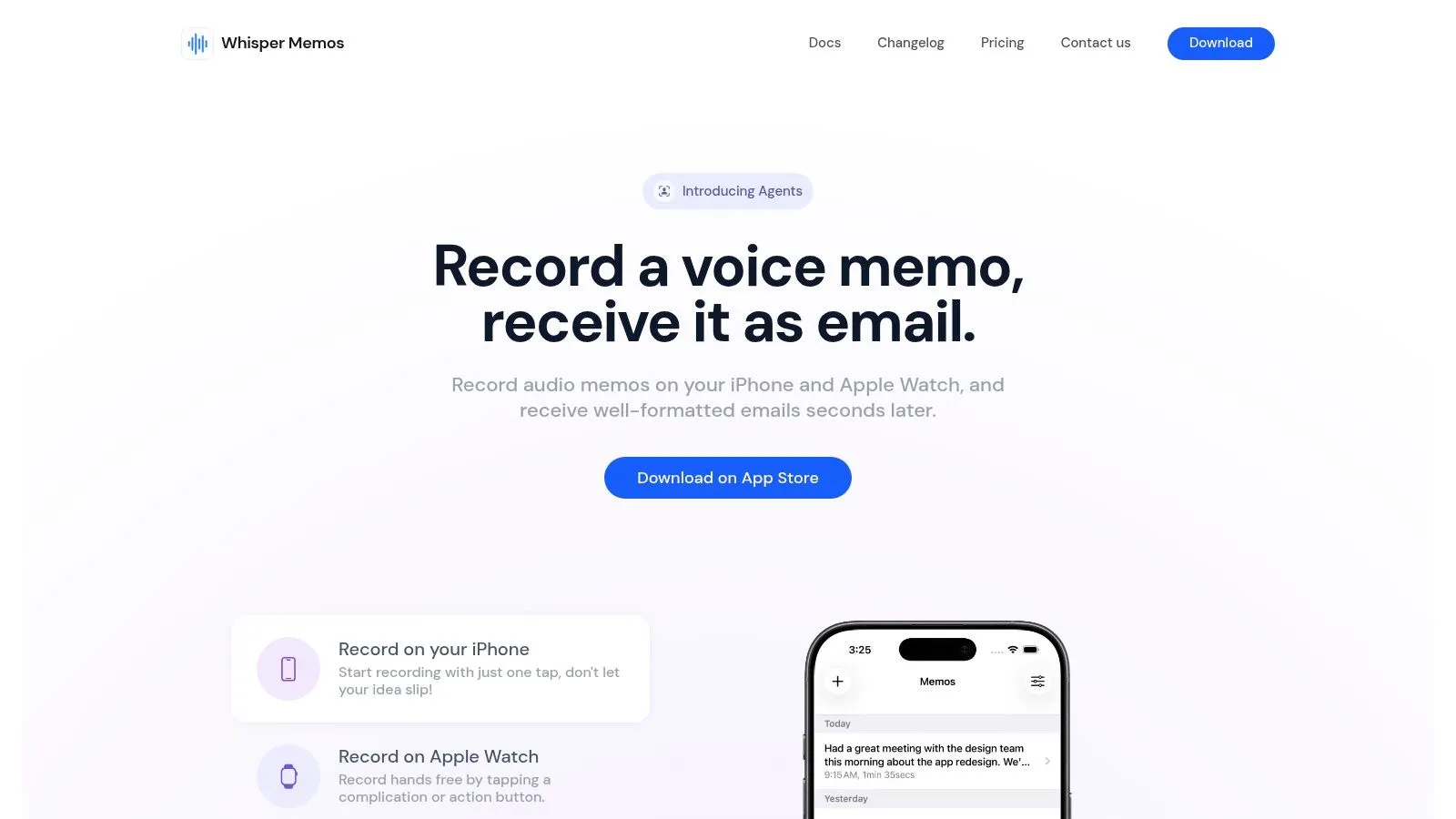
Whisper Memos is a strong fit for people who want fast capture, long recordings, and automatic delivery to email or automations. It feels more like a private note intake system than a general transcription workspace, which is why it works well for voice notes, lecture capture, and idea dumping.
Built for quick capture and routing
The app supports instant recording from a Lock Screen widget, an Apple Watch complication, Siri, and Shortcuts, then sends cleaned-up text onward through email or automation tools. It also lets you choose between ASR engines, including Whisper and ElevenLabs Scribe, and it supports 50+ languages, summaries, and custom prompts. That makes it appealing when you want a memo that doesn't stay trapped inside the app.
The most practical advantage is the capture-to-inbox loop. You speak, the app transcribes, and the result lands where you'll read it later. For people who live in Shortcuts, Zapier, or inbox-driven workflows, that's a clean way to turn spoken ideas into something actionable without opening a heavier note app.
The main trade-off is privacy. Whisper Memos uses cloud processing, so it's not the right fit if you need fully on-device handling. Collaboration also isn't as deep as a dedicated meeting product, which means it's better as a personal voice note pipeline than as a shared transcript hub.
For long notes and quick routing, Whisper Memos is a routing tool first and a transcript tool second.
That narrow focus is what makes it useful. It doesn't try to be a replacement for Apple's keyboard dictation or a team meeting platform. It tries to get spoken thoughts into a durable text path as quickly as possible.
Website: Whisper Memos
7. AudioPen
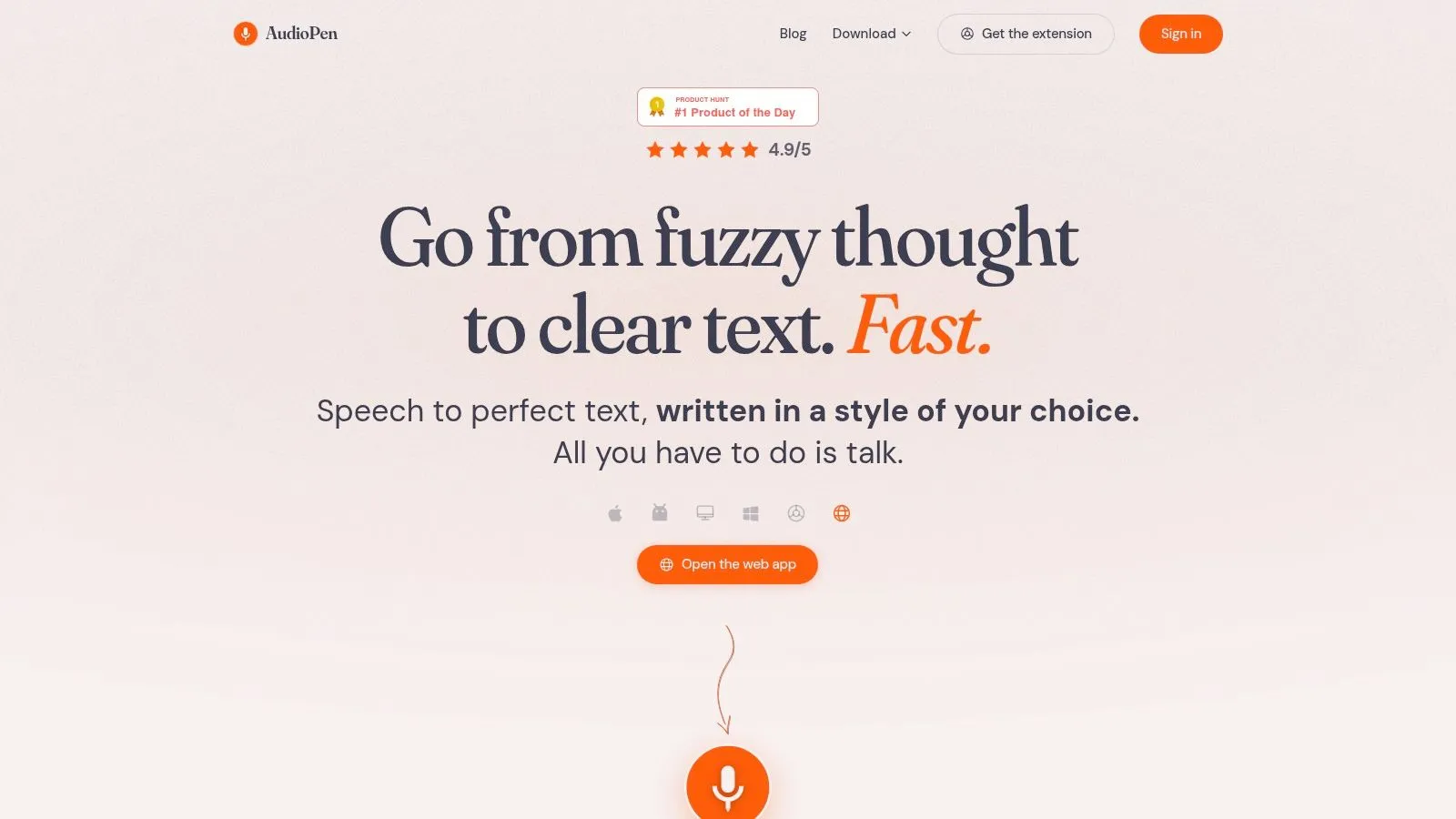
AudioPen is for people who want drafted prose rather than a transcript. Instead of leaving you with raw speech, it rewrites spoken input into cleaner, structured text that's better suited to notes, emails, and summaries. That editorial layer is the whole point.
Better for drafts than transcripts
The app is available on iOS, web, and desktop, and it supports custom styles, file uploads, and "SuperSummaries" that combine multiple notes. It also offers system-wide voice typing on Apple platforms and optional on-device modes, which gives iPhone users more than one way to get speech into the app. For people who hate post-dictation cleanup, that style of rewriting can save a lot of time.
AudioPen's biggest strength is that it produces output closer to a finished note than a literal transcript. That makes it useful for brainstorming, internal memos, and rough drafts where structure matters more than verbatim speech. It's also a better fit for users who like pass-based pricing instead of another recurring subscription.
The limitation is equally straightforward. It isn't built for live multi-speaker meeting capture the way Otter is, and its Prime tier limits single recordings to 15 minutes, which means longer ideas often need to be split and merged. That's fine for drafting, but less ideal for uninterrupted meeting work.
If your voice notes usually become polished writing, AudioPen gives you less cleanup to do afterward.
That's the main reason it belongs in this roundup. It does a different job from a recorder app or a direct dictation keyboard, and for the right user, that difference matters more than raw transcription speed.
Website: AudioPen
Top 7 iPhone voice-to-text apps comparison
| Tool | Implementation complexity | Resource requirements | Expected outcomes | Ideal use cases | Key advantages |
|---|---|---|---|---|---|
| Vibe Typer | Moderate, native installers and system integration (hotkeys, per-app insertion) | Audio processed in memory on the backend and not stored; modest CPU/RAM; subscription for heavy use | ★★★★, fast, accurate, styled text with privacy-preserving processing | Fast dictation into any app, Linux-first workflows, clinical/professional note-taking | Native Linux/Wayland support, Magic Formatter + diff view, strong privacy posture |
| Otter | Low, account/web setup; org admin for teams | Cloud service; needs internet; paid tiers for extended features | ★★★★, reliable meeting transcripts with speaker labels and summaries | Meetings, team collaboration, shared meeting notes and search | Speaker ID, calendar integration, collaborative editing and summaries |
| Notta | Low, cross-platform apps; optional integrations require setup | Cloud-based; generous paid minute quotas; tiered integrations | ★★★, multilingual transcription, translation and summaries | Multilingual workflows, SMBs needing quotas and automation | Translation features, clear quota plans, automation integrations |
| Just Press Record | Very low, one-tap install and iCloud sync; Apple Watch ready | On-device or iCloud sync; minimal ongoing resources; one-time purchase | ★★★, reliable personal recordings with editable transcripts | Quick personal capture, Apple Watch users, offline-friendly notes | Instant capture flow, excellent Apple Watch support, no subscription |
| Rev: Record & Transcribe | Low, record then order AI or human transcription via app | Cloud processing; pay-per-minute for human transcripts | ★★★★, instant AI drafts; human transcripts for near-verbatim quality | Journalism, research, legal or high-accuracy transcription needs | Option for 99% human transcripts, simple delivery formats |
| Whisper Memos | Low, indie iOS/watch app with ASR selection | Cloud ASR (OpenAI/ElevenLabs); supports long recordings; internet required | ★★★, fast transcripts and inbox routing; good for long sessions | Lectures, long meetings, fast capture→email/automation loops | Choice of ASR engines, long recording support, fast routing to workflows |
| AudioPen | Moderate, cross-platform clients and rewrite-focused pipeline | Cloud processing with optional on-device modes on Apple; pass-based pricing | ★★★★, polished, styled prose ready for use with less editing | Drafting emails, summaries, notes where polished output is priority | Rewrites speech into structured prose, non-recurring passes, integrations (webhooks/Zapier) |
Choose by accuracy, privacy, or workflow
Pick Vibe Typer when you want direct insertion, cleanup, and privacy, especially if you care about getting polished text into the app you're already using. Choose Otter for collaborative meetings, Notta for multilingual transcription and automation, Just Press Record for simple Apple-device capture, Rev when human transcription is worth the extra cost, Whisper Memos for long voice notes routed to email or automations, and AudioPen for turning rough speech into polished prose. The right answer depends on whether you need a transcript, a draft, a meeting record, or a private typing layer.
Apple's built-in dictation is still the baseline for many users, but it and the third-party tools solve different problems. Apple's support pages describe dictation as system-level, available in many languages, and controlled in Settings. Apple's privacy materials say users can delete Siri and Dictation history and disable dictation entirely. That keeps the built-in path attractive for everyday tasks. If you need better cleanup, more control over the output, or better insertion behavior, the third-party options in this list become relevant.
For Vibe Typer specifically, the key practical detail is the Pro session structure. Unlimited transcriptions come with a five-minute maximum recording time per transcription, so longer dictation needs to be split into multiple sessions. That's a fair trade when the payoff is clean formatting, in-app insertion, and a privacy model that avoids retaining your audio or transcripts on servers.
Before you commit to any speech tool for sensitive notes or long recordings, verify the current iOS availability, privacy labels, pricing, and feature behavior in the App Store or on the vendor site. The best voice to text apps for iPhone are the ones that match how you work today, not the ones that only look good in a feature list.
Vibe Typer turns speech into formatted text inside the app you're already using, and keeps the audio out of server-side storage. The iPhone build is on the App Store. See Vibe Typer to check whether its Pro workflow fits how you write.
Try Vibe Typer free
Voice typing that works in every app on Linux, Windows, and macOS. Free to download: 2,000 words a month, no card.
Download free