Remote Team Communication Revolution: Advanced Voice-Typing Workflows for Global Teams (2026)


A team spread across eight time zones cannot run on live meetings. Someone is always asleep. Asynchronous communication, messages that do not need an immediate reply, is how those teams stay aligned. The catch is that async runs on writing, and writing takes longer than talking. That is the gap voice typing and AI rewriting close.
Why asynchronous communication matters
When a team spans multiple time zones, waiting for a live reply can slow everything down. Asynchronous tools like email, project boards, and voice-typed updates let people respond when they are available. That reduces context switching and protects deep work.
People read and reply on their own schedule, which helps teammates with caregiving duties or who work in a second language.
Voice typing for team updates
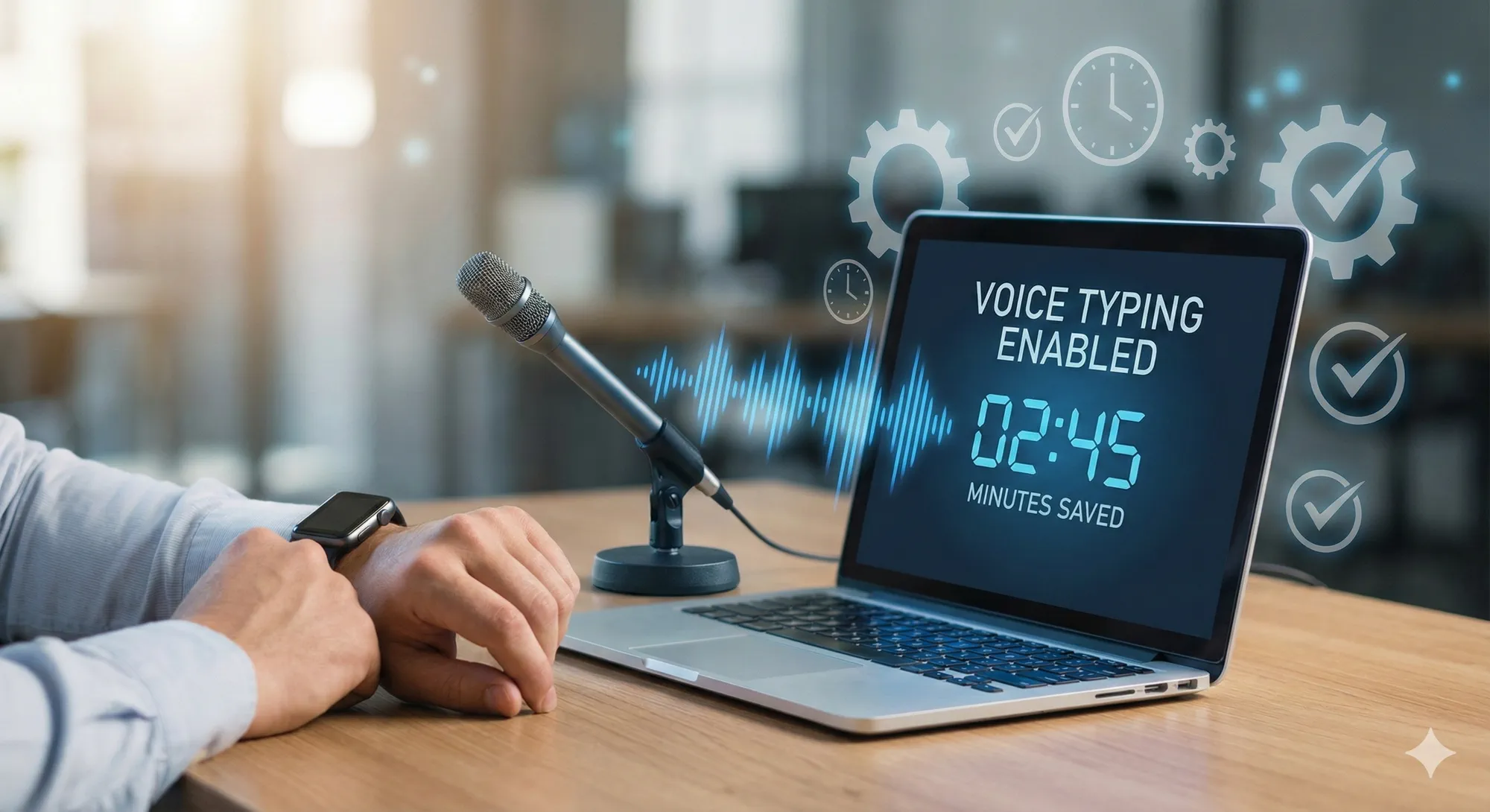
Typing a long update is slow. Voice typing turns what you say into text, and a system-wide tool like Vibe Typer puts that text in the app the team already works in.
For remote teams, voice typing supports:
- Async stand-up updates. Dictate a short progress note straight into a shared channel for teammates to read later.
- Meeting notes. A note-taker dictates decisions and action items during the call, so the transcript is ready for follow-up the moment it ends.
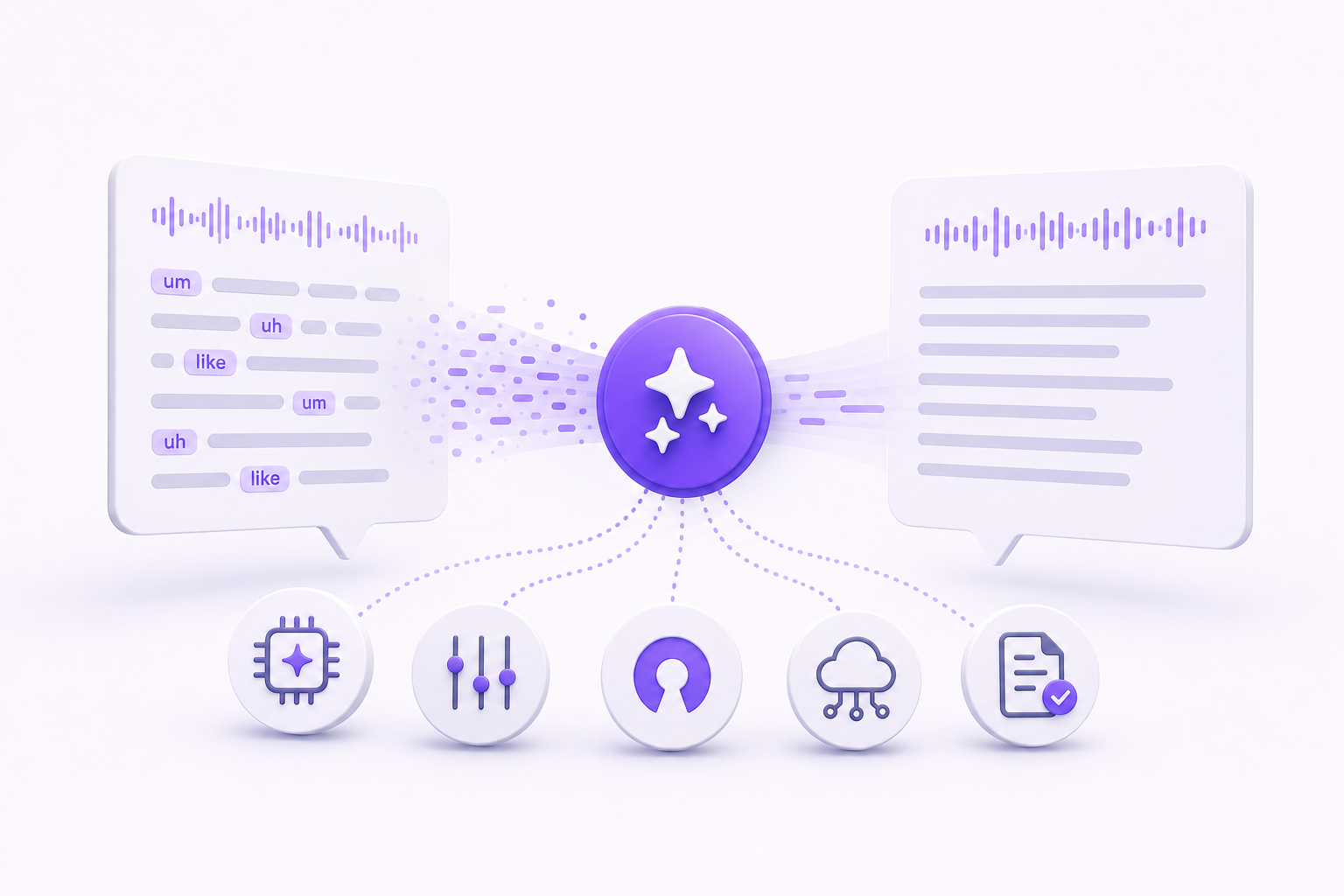
- Cross-language collaboration. When colleagues do not share a first language, dictating and then running an AI rewrite cleans up wording and tone without flattening the speaker's voice.
Setting it up across the team
Agree on the same setup for everyone:
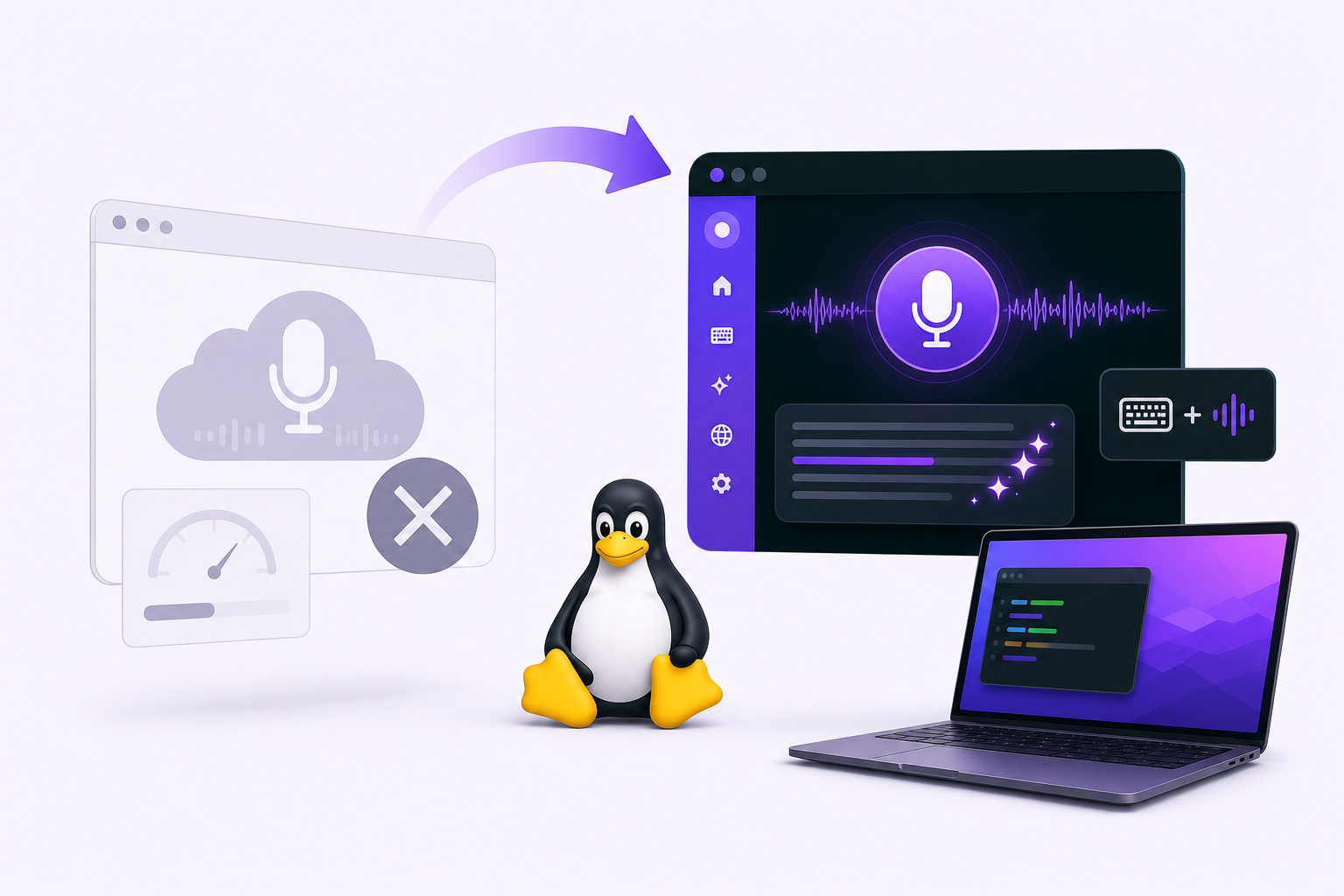
- Choose a system-wide tool. Browser-only dictation stops at the tab. A system-wide tool works in Slack, email, trackers, docs, and IDEs.
- Set a global hotkey. One shortcut across every app, for example
Ctrl+Alt+Space. - Use templates. Agree on a shape for stand-ups and weekly summaries so everyone covers the same points. A simple one works well: "Yesterday I finished... Today I am focused on... I am blocked on..."
- Review and refine. Read the dictation back, then use AI rewrite on anything that came out muddled.
- Archive transcripts. Save the updates worth keeping in your team knowledge base.
How Vibe Typer helps remote teams
The parts that matter for a distributed team:
- Dictation in place. Speak, pause, and the text appears in whatever app has focus.
- AI rewrite and reply. Change the tone of a draft, or answer something already on your clipboard.
- Privacy policy. Kept in one place, so you can read it before rolling the tool out to a team.
- Cross-platform. Linux, Windows, and macOS.
- Pricing. See the official pricing section for current plans.
One clinical team put a number on it. See how Fraser Street Medical reduced documentation time by 21-31%.
Where to start
Pick one tool and one hotkey for the whole team, then start with the stand-up note. It is the shortest thing most teams write every day, which makes it the cheapest place to find out whether dictating beats typing for your people.
Try Vibe Typer free
Voice typing that works in every app on Linux, Windows, and macOS. Free to download: 2,000 words a month, no card.
Download free