Voice to Text Software: A Faster Way to Draft and Capture Ideas

How fast can you think? Probably much faster than you can type.
For many people, speaking a rough draft is easier than typing one from scratch. For years, that advantage was limited by dictation tools that needed expensive hardware and hours of voice training.
In 2026 that is no longer true. Modern voice to text software handles drafting emails, writing code comments, documenting ideas, and cutting repetitive typing. It started as accessibility tech and outgrew that.
Here is what changed, and how to start.
What changed
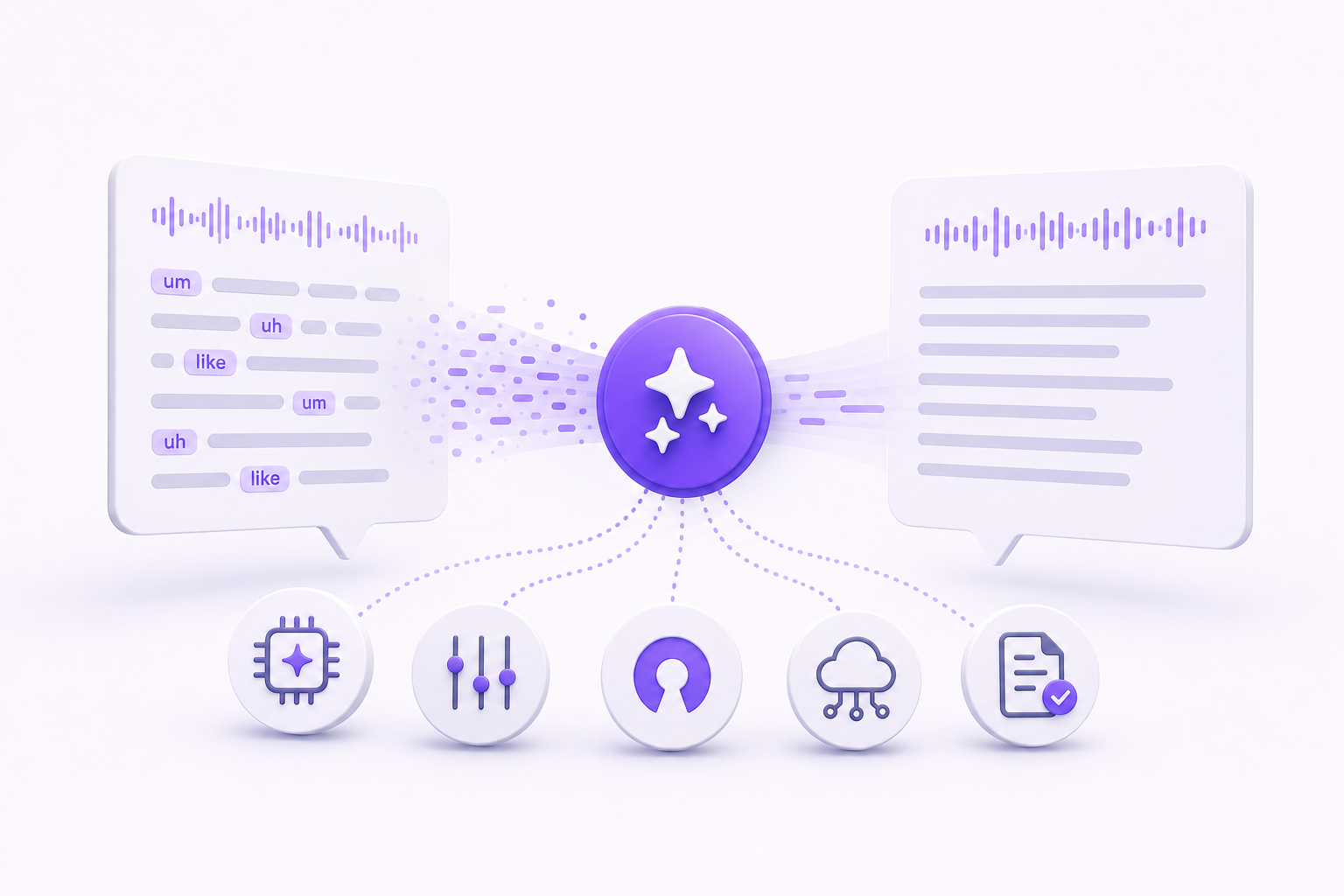
The stigma of "dictation software" is gone. Early tools forced you to speak like a robot ("Period. New line. Capitalize that."). Today's tools turn natural speech into usable text.
- Speaking is faster than typing for rough drafts and idea capture.
- Repetitive Strain Injury (RSI) is a real threat for knowledge workers. Voice typing gives your wrists a break without stopping your output. See how your daily load compares with the keystrokes calculator, or check your personal risk with the RSI risk calculator.
- Want to quantify the time savings before committing? The Voice Typing ROI Calculator shows how many hours per year you'd reclaim at your typing speed.
- When you type, you self-edit as you go, and that kills momentum. Speaking pushes you forward, so the first draft actually gets finished.
What to look for in modern dictation tools
Speech-to-text engines differ a lot in the parts that matter. Three things are worth checking before you commit to one.
1. Universal compatibility
Your voice software should work where you work. Some tools are locked inside a browser tab or a specific word processor. The best ones act as a global input layer, so you can dictate into VS Code, Slack, Obsidian, or any other desktop application.
2. Context awareness
Does the software understand that "new line" means a line break, or does it write the words "new line"? Modern AI should handle punctuation, capitalization, and formatting for you, so you don't have to speak in code.
3. Privacy
Your voice data is personal. Check that the software states plainly what it does with your recordings, and that it doesn't use them to train public models without your consent.
What Vibe Typer does
We built Vibe Typer to stay out of the way until you press the key.
- Global hotkeys. Press a single key (like
F1orAlt+Space) to start dictating, anywhere on your screen. - Formatting. The engine handles punctuation and capitalization, so your text lands on the screen ready to send.
- AI editing. Vibe Typer includes AI commands like "Rewrite fix grammar" to clean up raw dictation.
- Cross-platform. Vibe Typer runs on Linux, Windows, and macOS with the same desktop behavior on each.
Practical ways to use it today
You don't have to switch to 100% voice typing overnight. Start by swapping out these specific tasks:
- Dictate the body of your emails. You will sound more natural.
- Thoughtful Slack and Teams replies often get delayed because we "don't have time to type it out." Speak them instead.
- Open a blank document and just talk. Ideas come out faster without the friction of the keyboard.
- Explain complex logic out loud for code comments. It is tedious to type and easy to say.
Where this leaves the keyboard
The keyboard has been the default input method for decades, but it is no longer the only one. Voice to text software is now fast and accurate enough to be the way you write most of the day.
The time saved is the small part. The bigger change is that drafting stops feeling like a chore you put off.
Download Vibe Typer and try it on the next email you were going to type out.
Try Vibe Typer free
Voice typing that works in every app on Linux, Windows, and macOS. Free to download: 2,000 words a month, no card.
Download free