Best Voice Dictation Software for Linux Developers: Vibe Typer vs Superwhisper, TypeWhisper, and VoiceInk
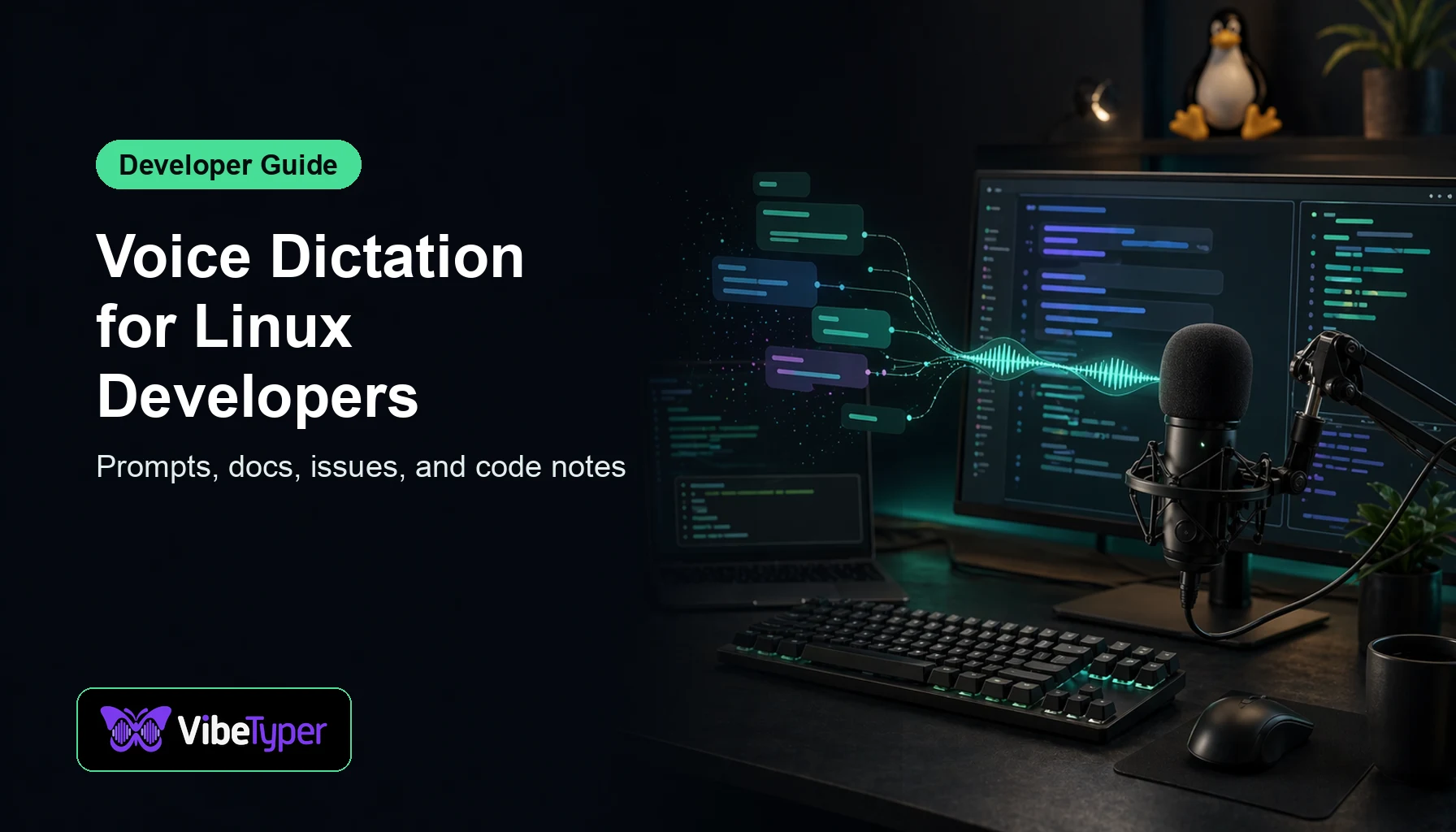
Developers use voice typing differently. You are not just writing emails. You are drafting prompts, comments, issue descriptions, commit messages, documentation, and chat replies across many apps.
This guide focuses on voice dictation software for Linux developers and compares Vibe Typer with named tools people commonly search for: Superwhisper, TypeWhisper, VoiceInk, PulseScribe, EdgeWhisper.
The Linux Support Problem
The pattern is consistent. Official pages for these developer-friendly dictation tools show strong macOS or Windows coverage, but not a native Linux path. Sources: source 1, source 2, source 3, source 4, source 5.
That does not make those products bad. It simply means Linux users need to be careful before committing to a workflow that depends on a different operating system.
Quick Comparison
| Tool | Linux fit |
|---|---|
| Vibe Typer | Linux desktop support available |
| Superwhisper | Official site lists macOS, Windows, and iOS; no Linux listing |
| TypeWhisper | Official site says macOS, with Windows beta and iOS alpha; no Linux listing |
| VoiceInk | Official repository describes it as a macOS app; no Linux listing |
| PulseScribe | Official site says macOS and Windows, with Linux on the roadmap |
| EdgeWhisper | Official site is for macOS and offers Mac download only; no Linux listing |
Why Vibe Typer Is the Practical Linux Pick
Vibe Typer is built for people who want voice typing to work across the desktop, not only inside one website or one editor. You set a hotkey, put your cursor where you want text, speak naturally, and keep moving.
That matters most in real workflows:
- Developers dictating prompts, comments, commit messages, and docs.
- Support teams writing replies without wearing out their hands.
- Founders and operators moving between chat, email, notes, and planning tools.
- Linux users who want one voice typing workflow across many apps.
The biggest advantage is not a checklist feature. It is that you can install it on your Linux machine and test the workflow directly.
Who Should Choose What?
Choose Vibe Typer if Linux is your daily desktop and you want a polished, system-wide dictation workflow now.
Choose one of the other tools if you already live on its supported platform and prefer its specific design choices.
Choose a do-it-yourself speech recognition stack if you enjoy building and maintaining your own workflow.
For most users, the DIY path is interesting but expensive in time. Voice typing only becomes useful when it is faster than typing, and that means the workflow has to be reliable enough to become a habit.
How to Install Vibe Typer on Linux
- Go to the Vibe Typer downloads page.
- Choose the Linux download.
- Open Vibe Typer and grant microphone access when prompted.
- Set a global hotkey.
- Click into an app where you can type, press the hotkey, and start dictating.
Suggested Reading Order
If you are researching this category, start with the direct comparison that matches the product you searched for:
- Best Wispr Flow Alternative for Linux
- Best AI Voice Typing Apps for Linux
- Best Voice Typing on Linux
Then test Vibe Typer in your real writing environment. A good dictation app should prove itself in the first few sessions.
FAQ
What is the best voice typing app for Linux?
For a polished desktop app, Vibe Typer is the strongest recommendation because it supports Linux directly and works system-wide.
Do Superwhisper, TypeWhisper, VoiceInk, and similar apps support Linux?
No official Linux desktop version is listed on the vendor pages checked for this article. Those pages list other supported platforms instead.
Does Vibe Typer work on Ubuntu and Linux Mint?
Yes. Use the Linux download from the Vibe Typer downloads page.
Should I use browser dictation instead?
Browser dictation can be fine for occasional text entry, but it is limiting if you write across editors, terminals, chat apps, documents, and internal tools.
Try Vibe Typer free
Voice typing that works in every app on Linux, Windows, and macOS. Free to download: 2,000 words a month, no card.