Master Your Flow: Why Vibe Typer is a Strong Voice to Text Choice for Linux
Master Your Flow: Why Vibe Typer is a Strong Voice to Text Choice for Linux
Linux users have often had fewer polished voice productivity options than Windows and macOS users. If you wanted voice-to-text on Linux, you usually had to choose between browser-only workflows, open-source setups that require maintenance, or tools built for a different operating system.
Vibe Typer brings a native voice typing workflow to the Linux desktop.
The State of Voice Typing on Linux (The Pain Point)
If you’ve tried to use voice-to-text on Linux before, you’ve likely hit the "Browser Trap." You open a Google Doc or a specialized web app, record your thoughts, and then... you have to copy and paste that text into your terminal, your IDE, or your email client.
It’s a flow-killer.
Common pain points include:
- Complex setup: Too much configuration before you can start writing.
- Workflow friction: Copying text between apps instead of dictating where you work.
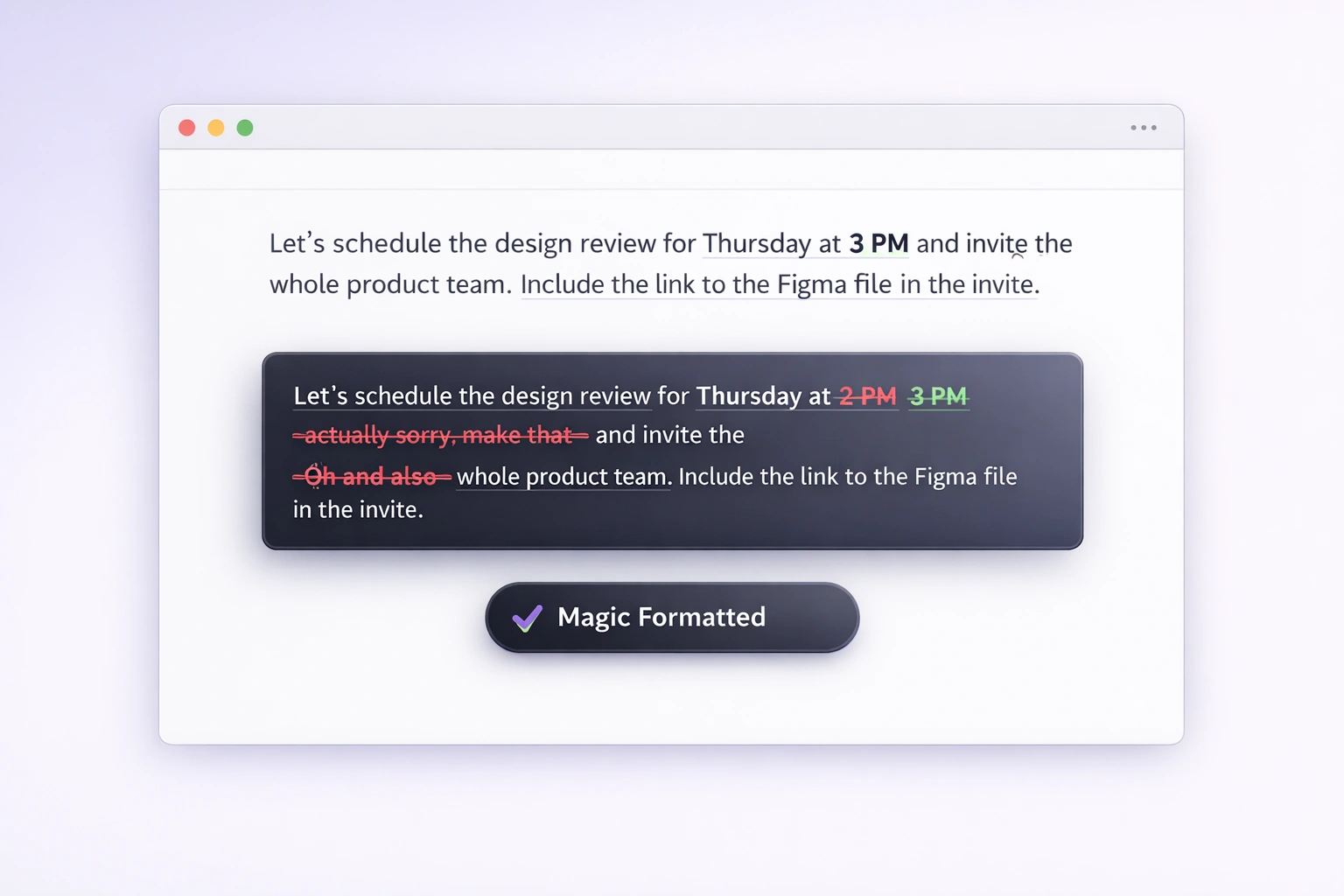
- Correction overhead: Spending too much time fixing the transcript afterward.
Enter Vibe Typer: A Native Approach to Speech-to-Text
Vibe Typer is a desktop voice typing app that fits into normal Linux workflows.
Responsive Feedback
The workflow is simple: press a hotkey, speak, and get text back in the app you are using. That makes dictation easier to adopt as a normal writing habit.
System-Wide Integration
Because Vibe Typer is a native desktop application, it doesn't care which app you're using.
- Writing a commit message in Neovim? It works.
- Replying to a thread in Slack? It works.
- Drafting a deep-dive technical document in Obsidian? It works.
If you can type in it, you can "Vibe" in it.
Why Vibe Typer Wins on Linux
What makes Vibe Typer the "best" choice? It comes down to three core pillars:
1. Global Hotkeys that Just Work
Vibe Typer gives you a simple hotkey workflow for starting and stopping dictation, so voice typing feels like a natural extension of your keyboard.
2. Natural Drafting
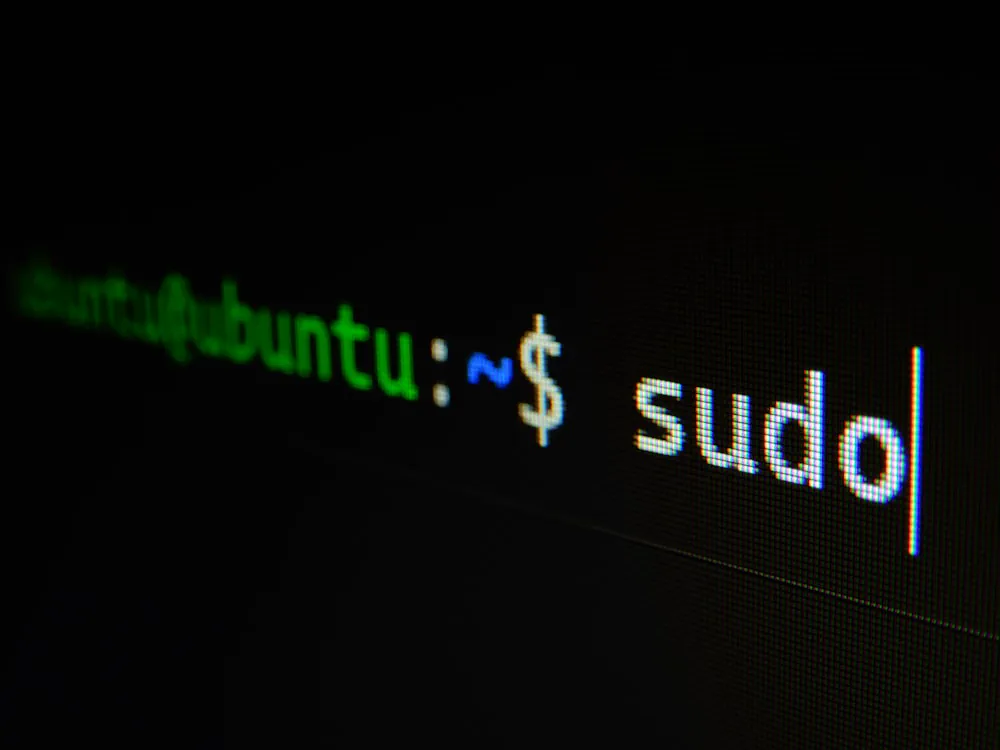
Whether you’re talking about sudo apt update or describing a complex software architecture, Vibe Typer is designed for natural spoken drafts that you can quickly edit and polish.
3. Minimalist Design
Linux users value efficiency. Vibe Typer stays out of your way. A subtle recording indicator is all you see when you're speaking. No bloat, no distracting UI: just your voice, converted to text.
Conclusion
Linux has always been about power and choice. Vibe Typer adds a practical native option for people who want voice typing in the apps where they already work.
Ready to reclaim your flow?
Try Vibe Typer free
Voice typing that works in every app on Windows, Mac, and Linux. Free to download: 2,000 words a month, no card.