Remote Team Communication Revolution: Advanced Voice-Typing Workflows for Global Teams (2025)

Remote Team Communication Revolution: Advanced Voice‑Typing Workflows for Global Teams (2025)
Distributed teams are now common. Many organisations employ colleagues across continents and time zones, making real-time calls difficult and synchronous chat disruptive. Asynchronous communication - messages that do not require an immediate reply - helps teams stay in sync without constant interruptions. It also gives globally distributed teammates, working parents, and neurodivergent colleagues more room to process messages on their own schedule. This article explains how system-wide voice typing and AI writing tools like Vibe Typer can support asynchronous workflows and clearer collaboration.
Why Asynchronous Communication Matters
When a team spans multiple time zones, waiting for a reply can waste hours. Asynchronous communication tools - such as email, project-management boards, or voice-typed updates - let people read and respond when they are available. This can reduce context switching and protect deep-work time.
Another benefit is fewer interruptions. Choosing the right communication norms can help people avoid turning every update into a meeting or live chat thread.
Voice Typing: A Better Way to Share Updates
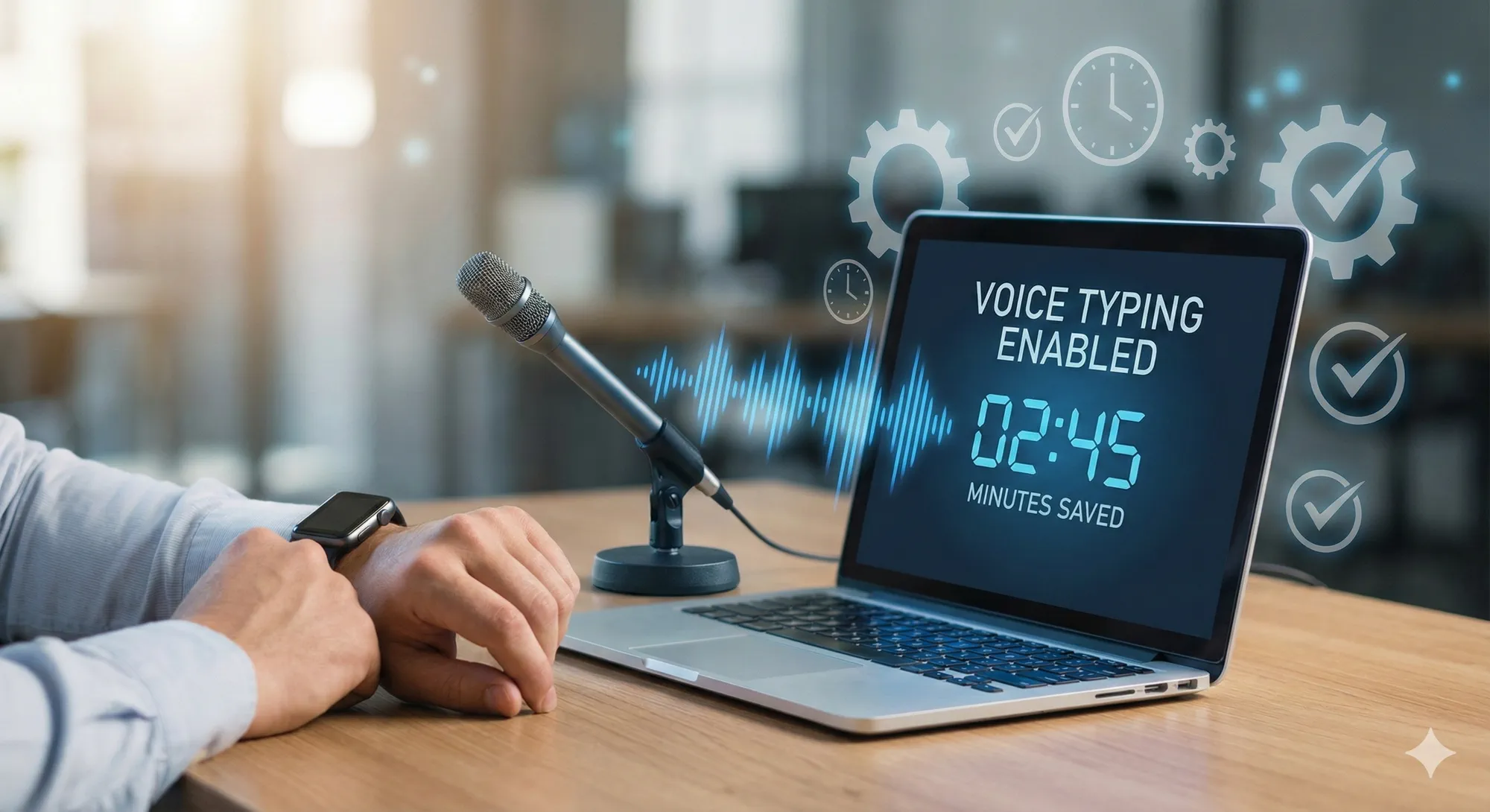
Typing long status updates or meeting summaries can be tedious and time‑consuming. Voice typing converts spoken words into written text, making it easier to capture ideas quickly. Modern Modern dictation tools can make it easier to capture ideas quickly across everyday work apps.
For remote teams, voice typing enables:
- Async stand‑up updates – Team members can record a quick voice note summarising progress, and the software transcribes it into a shared channel for colleagues to review later.
- Meeting notes – During virtual meetings, designate a note‑taker who uses voice typing to transcribe key decisions and action items. Immediately after the meeting, the transcript is available for review and follow‑up, reducing the risk of missing tasks.
- Cross‑cultural collaboration – When colleagues aren’t fluent in the same language, voice typing combined with translation tools helps them share thoughts without worrying about grammar. Vibe Typer's AI rewrite feature can polish tone and clarity while preserving the speaker's voice.
Building a Voice‑First Workflow
To get the most out of voice typing, adopt consistent practices across your team:
- Choose a system-wide tool - Browser-only dictation often works only in specific websites. A system-wide solution like Vibe Typer can transcribe into many applications, including code editors, Slack, email clients, and project trackers - making it ideal for asynchronous collaboration.
- Set a global hotkey – Configure a keyboard shortcut (e.g.,
Ctrl+Alt+Space) to start and stop dictation anywhere. This reduces friction when switching applications. - Use templates – Create reusable voice‑typing templates for stand‑ups, project updates or meeting agendas. For example, say “Yesterday I accomplished… Today I will focus on…” to ensure everyone covers the same points.
- Review and refine – After finishing a dictation, quickly scan the output for errors. Use AI rewrite tools to improve grammar, adjust tone and ensure clarity.
- Archive transcripts – Store important voice‑typed transcripts in your team’s knowledge base for later reference. This builds a searchable record of decisions and discussions.
How Vibe Typer Helps Remote Teams
Vibe Typer is a cross‑platform voice‑typing and AI writing assistant that integrates seamlessly into remote workflows. Here’s what sets it apart:
- Responsive dictation – Vibe Typer helps turn speech into text quickly after you stop recording.
- AI rewrite & reply – Highlight any text and say "rewrite" to improve readability or adapt tone, or copy chat text to your clipboard and say "reply" for a context-aware response. This is especially useful for non-native English speakers who want to ensure clarity.
- Privacy and security – Vibe Typer is designed with clear privacy boundaries for voice typing.
- Cross-platform support – Available on Windows, macOS, and Linux.
- Flexible pricing – See the official pricing section for current plans.
Conclusion
Remote work will only grow more prevalent, and asynchronous communication is critical to thriving in this environment. By leveraging system‑wide voice‑typing tools and AI writing assistants like Vibe Typer, remote teams can share ideas quickly, reduce interruptions and collaborate across languages. Adopt a voice‑first workflow today to revolutionise your team’s communication and stay ahead in the distributed future.
Try Vibe Typer free
Voice typing that works in every app on Windows, Mac, and Linux. Free to download: 2,000 words a month, no card.